When you’re drowning in CSV exports from your ecommerce platform, a Python script can transform your data into actionable insights. But manually analyzing order and inventory data can be tedious, error-prone, and time-consuming. If you’re managing a medium-sized store, that data is likely scattered across multiple files, each containing a piece of the puzzle.
The Manual Way (And Why It Breaks)
Most developers dealing with CSV order and inventory data fall back on Excel or Google Sheets. They copy-paste columns, create pivot tables, and spend hours chasing down fulfillment delays or stockouts. Some try to automate with APIs, but hitting rate limits, dealing with inconsistent data formats, or parsing large files often leads to more headaches than solutions. It’s easy to miss patterns, lose track of time, and end up with outdated reports that don’t reflect real issues.
The Python Approach
Here’s a simplified Python script that shows how you might start analyzing order and inventory data without a full tool:
import csv
from collections import defaultdict
from datetime import datetime

def analyze_orders_and_inventory(orders_file, inventory_file):
    # Read inventory data
    stock = {}
    with open(inventory_file, 'r') as f:
        reader = csv.DictReader(f)
        for row in reader:
            stock[row['product_id']] = int(row['quantity'])

    # Track order fulfillment delays
    delays = []
    with open(orders_file, 'r') as f:
        reader = csv.DictReader(f)
        for row in reader:
            product_id = row['product_id']
            order_date = datetime.strptime(row['order_date'], '%Y-%m-%d')
            shipped_date = datetime.strptime(row['shipped_date'], '%Y-%m-%d')
            delay = (shipped_date - order_date).days
            delays.append(delay)

            # Check for stockouts
            if product_id in stock and stock[product_id] <= 0:
                print(f"Stockout for {product_id} on {row['order_date']}")

    avg_delay = sum(delays) / len(delays)
    print(f"Average fulfillment delay: {avg_delay:.2f} days")

analyze_orders_and_inventory('orders.csv', 'inventory.csv')
This basic script reads order and inventory files, computes fulfillment delays, and flags when a product was out of stock. It doesn’t handle malformed data, doesn’t support refunds, and assumes a consistent data format. You’d need to expand it with error handling, date range filtering, and multi-file support to be production-ready.
What the Full Tool Handles
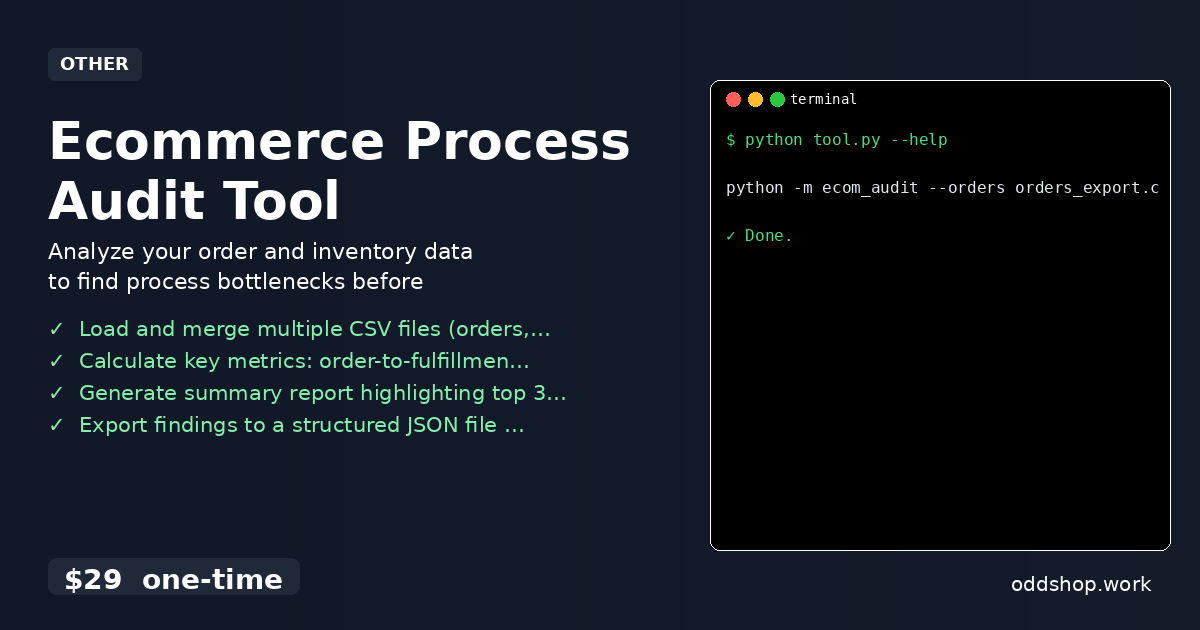
The Ecommerce Process Audit Tool goes beyond the basics:
- Reads and merges multiple CSVs with flexible structures
- Handles missing or malformed data gracefully
- Filters by date range and product categories
- Detects and reports on refund clusters and stockout patterns
- Outputs a structured JSON summary of bottlenecks
- Supports command-line configuration for reuse and automation
Running It
You can run the tool like this:
python -m ecom_audit --orders orders_export.csv --inventory stock.csv --output report.json
The tool supports additional flags like --start-date, --end-date, and --exclude-refunds for filtering. It will create a structured JSON file with insights like:
{
  "bottlenecks": [
    {
      "issue": "High fulfillment delay",
      "count": 42
    },
    {
      "issue": "Stockout patterns",
      "count": 18
    }
  ],
  "metrics": {
    "avg_delay": 3.2,
    "refund_rate": 0.04
  }
}
Results
This approach saves hours of manual analysis and gives you a baseline for identifying systemic issues in your workflows. The output file makes it easy to share findings with your team or build dashboards for ongoing monitoring.
Get the Script
If you’re tired of building the same data parsing logic over and over, the Ecommerce Process Audit Tool is the polished version of what you just saw. It handles all the edge cases and delivers consistent, structured insights in seconds.
Download Ecommerce Process Audit Tool →
$29 one-time. No subscription. Works on Windows, Mac, and Linux.
Built by OddShop — Python automation tools for developers and businesses.