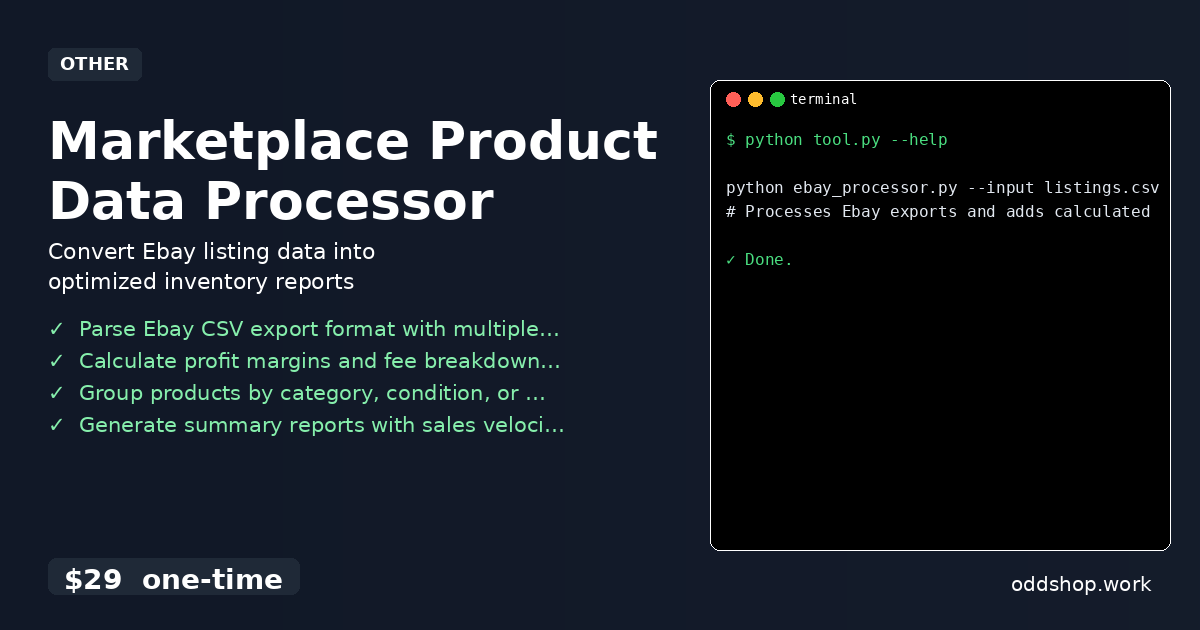
If you’re drowning in unstructured marketplace CSV files and struggling to extract meaningful insights, here’s the solution. Whether you’re managing a small eBay store or analyzing hundreds of product listings, manual data processing becomes a bottleneck fast. The time spent cleaning, categorizing, and calculating margins can easily eat into your profit margins.
The Manual Way (And Why It Breaks)
Most sellers start by exporting listings from eBay, usually in CSV format. Then they open the file in Excel or Google Sheets, copy-paste values, and try to do calculations manually. It gets worse when you have to repeat this for every batch of listings. With hundreds of rows, the process becomes error-prone and time-consuming.
You may find yourself spending hours on formatting — renaming columns, converting dates, matching categories, or calculating profit margins by hand. If you’re scraping data from APIs or multiple sources, you hit rate limits, and your spreadsheets get outdated quickly. What should take minutes ends up taking hours — and even then, the results aren’t consistent.
The Python Approach
Here’s a simplified version of what a marketplace data cleaning python script could do:
import csv
import sys

def process_ebay_listings(input_file, output_file):
    with open(input_file, 'r') as infile, open(output_file, 'w', newline='') as outfile:
        reader = csv.DictReader(infile)
        writer = csv.DictWriter(outfile, fieldnames=['Title', 'Price', 'Profit', 'Category'])
        writer.writeheader()

        for row in reader:
            title = row['Title']
            price = float(row['Price'])
            cost = float(row['Cost']) if row['Cost'] else 0.0
            profit = price - cost
            category = row['Category'] or 'Uncategorized'

            writer.writerow({
                'Title': title,
                'Price': price,
                'Profit': profit,
                'Category': category
            })

if __name__ == "__main__":
    process_ebay_listings(sys.argv[1], sys.argv[2])
This code reads a CSV with eBay-style fields, computes profit, and writes cleaned data to a new file. It’s a small step toward automation, but it fails at handling malformed data, missing fields, or complex price structures. At scale, it would need extra logic for error handling, format validation, and user input.
What the Full Tool Handles
Unlike this snippet, the Marketplace Product Data Processor handles:
- Multiple eBay export formats with flexible column mappings
- Automatic fee calculation and profit margin computation
- Grouping by condition, category, or price range
- Generating summary reports including sales velocity and gross profit metrics
- Exporting to multiple file formats (CSV, Excel)
- Comprehensive error handling and logging
- A clean CLI interface for batch processing
Running It
python ebay_processor.py --input listings.csv --output report.csv --fees
# Processes Ebay exports and adds calculated profit margins
The flags control the input file, output destination, and whether to include fee calculations. The script processes your data and generates a clean report in the same directory. It’s designed to run without user intervention, even on large datasets.
Results
You save hours each week by automating the cleanup, formatting, and analysis of your product data. The tool outputs a structured CSV that’s ready for dashboards, inventory tracking, or further analysis. It solves the problem of inconsistent data, missing columns, and manual effort — leaving you more time to focus on growth.
Get the Script
You don’t need to build or tweak this yourself — it’s already done. Skip the trial-and-error and get the polished tool that delivers real business value.
Download Marketplace Product Data Processor →
$29 one-time. No subscription. Works on Windows, Mac, and Linux.
Built by OddShop — Python automation tools for developers and businesses.