Tired of exporting hundreds of custom product designs one by one? This Python script solves that.
If you run a print-on-demand business or manage product labeling workflows, you’ve probably found yourself manually re-uploading templates, changing text, and clicking “export” dozens of times. That’s not just time-consuming—it’s error-prone and inefficient. When you need to scale, the manual process breaks down fast.
The Manual Way (And Why It Breaks)
Developers who don’t use automation often rely on tools like Photoshop, Illustrator, or even spreadsheet-based workflows to generate product mockups. They copy and paste variations, tweak text, save each image, and then batch-upload or manually enter data.
This is slow, messy, and often limited by API rate caps or software constraints. For example, if your project requires 100 product variations with different text, logos, or colors, doing it by hand can take hours—sometimes days. You might be hitting an API limit or spending more time clicking than coding.
The Python Approach
Here’s a simplified Python script that demonstrates how you could batch process designs using basic SVG manipulation:
from xml.etree import ElementTree as ET

# Sample input data
designs = [
    {'text': 'Product A', 'logo': 'logo1.png'},
    {'text': 'Product B', 'logo': 'logo2.png'},
    {'text': 'Product C', 'logo': 'logo3.png'}
]

# Load SVG template
template = ET.parse('template.svg')
root = template.getroot()

# Iterate and update
for i, design in enumerate(designs):
    # Replace text element
    text_elem = root.find('.//text')
    text_elem.text = design['text']

    # Add image
    image_elem = ET.SubElement(root, 'image')
    image_elem.set('href', design['logo'])
    image_elem.set('x', '50')
    image_elem.set('y', '50')
    image_elem.set('width', '100')

    # Export file
    filename = f'design_{i}.svg'
    template.write(filename, encoding='utf-8')
This approach lets you loop through a list of variations and programmatically update an SVG template. It works fine for small tasks but lacks proper error handling, element layering, and clean SVG export features. Scaling it up quickly becomes unwieldy.
What the Full Tool Handles
The Product Customizer SVG Exporter library goes beyond basic scripting and handles:
- Clean, minified SVG output without extra metadata
- Proper handling of layer ordering
- Precise placement and scaling of raster images
- Text rendering with font support and positioning
- Batch processing of multiple design variants
- Support for various input formats (PNG, JPG, SVG)
- CLI interface for command-line usage
It’s built to produce production-ready output, so there’s no need to clean up after generation.
Running It
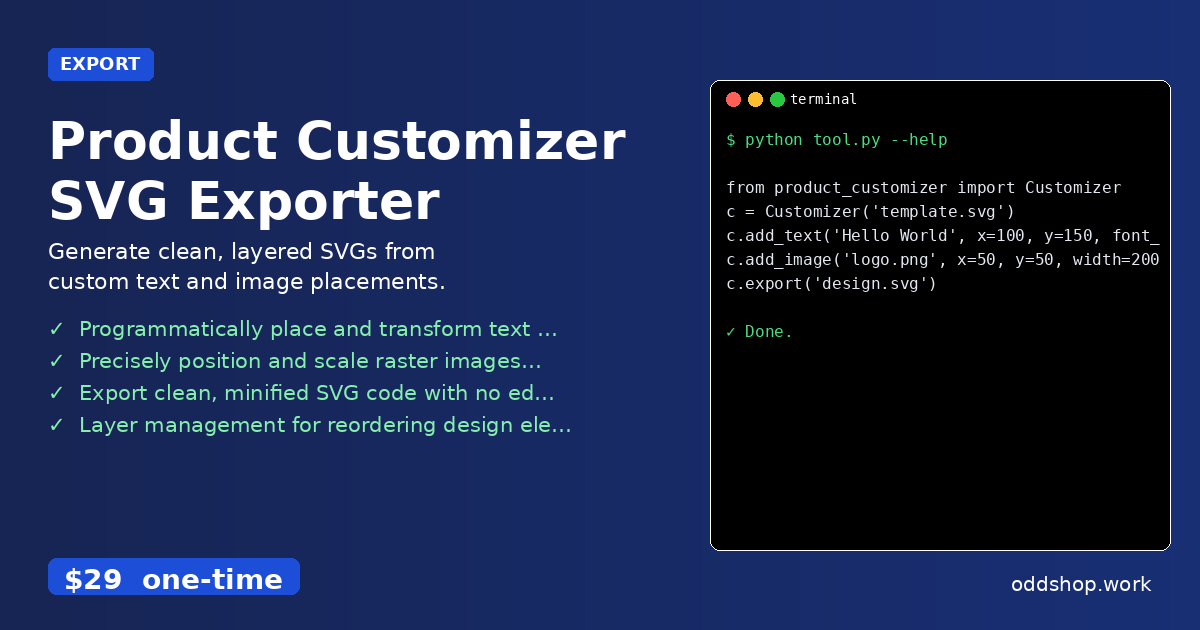
You can start using the tool like this:
from product_customizer import Customizer

# Load your base template
c = Customizer('template.svg')

# Add text and images
c.add_text('Hello World', x=100, y=150, font_size=24)
c.add_image('logo.png', x=50, y=50, width=200)

# Export final design
c.export('design.svg')
Each call to add_text or add_image positions and styles the element within the SVG. The export function generates a clean, optimized SVG file ready for use in print-on-demand services or labeling systems.
Results
This Python script to bulk export custom product designs saves hours of work, reduces human error, and gives you full control over your output. You’ll get a folder full of SVG files—each tailored to your design parameters. No more waiting for manual uploads or dealing with messy batch files.
Get the Script
If you’re ready to skip the messy build and go straight to a polished tool, this is it.
Download Product Customizer SVG Exporter →
$29 one-time. No subscription. Works on Windows, Mac, and Linux.
Built by OddShop — Python automation tools for developers and businesses.