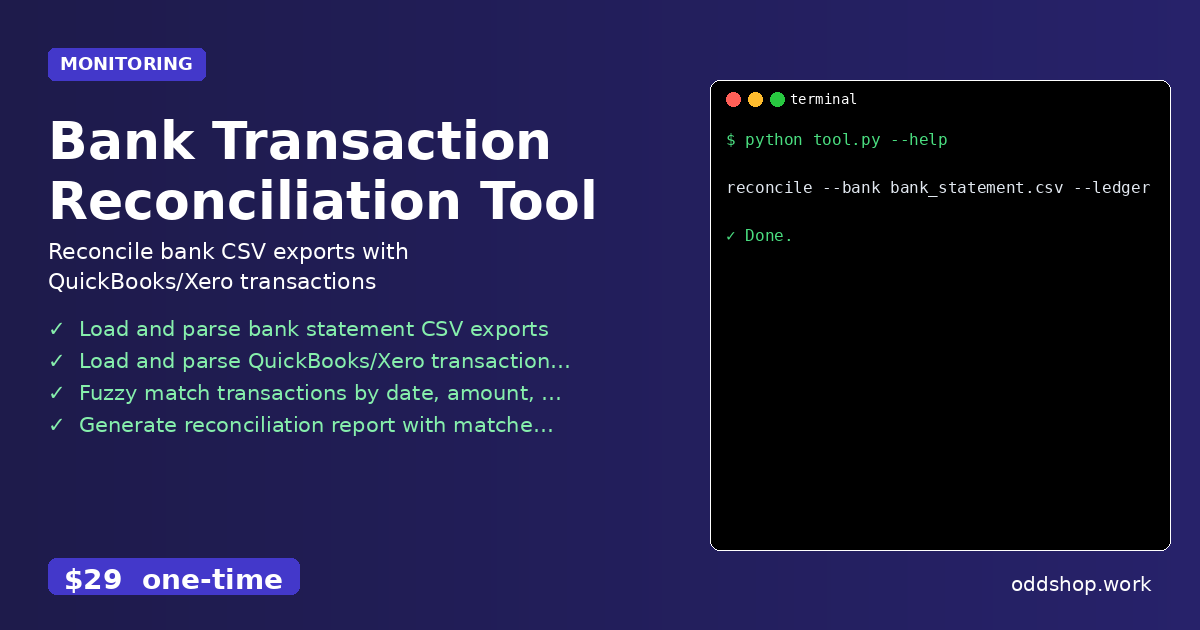
Tired of spending 3 hours each week matching QuickBooks transactions with bank exports? A Python script can do it in seconds.
Manual reconciliation of bank statements and accounting software is a time sink that plagues developers and small businesses alike. Every week, someone copies and pastes data between spreadsheets, manually compares amounts, and searches for matching transactions. It’s tedious, error-prone, and wastes valuable hours that could be spent on more strategic tasks.
The Manual Way (And Why It Breaks)
Without automation, financial reconciliation becomes a repetitive, low-value process. You export a CSV from your bank and another from QuickBooks, then open both files side-by-side in Excel. You start scanning for matches, often using filters or manual lookups.
The process breaks down quickly. Dates may differ slightly, descriptions have typos, or a transaction might be split into multiple lines. You end up spending hours chasing mismatches, with no reliable way to track what you’ve already checked. If you’re lucky, you’re not hitting API limits or dealing with unprocessable files. But if you’re doing this for multiple accounts or across months, it’s a nightmare.
The Python Approach
Here’s how you might start automating this with a basic Python script. This snippet assumes you have bank and ledger CSVs already parsed into lists of transactions.
import csv
from datetime import datetime

def load_csv(filename):
    with open(filename, 'r') as f:
        reader = csv.DictReader(f)
        return list(reader)

def fuzzy_match(transactions, ledger):
    matched = []
    unmatched = []
    for bank_tx in transactions:
        matched_tx = None
        for led_tx in ledger:
            # Match by amount and date
            if (abs(float(bank_tx['amount']) - float(led_tx['amount'])) < 0.01 and
                abs((datetime.strptime(bank_tx['date'], '%Y-%m-%d') -
                     datetime.strptime(led_tx['date'], '%Y-%m-%d')).days) <= 1):
                matched_tx = led_tx
                break
        if matched_tx:
            matched.append((bank_tx, matched_tx))
        else:
            unmatched.append(bank_tx)
    return matched, unmatched

bank_data = load_csv('bank_statement.csv')
ledger_data = load_csv('quickbooks_export.csv')
matched, unmatched = fuzzy_match(bank_data, ledger_data)

print("Matched Transactions:", len(matched))
print("Unmatched Transactions:", len(unmatched))
This simple approach compares transaction amounts and dates, flagging potential matches. It doesn’t handle descriptions or partial matches, nor does it deal with edge cases like missing data or inconsistent date formats. It’s a jumping-off point, not a full solution.
What the Full Tool Handles
The full Bank Transaction Reconciliation Tool goes beyond the basic script by handling:
- Multiple input formats: Supports various QuickBooks, Xero, and bank CSV formats.
- Flexible matching logic: Uses fuzzy string matching for descriptions, not just amounts and dates.
- Error recovery: Gracefully handles missing or malformed data.
- CLI interface: Easy to run from terminal with clear arguments.
- Structured output: Produces a clean CSV report with matched and unmatched items.
- Cross-platform support: Works on Windows, Mac, and Linux.
Running It
Using the tool is simple. Once installed, run:
reconcile --bank bank_statement.csv --ledger quickbooks_export.csv --output report.csv
The --bank flag points to your exported bank statement. --ledger specifies the QuickBooks or Xero file. The --output flag determines where the reconciliation results are saved. The tool handles the rest.
Results
The output is a comprehensive reconciliation report. You get a CSV listing matched and unmatched transactions, with details on why a match failed. You save hours of manual work, and reduce the risk of human error. The tool solves the reconciliation problem once and for all.
Get the Script
If you’re tired of building this yourself, skip the development and go straight to the solution. The Bank Transaction Reconciliation Tool is a polished, ready-to-use tool that handles everything you just learned how to do manually.
Download Bank Transaction Reconciliation Tool →
$29 one-time. No subscription. Works on Windows, Mac, and Linux.
Built by OddShop — Python automation tools for developers and businesses.