When your eBay inventory export comes back with inconsistent formatting and invalid data, it’s time for a Python solution. Manual editing of product listings is time-consuming and error-prone, especially when dealing with hundreds or thousands of items. A single typo in a product title or incorrect category ID can cause your listing to be flagged or rejected. If you’re manually cleaning up product data from export tools, you’re wasting hours that could be spent growing your business.
The Manual Way (And Why It Breaks)
Most eBay sellers who deal with large inventories rely on spreadsheets to manage their listings. After exporting, they often find titles riddled with inconsistent capitalization, extra spaces, or invalid characters. They may copy-paste data across columns, accidentally miss required fields, or misalign condition codes. For sellers using third-party tools, data often comes in inconsistent formats — sometimes with SKU columns in different positions, or prices in various currencies. The time spent fixing one listing multiplies when you have hundreds. You hit API limits, get errors from eBay’s upload system, and end up re-uploading a chunk of your inventory multiple times.
The Python Approach
Here’s a simplified version of how you might approach cleaning eBay listing data in Python:
import csv
import re

def clean_title(title):
    # Remove extra whitespace and fix capitalization
    title = re.sub(r'\s+', ' ', title).strip()
    return title.title()

def validate_price(price):
    try:
        return float(price)
    except ValueError:
        return None

def process_listings(input_file, output_file):
    cleaned_data = []
    with open(input_file, 'r') as f:
        reader = csv.DictReader(f)
        for row in reader:
            row['title'] = clean_title(row['title'])
            row['price'] = validate_price(row['price'])
            # Add other validations here
            cleaned_data.append(row)

    with open(output_file, 'w', newline='') as f:
        writer = csv.DictWriter(f, fieldnames=reader.fieldnames)
        writer.writeheader()
        writer.writerows(cleaned_data)

process_listings('products.csv', 'cleaned_products.csv')
This snippet cleans the title and validates price fields, but it doesn’t account for eBay’s required fields, category codes, or SKU normalization. At scale, this approach quickly becomes unwieldy and error-prone. You end up writing custom logic for every edge case, which defeats the purpose of automation.
What the Full Tool Handles
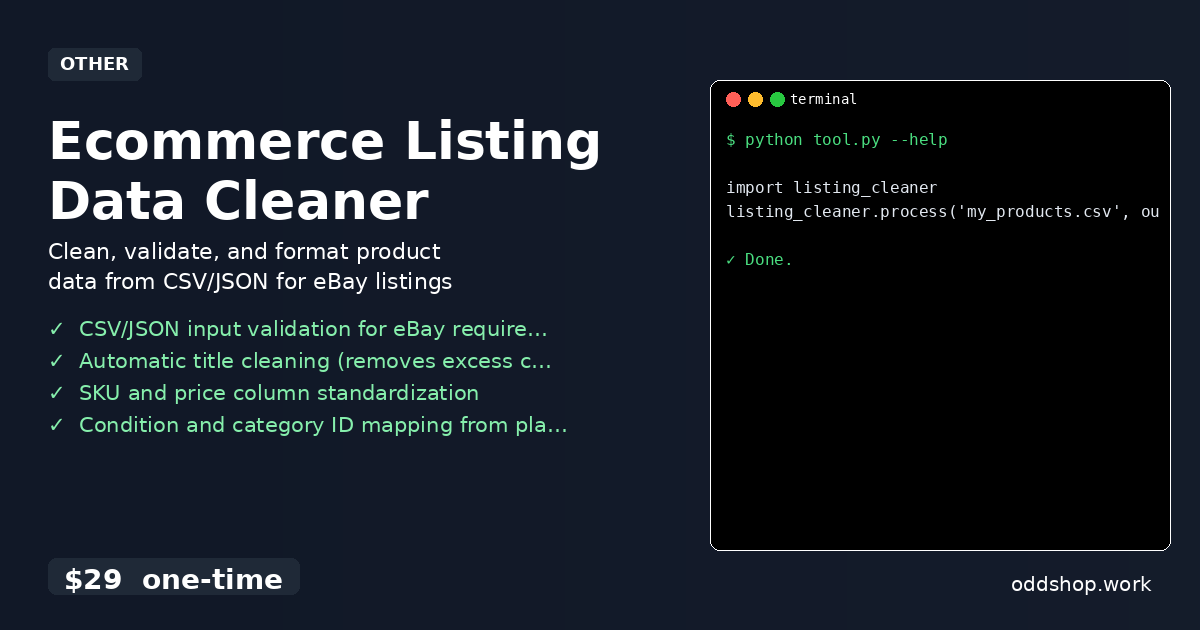
The Ecommerce Listing Data Cleaner solves these issues by:
- Validating required eBay fields like
title,price,category_id, andcondition - Cleaning titles by standardizing capitalization and removing extra spaces
- Mapping plain-text conditions (like “used” or “like new”) to eBay’s numeric codes
- Supporting both CSV and JSON input formats
- Exporting clean, eBay-ready output in either format
- Handling missing or malformed values without crashing
It’s a full-featured CLI tool designed for real-world use, not just academic examples.
Running It
To use the tool, you’d simply run:
import listing_cleaner
listing_cleaner.process('my_products.csv', output_format='ebay_csv')
You can pass in your input file and choose to export either a CSV or JSON file formatted to eBay’s specifications. The tool will warn about missing or invalid fields and suggest corrections.
Results
After running the tool, you’ll have a cleaned, validated listing file ready to upload directly to eBay. The process cuts hours of manual work, reduces the risk of listing errors, and ensures all required fields are properly formatted. You can run it once and confidently upload your inventory.
Get the Script
If you’re tired of building scripts from scratch, the Ecommerce Listing Data Cleaner is the polished version of what you just read. At $29, it’s a one-time investment that saves you countless hours of manual listing cleanup.
Download Ecommerce Listing Data Cleaner →
$29 one-time. No subscription. Works on Windows, Mac, and Linux.
Built by OddShop — Python automation tools for developers and businesses.