You’ve exported your eBay orders to CSV and now you’re wondering how to automatically post feedback for all buyers without manual clicks. This is a common pain point for sellers managing multiple listings — the feedback process is time-consuming and error-prone when done manually. If you’re handling hundreds of orders, it’s easy to miss a few buyers or accidentally post duplicate feedback.
The Manual Way (And Why It Breaks)
Most sellers who try to automate feedback start by copying order data into spreadsheets, then manually clicking through each buyer’s profile to leave feedback. If you’re selling on eBay for a while, this quickly becomes a nightmare. You may hit eBay’s API rate limits if you’re hitting the system too fast, or worse — accidentally post duplicate or negative feedback. Many sellers skip the process altogether because of how tedious it is. It’s not just time-consuming; it’s also very easy to make mistakes when doing it by hand.
The Python Approach
Here’s a basic approach using Python to parse order data and submit feedback:
import csv
import requests

# eBay API endpoint
API_URL = "https://open.api.ebay.com/shopping"

# Sample order data from CSV
orders = []

with open('orders.csv', 'r') as file:
    reader = csv.DictReader(file)
    for row in reader:
        orders.append({
            'item_id': row['ItemID'],
            'buyer_id': row['BuyerID'],
            'order_id': row['OrderID']
        })

# API token
API_KEY = 'your_ebay_api_token'

# Feedback message
feedback_text = "Great buyer, thanks for your business!"

# Post feedback for each order
for order in orders:
    payload = {
        'callname': 'LeaveFeedback',
        'responseencoding': 'JSON',
        'appid': API_KEY,
        'version': '1.0.0',
        'ItemID': order['item_id'],
        'TransactionID': order['order_id'],
        'FeedbackText': feedback_text,
        'FeedbackType': 'Positive'
    }

    response = requests.post(API_URL, json=payload)

    if response.status_code == 200:
        print(f"Feedback posted for {order['buyer_id']}")
    else:
        print(f"Failed to post feedback for {order['buyer_id']}: {response.text}")
This code reads a simple CSV of orders, then posts positive feedback for each buyer using eBay’s API. It only works for a small number of orders and assumes the data format is consistent. If a buyer doesn’t exist or the API call fails, it doesn’t retry or log the error — it just moves on. At scale, this approach lacks reliability and proper error handling.
What the Full Tool Handles
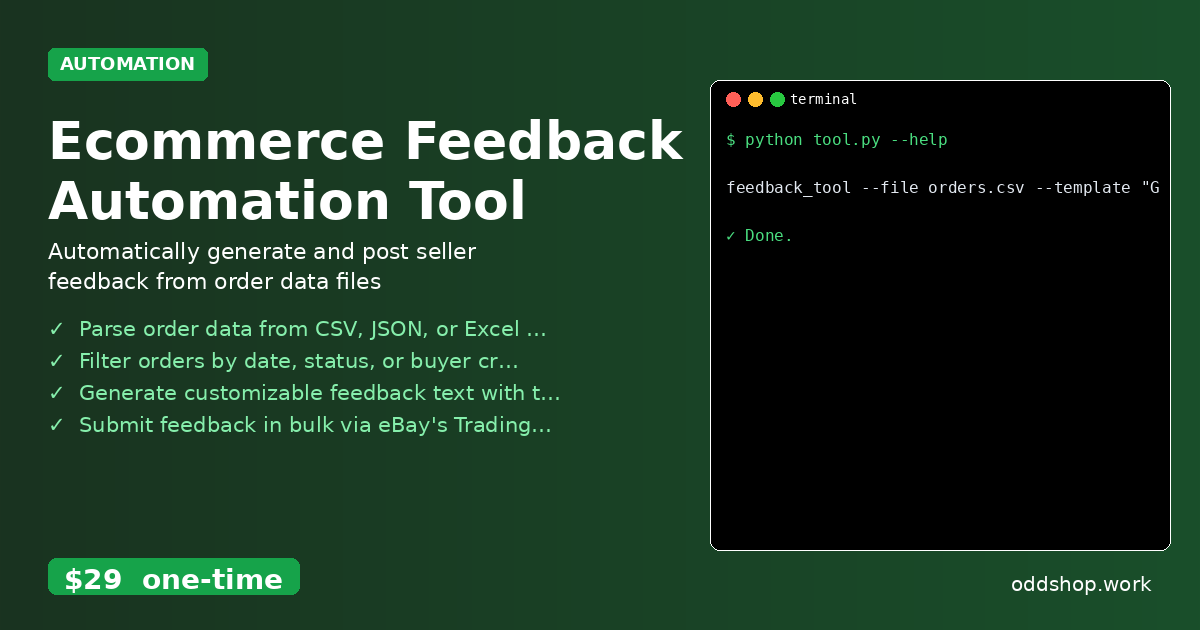
The Ecommerce Feedback Automation Tool improves on this code by handling:
- Multiple input formats: CSV, JSON, and Excel
- Filtering by date, buyer name, or order status
- Built-in error logging and retry logic
- Customizable feedback templates with variables like buyer name and item
- A clean CLI interface with helpful usage messages
- Output logs for review and audit purposes
- API rate limit management to avoid blocks
Running It
You can run the tool from your command line like this:
feedback_tool --file orders.csv --template "Great buyer, thanks for your business!" --api-key YOUR_EBAY_TOKEN
The tool expects a valid eBay API token, and it will log all actions to feedback_log.txt. It supports feedback text with dynamic variables (like {buyer_name}), so you can customize your messages.
Results
With this tool, you can process hundreds of orders in minutes and avoid the risk of human error. It produces a log file of all submissions and any failures, so you always know what went wrong. You’re saving hours of manual work and ensuring a consistent feedback experience for your buyers.
Get the Script
If you don’t want to write or maintain the code yourself, the Ecommerce Feedback Automation Tool is the polished version of what you just read. It handles all the edge cases and makes feedback posting fast, reliable, and simple.
Download Ecommerce Feedback Automation Tool →
$29 one-time. No subscription. Works on Windows, Mac, and Linux.
Built by OddShop — Python automation tools for developers and businesses.