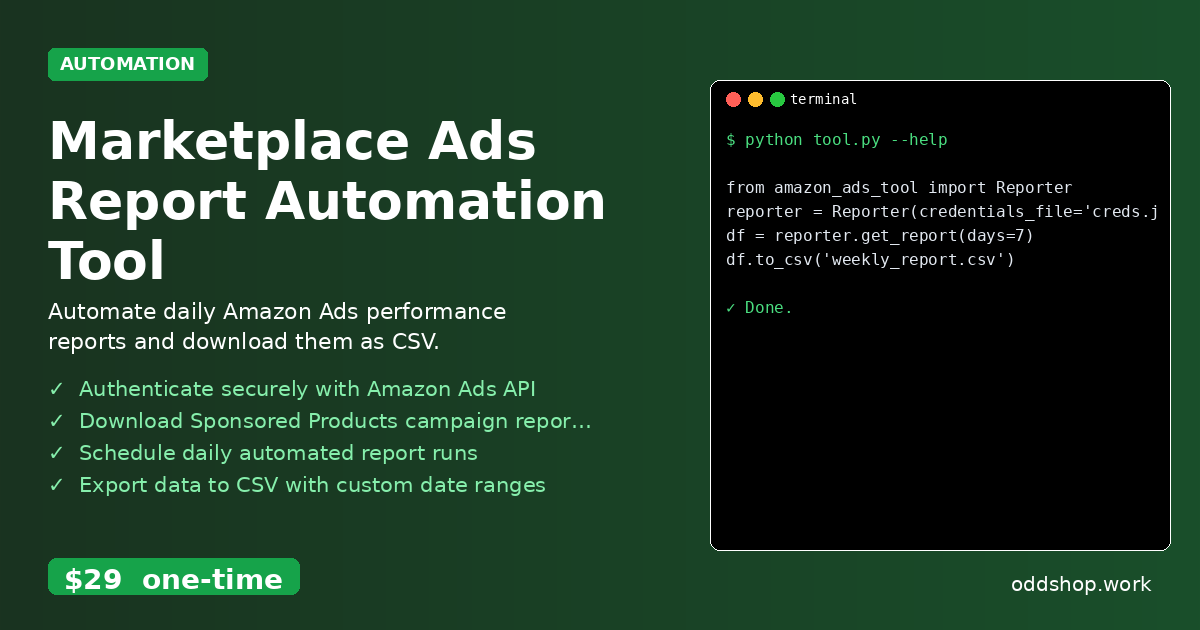
Want to automatically download your Amazon Ads reports every day without lifting a finger? This Python automation handles everything for you. If you’re managing sponsored product campaigns, manually downloading reports is time-consuming and error-prone. You’re likely hitting API limits, copying data into spreadsheets, or missing critical performance insights due to inconsistent reporting.
The Manual Way (And Why It Breaks)
Most developers who manage Amazon Ads fall into the routine of logging in manually, selecting date ranges, and downloading campaign reports. It’s not just tedious — it’s fragile. If you’re running regular campaigns, you might be doing this daily, and if you’re not careful, you’ll easily hit API rate limits. Copy-pasting data across spreadsheets and missing reports due to human error is common. The time spent on this task adds up — hours wasted that could be used on more strategic analysis or automation.
The Python Approach
Here’s a simplified version of how you might automate this task using Python. The code below shows the core logic — logging in, fetching a report, and saving it to CSV.
import requests
import pandas as pd
from datetime import datetime, timedelta

def get_amazon_ads_report(access_token, days=7):
    # Define the date range
    end_date = datetime.now()
    start_date = end_date - timedelta(days=days)

    # API endpoint for campaign reports
    url = "https://advertising-api.amazon.com/v2/reports"

    headers = {
        "Authorization": f"Bearer {access_token}",
        "Content-Type": "application/json"
    }

    payload = {
        "reportDate": start_date.strftime("%Y-%m-%d"),
        "reportType": "SP_CAMPAIGN"
    }

    response = requests.post(url, headers=headers, json=payload)
    report_data = response.json()

    # Convert to DataFrame and save
    df = pd.DataFrame(report_data['reportRows'])
    df.to_csv("campaign_report.csv", index=False)
    return df
This snippet assumes you already have an access token and handles a basic report fetch. But it doesn’t handle API throttling, retry mechanisms, or parsing of complex report structures. It’s a start, not a solution.
What the Full Tool Handles
The full Marketplace Ads Report Automation Tool goes beyond this basic approach:
- Automatically authenticates with your Amazon Ads API credentials
- Handles rate limits and retries when API calls fail
- Supports multiple report types (Sponsored Products, Brands, etc.)
- Works with date ranges, custom filters, and dynamic report generation
- Offers CLI interface and JSON/YAML configuration for scheduling
- Outputs data in multiple formats: CSV, JSON, Excel
- Includes built-in error logging and notification support
Running It
Once you’ve set up your credentials file (creds.json) with your Amazon Ads API keys, running the tool is simple:
from amazon_ads_tool import Reporter

reporter = Reporter(credentials_file='creds.json')
df = reporter.get_report(days=7)
df.to_csv('weekly_report.csv')
You can specify report types, date ranges, and output formats using optional arguments. The tool handles the rest — from authentication to report download to file writing.
Results
You save hours every week by automating these downloads — no more missed reports, no more manual clicks. The tool produces clean CSV files ready for analysis, with consistent formatting and full reporting coverage. It solves the problem of inconsistent, delayed data collection in a scalable way.
Get the Script
If you’re tired of building this yourself, the Marketplace Ads Report Automation Tool gives you everything you need in one polished package. At $29 one-time, it’s a small investment for the time and frustration it saves.
Download Marketplace Ads Report Automation Tool →
$29 one-time. No subscription. Works on Windows, Mac, and Linux.
Built by OddShop — Python automation tools for developers and businesses.