Social media scheduler tools are a common solution, but many fall short when it comes to handling complex workflows. For content creators and social media managers, manually scheduling posts is time-consuming and error-prone — especially when managing multiple platforms like Instagram. This is where a custom Python approach to automating content scheduling can make a real difference.
The Manual Way (And Why It Breaks)
Without a proper tool, scheduling Instagram posts involves a lot of manual steps. You’ll often start by downloading exported data files from Instagram’s analytics, then copy-pasting post details into the scheduling software. Formatting hashtags and ensuring image sizes meet Instagram’s requirements adds another layer of complexity. If you’re running a content calendar, you’re likely doing this repeatedly across weeks of content — a process that’s ripe for mistakes and fatigue.
A social media scheduler that handles these tasks automatically can save hours every month. However, most off-the-shelf tools don’t support batch processing from CSV, nor do they integrate AI for caption generation or optimize posting times. That leaves users stuck with repetitive tasks.
The Python Approach
Here’s a quick Python script that mimics part of what a full social media scheduler does. It reads post content from a CSV, validates image paths, and prepares a basic schedule. This snippet doesn’t implement AI captioning or timezone adjustments, but it shows how to build the core framework.
The code for this section is in the full article: View code example →
This code handles image validation and basic data loading but doesn’t support AI captioning, optimized timing, or multi-user scheduling. It’s a starting point for automation — not a complete solution. For a production tool, you’d want more robust error handling, integration with APIs, and scheduling logic.
What the Full Tool Handles
This full social media scheduler handles everything you need for consistent posting:
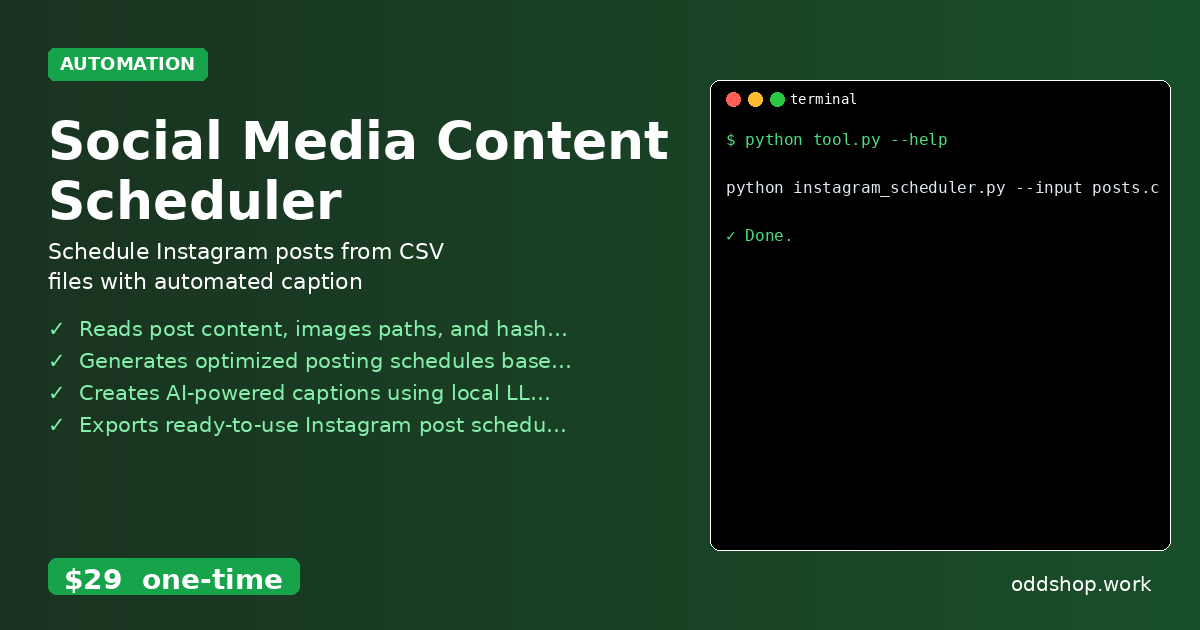
- Reads post content, image paths, and hashtags from CSV input files
- Generates optimized posting schedules based on engagement analytics
- Creates AI-powered captions using local LLM integration
- Exports ready-to-use Instagram post schedules in JSON format
- Validates image formats and sizes before generating upload batches
- Works with pre-exported Instagram data files and integrates advanced content posting automation
It’s designed to be a complete solution for anyone looking to streamline their social media management workflow — from content creation to upload scheduling.
Running It
You can run the tool from the command line using this exact command:
The code for this section is in the full article: View code example →
The --input flag tells the script where to find your post data, while --output sets the JSON file to write the scheduled uploads. The --timezone option ensures scheduling aligns with your local time. The output is a structured file ready to import into your preferred Instagram scheduling software.
Get the Script
If you want a polished, full-featured version of this automation, skip the build. This tool is already done for you.
Download Social Media Content Scheduler →
$29 one-time. No subscription. Works on Windows, Mac, and Linux.
Built by OddShop — Python automation tools for developers and businesses.