python social media automation tools often fall short when dealing with the raw, unstructured data exported from platforms like Instagram. You might have hundreds of JSON entries representing posts, engagement stats, or follower changes, but manually converting them into Excel sheets is tedious, error-prone, and time-consuming. If you’re building a workflow around instagram data analysis, this is where python automation tools can really help — but only if you don’t have to write the whole thing from scratch.
The Manual Way (And Why It Breaks)
Manually processing Instagram data exported to JSON is a pain. You have to open each file, extract individual post data, and manually enter it into Excel sheets. It’s especially brutal when you’re looking at thousands of posts or trying to spot trends in engagement over time. You end up spending hours on data export automation, only to realize your manual approach leaves room for human error. This is where python automation tools really shine — they can do what takes you a day in minutes, with consistent formatting and structured output.
The Python Approach
Here’s a basic snippet that processes a single Instagram JSON file and extracts key fields like timestamp, caption, and likes. It’s a foundational step in python social media automation, perfect for developers who want to explore data before using full tools.
import json
import pandas as pd
from pathlib import Path

# Load the JSON file from disk
with open('posts.json', 'r') as file:
    data = json.load(file)

# Extract relevant fields from each post
posts = []
for item in data:
    posts.append({
        'timestamp': item.get('timestamp'),
        'caption': item.get('caption'),
        'likes': item.get('likes', 0),
        'comments': item.get('comments', 0)
    })

# Convert to a DataFrame for easy Excel export
df = pd.DataFrame(posts)

# Save to Excel with a clean structure
df.to_excel('instagram_posts.xlsx', index=False)
This simple script loads JSON data, extracts a few key fields, and turns them into a structured Excel sheet. It’s useful for small datasets and gives a good baseline for larger tools. However, it doesn’t handle complex data like insights or multiple files — which is where the full tool comes in handy.
What the Full Tool Handles
- Converts Instagram JSON exports into clean, categorized Excel workbooks
- Automatically creates separate sheets for posts, followers, and engagement metrics
- Calculates summary statistics like average likes, comments, and engagement rate
- Generates pivot tables and charts for visual social media analytics
- Supports date filtering and custom formatting for reports
- Offers python social media automation with minimal setup
Running It
You can install and run the tool with a simple command:
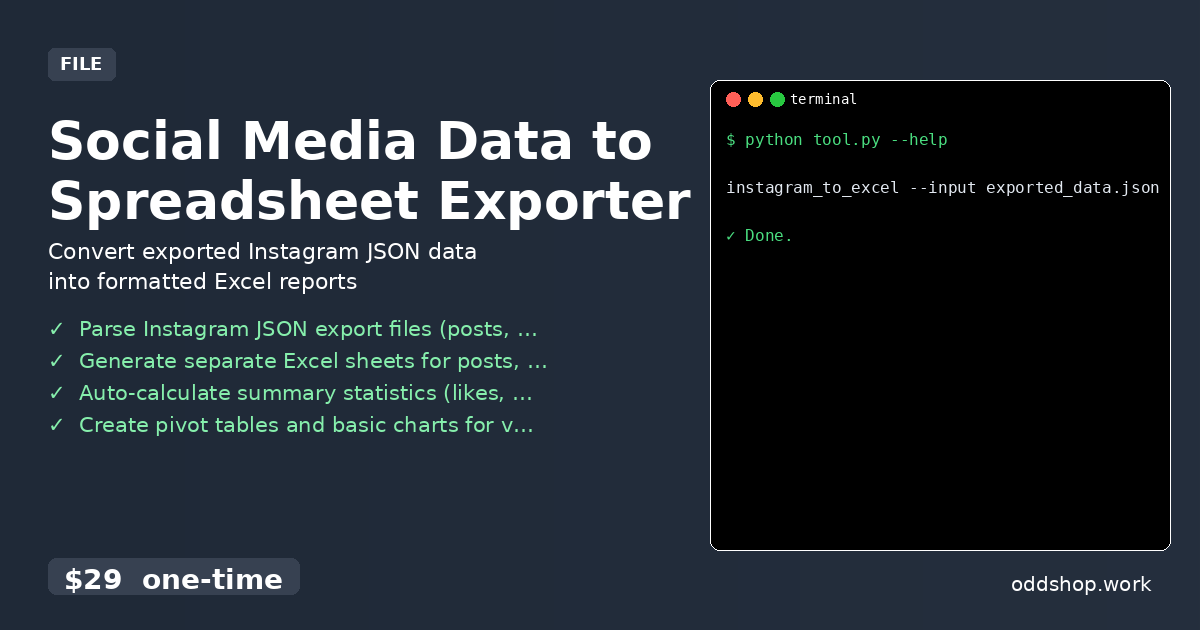
instagram_to_excel --input exported_data.json --output report.xlsx
The flags allow you to specify input and output paths, and the tool will process all relevant data into a single Excel workbook. It supports multiple JSON files and handles edge cases like missing data gracefully.
Get the Script
Skip the build and get the full solution now. Download Social Media Data to Spreadsheet Exporter →
$29 one-time. No subscription. Works on Windows, Mac, and Linux.
Built by OddShop — Python automation tools for developers and businesses.