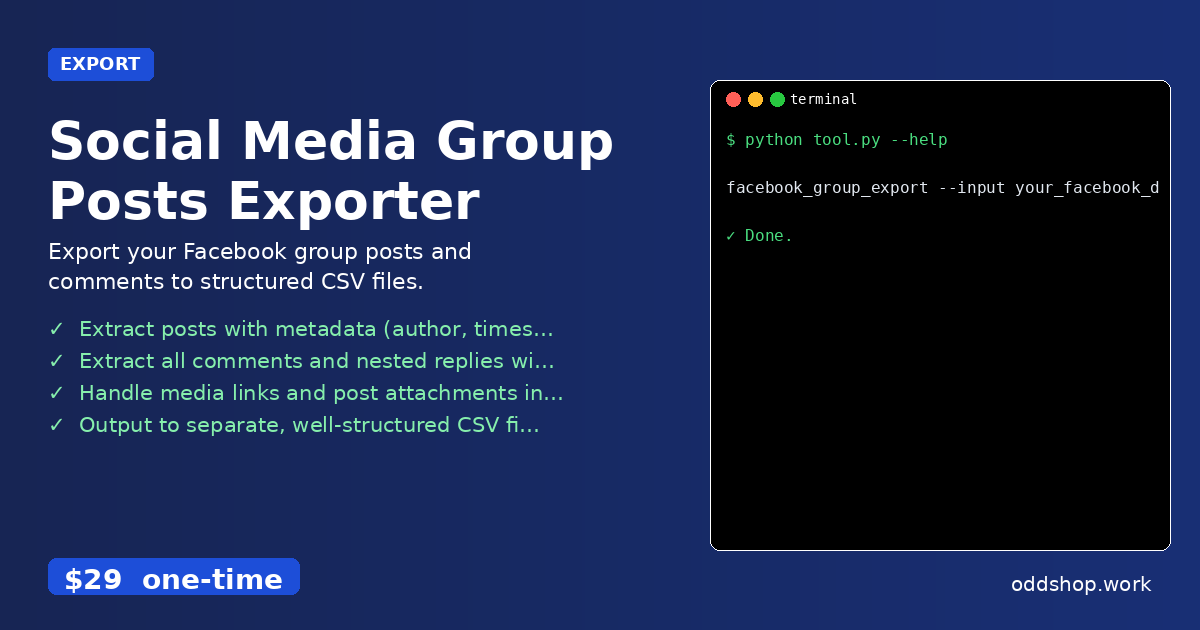
python social media automation tools can save hours of manual work — especially when dealing with Facebook group exports. But what happens when the Facebook data export comes as a massive, nested JSON file? That’s where automation breaks down. Most people end up manually copying and pasting data across spreadsheets, trying to maintain post hierarchy and reaction counts. For researchers or group admins, the process becomes a headache — especially when looking to analyze trends or archive discussions. This is exactly what a python data processing script like the Social Media Group Posts Exporter solves.
The Manual Way (And Why It Breaks)
Manually parsing Facebook group exports is a tedious chore. First, you must open the JSON file in a text editor or IDE. Then you have to navigate through deeply nested structures to find individual posts, each with nested comments, reactions, and metadata. There’s no way to extract replies with their parent comment without manually tracking thread IDs. Additionally, you’ll need to map out attachments, media links, and even timestamps by hand. If you’re analyzing a large group, it’s easy to lose track of context, lose data, or introduce errors. Facebook group data extraction like this often ends up being a time-consuming, error-prone process that could easily be automated. The need for python data processing solutions in social media analytics highlights exactly where this kind of manual effort fails.
The Python Approach
Here’s a simplified Python script that illustrates a basic way to scrape and structure Facebook group data. It uses pandas for handling structured data, and json and pathlib for reading and organizing the input.
import json
import pandas as pd
from pathlib import Path

# Load the JSON file
with open('group_activity.json', 'r') as f:
    data = json.load(f)

# Prepare lists to store posts and comments
posts_list = []
comments_list = []

# Process each post
for item in data:
    post_id = item.get('post_id')
    author = item.get('author')
    timestamp = item.get('timestamp')
    content = item.get('content')
    reactions = item.get('reactions', {})

    # Add post to list
    posts_list.append({
        'post_id': post_id,
        'author': author,
        'timestamp': timestamp,
        'content': content,
        'likes': reactions.get('likes', 0),
        'love': reactions.get('love', 0),
        'haha': reactions.get('haha', 0)
    })

    # Process comments if available
    for comment in item.get('comments', []):
        comments_list.append({
            'post_id': post_id,
            'comment_id': comment.get('comment_id'),
            'author': comment.get('author'),
            'timestamp': comment.get('timestamp'),
            'content': comment.get('content'),
            'replies': len(comment.get('replies', []))
        })

# Convert to DataFrames
posts_df = pd.DataFrame(posts_list)
comments_df = pd.DataFrame(comments_list)

# Save to CSV
posts_df.to_csv('posts.csv', index=False)
comments_df.to_csv('comments.csv', index=False)
This snippet extracts posts and comments from a JSON structure and saves them into clean CSVs. While it only handles a simple subset of the data, it shows how python data processing can streamline a once-manual task. However, it doesn’t handle nested replies, media attachments, or complex filtering. A full solution must consider those edge cases — which is where the full tool shines.
What the Full Tool Handles
The Social Media Group Posts Exporter goes beyond simple data extraction, addressing real-world pain points in social media analytics:
- Extracts posts with full metadata including author, timestamp, and all reaction types
- Handles nested comments and replies, preserving thread structure
- Processes media links and attachments in the export files
- Outputs clean, organized CSVs for each data type (posts, comments, replies)
- Offers date range filtering or author-specific exports
- Fully compatible with python social media automation workflows
Running It
To use the tool, run it from the command line with input and output paths specified:
facebook_group_export --input your_facebook_data/group_activity.json --output posts.csv
You can also add flags to filter by date range or specific authors. The output is a clean CSV file of structured post data, ready for analysis or archival.
Get the Script
If you want to skip the build and get a ready-to-run solution, you can download the Social Media Group Posts Exporter today. It handles all the complexity behind the scenes and turns messy Facebook data into usable spreadsheets.
Download Social Media Group Posts Exporter →
$29 one-time. No subscription. Works on Windows, Mac, and Linux.
Built by OddShop — Python automation tools for developers and businesses.