TecDoc parts extractor tools save developers from hours of manual work when processing automotive catalog data. The tedious process of parsing multi-sheet Excel files and mapping vehicle compatibility can take days. For those who need clean, queryable parts data for integration, automation is a necessity.
The Manual Way (And Why It Breaks)
Manually processing TecDoc exports means opening Excel files, copying data across sheets, and cross-referencing part numbers. Each vehicle model often spans multiple sheets, and manufacturers use inconsistent naming conventions. This is where automotive data processing tools become essential. Without automation, analysts often end up re-entering the same data dozens of times, leading to errors and wasted time. Even basic filtering by make or year becomes a chore when done by hand.
The Python Approach
Here’s a Python script that mimics the core logic of a tecdoc parts extractor. It reads a multi-sheet Excel file and extracts part details into a structured list.
import pandas as pd
from pathlib import Path

# Load the input Excel file
file_path = Path("tecdoc_export.xlsx")
excel_file = pd.ExcelFile(file_path)

# Initialize list to store all parts
all_parts = []

# Iterate through each sheet
for sheet_name in excel_file.sheet_names:
    # Read sheet into DataFrame
    df = excel_file.parse(sheet_name)

    # Filter rows where part numbers exist (assuming column 'Part Number' exists)
    valid_parts = df.dropna(subset=['Part Number'])

    # Normalize part numbers and add sheet metadata
    for _, row in valid_parts.iterrows():
        part = {
            'part_number': row['Part Number'],
            'description': row['Description'],
            'make': row.get('Make', ''),
            'year': row.get('Year', ''),
            'sheet': sheet_name
        }
        all_parts.append(part)

# Save to CSV for further processing
output_file = 'extracted_parts.csv'
pd.DataFrame(all_parts).to_csv(output_file, index=False)
This script demonstrates how to automate part extraction by reading each sheet and gathering structured data. It’s a simplified version that works for basic use cases. However, it lacks filtering, normalization of OE numbers, or multi-format export options that make a tecdoc parts extractor truly useful.
What the Full Tool Handles
- Parse multi-sheet TecDoc Excel catalogs into structured tables
- Extract part numbers, descriptions, and vehicle compatibility mappings
- Clean and normalize manufacturer and OE reference numbers
- Export to flat CSV or nested JSON for easy database import
- Filter results by vehicle make, model, year, or part category
- Support for both Excel and CSV inputs
A full tecdoc parts extractor handles all of these complexities, making it a solid data automation tool for developers working with automotive data.
Running It
To use the tool, run the following command in your terminal:
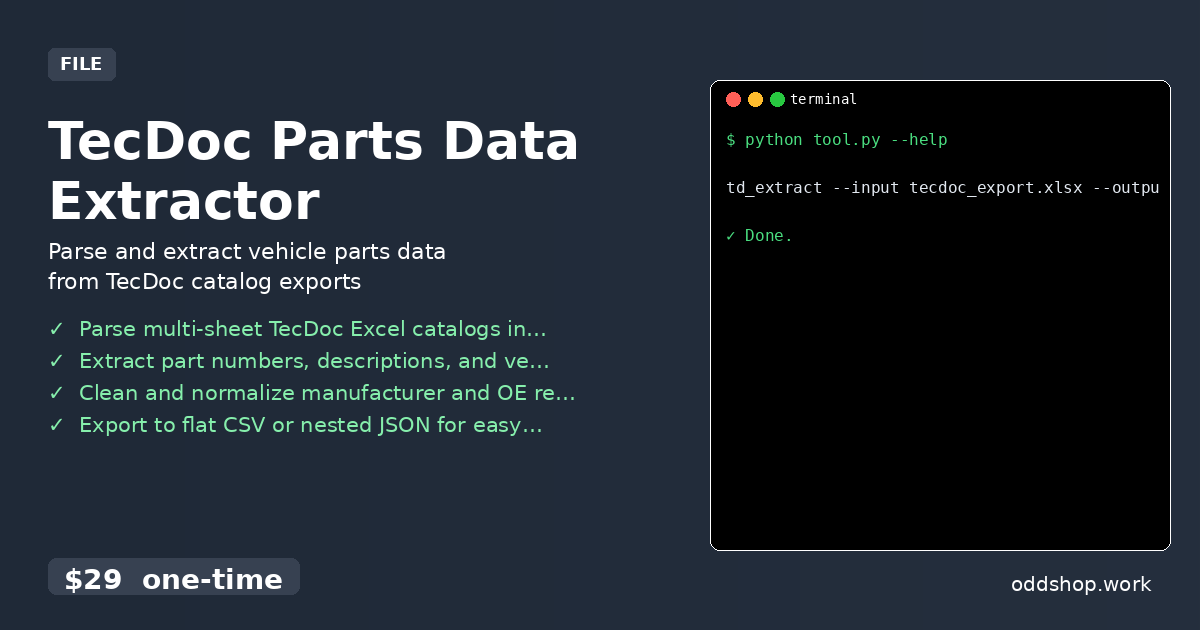
td_extract --input tecdoc_export.xlsx --output parts.json --filter-make="AUDI" --filter-year=2020
This command filters parts by make and year, then outputs cleaned JSON. Flags like --filter-make and --filter-year allow you to narrow results, while the --output parameter defines the format and destination.
Get the Script
If you’re tired of writing scripts from scratch, skip the build and use a ready-made solution. Download TecDoc Parts Data Extractor →
$29 one-time. No subscription. Works on Windows, Mac, and Linux.
Built by OddShop — Python automation tools for developers and businesses.