Working with python traffic data often means wrestling with outdated tools or manual processes that are both time-consuming and error-prone. Developers and analysts trying to build traffic-aware applications are often left scraping public sources or relying on APIs that don’t expose the real-time conditions you need. The process of collecting live traffic details from Google Maps API without a proper tool is a headache, and it’s easy to hit rate limits or miss the data you’re after.
The Manual Way (And Why It Breaks)
Manually fetching traffic data from Google Maps is tedious and inefficient. You might start by visiting the Google Maps website, entering an origin and destination, and then copying the traffic conditions into a spreadsheet. This is a one-off process, but when you have dozens of routes to analyze, it becomes impractical. You’ll hit API rate limits, and if you’re using a free key, the delays and errors start to compound quickly. This kind of manual method doesn’t scale for traffic analysis or network monitoring tasks, and it’s not sustainable for any serious python automation project.
The Python Approach
Here’s a basic example of how you might start automating traffic data collection using Python. This snippet uses requests to call the Google Maps Roads API, fetches the current traffic conditions, and exports a simplified result to a JSON file. While this is a minimal example, it shows how you can build a script that fetches real-time data using a Python automation approach.
import requests
import json
from pathlib import Path

API_KEY = "your_api_key_here"
ORIGIN = "New York"
DESTINATION = "Boston"

# Build the request URL
url = f"https://maps.googleapis.com/maps/api/distancematrix/json"
params = {
    "origins": ORIGIN,
    "destinations": DESTINATION,
    "key": API_KEY,
    "mode": "driving",
    "departure_time": "now"
}

# Send request
response = requests.get(url, params=params)
data = response.json()

# Extract traffic data
if data["status"] == "OK":
    traffic_data = {
        "origin": ORIGIN,
        "destination": DESTINATION,
        "duration_in_traffic": data["rows"][0]["elements"][0].get("duration_in_traffic", {}).get("text"),
        "duration": data["rows"][0]["elements"][0].get("duration", {}).get("text")
    }

    # Save to JSON file
    output_file = Path("traffic_data.json")
    with open(output_file, "w") as f:
        json.dump(traffic_data, f, indent=2)

    print(f"Traffic data saved to {output_file}")
else:
    print("Error fetching traffic data:", data["status"])
This code fetches basic traffic duration data via the Google Maps Distance Matrix API and saves it to a JSON file. While this works, it doesn’t include batching, caching, or filtering — features you’ll need for larger scale traffic analysis or real-time data workflows.
What the Full Tool Handles
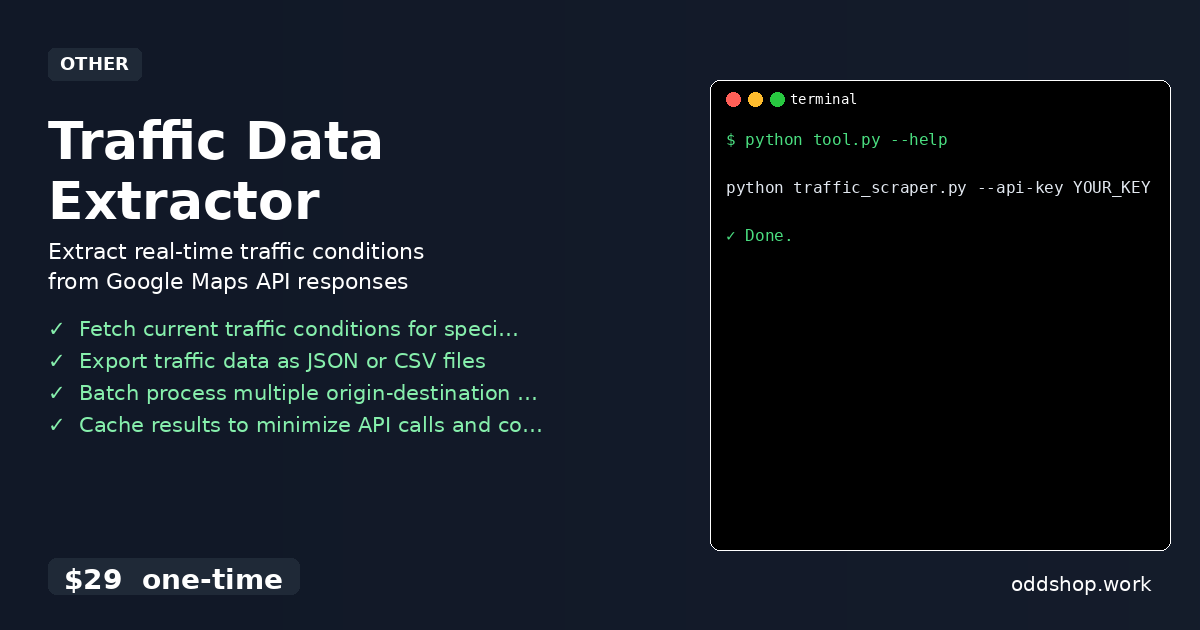
The Traffic Data Extractor is a complete solution that handles the full workflow of collecting and processing traffic data using python traffic data tools.
- Fetch live traffic conditions for multiple routes in one go.
- Export results in both JSON and CSV formats for easy integration.
- Process batches of origin-destination pairs using a simple input file.
- Automatically cache results to reduce redundant API calls and lower costs.
- Filter traffic data by severity levels for quick insights.
- Designed for developers and analysts who need reliable, scalable python automation.
Running It
To use the tool, you’ll run it from the command line with a few required arguments.
python traffic_scraper.py --api-key YOUR_KEY --origin "New York" --destination "Boston" --output traffic_data.json
The script supports multiple flags to define the API key, origin, destination, and output file. You can also pass a CSV or JSON file with multiple pairs for batch processing. The tool will automatically parse the input and export results in the specified format.
Get the Script
Skip the hassle of building your own traffic data pipeline. The Traffic Data Extractor is ready to go and takes care of all the API complexity for you.
Download Traffic Data Extractor →
$29 one-time. No subscription. Works on Windows, Mac, and Linux.
Built by OddShop — Python automation tools for developers and businesses.