python video automation doesn’t have to mean manual drudgery. For content creators and media managers handling dozens or hundreds of video files, the repetitive task of renaming and tagging can quickly become a bottleneck. A simple tool that automates these tasks — like a video metadata batch processor — is a necessity for those looking to scale their workflow. When you’re juggling multiple projects, the last thing you want is to spend hours manually updating file names and metadata.
The Manual Way (And Why It Breaks)
Renaming video files one by one and manually updating metadata in each file is not only time-consuming but also error-prone. You might have a folder full of videos named VID_001.mp4, VID_002.mp4, and so on, when your ideal naming convention is something like 2024-04-01_ProjectName_Episode01.mp4. Then there’s setting the title, artist, and comment tags in each file — a task that’s especially tedious in applications like Final Cut or Premiere. If you’re using a video file organization system, this becomes even more complex. The manual process is a major pain point, especially when scaling to bulk video processing.
The Python Approach
A simple Python script can automate bulk file renaming and metadata tagging. While the full tool handles more advanced workflows, a basic version can get you started with a few lines of code. The script below uses libraries like pandas to read a CSV and pathlib to move and rename files. It processes a list of videos, applies a naming pattern, and updates metadata fields. This approach works well for smaller datasets but lacks the flexibility of a dedicated tool for complex tasks such as folder creation or batch reporting.
import pandas as pd
from pathlib import Path
import os

# Read metadata CSV
metadata = pd.read_csv('video_metadata.csv')

# Define output directory
output_dir = Path('organized_videos')
output_dir.mkdir(exist_ok=True)

# Loop through each row in the metadata
for index, row in metadata.iterrows():
    old_path = Path(row['file_path'])
    new_name = row['new_name']  # e.g. "2024-04-01_ProjectName_Episode01.mp4"
    new_path = output_dir / new_name

    # Rename file
    if old_path.exists():
        old_path.rename(new_path)
        print(f"Renamed: {old_path} -> {new_path}")

    # Update metadata (simplified example)
    # In practice, you'd use a library like mutagen or ffmpeg-python
    print(f"Metadata updated for {new_name}")
This code processes a CSV file with paths and new names, renaming files and printing a confirmation. It’s not a complete solution, but it’s a starting point for those looking to implement python video editing automation. For large-scale video file organization, however, you’ll want a more robust solution.
What the Full Tool Handles
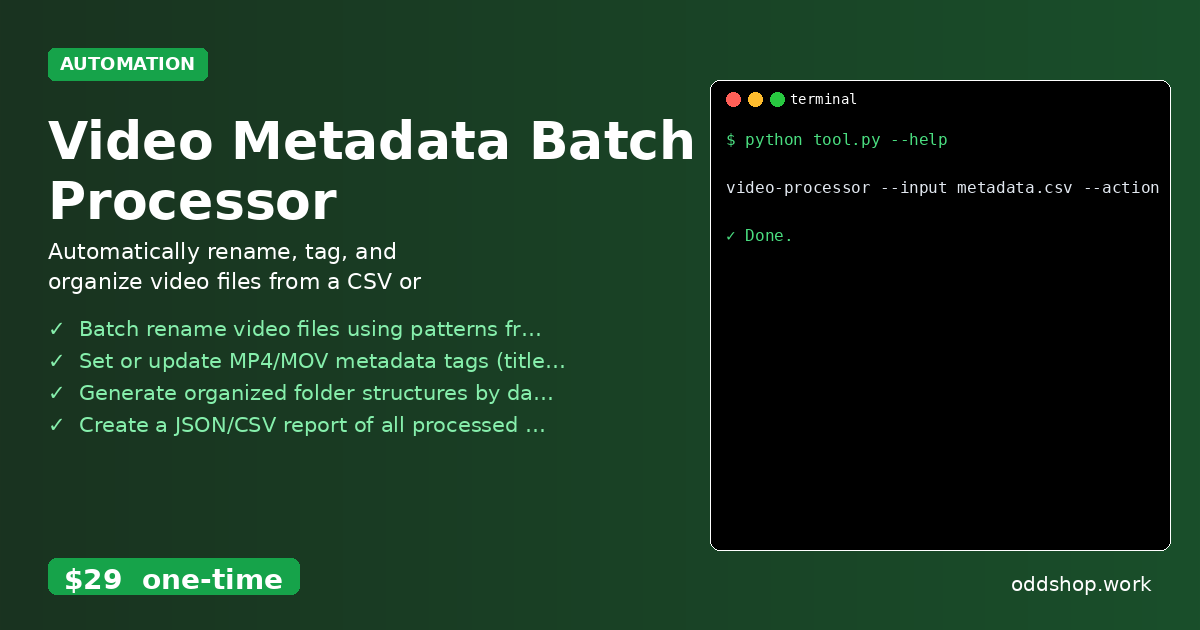
- Batch rename video files using patterns from a CSV — Automate file names based on structured metadata.
- Set or update MP4/MOV metadata tags (title, artist, comment) — No need to manually edit metadata in each file.
- Generate organized folder structures by date or category — Automatically sort files into folders for easy access.
- Create a JSON/CSV report of all processed files and changes — Keep track of what was done and when.
- Dry-run mode to preview changes before executing — Avoid mistakes with a safe preview first.
- Python video automation — The tool handles workflows that would take hours manually.
Running It
The tool is run from the command line using a simple interface. For example, to preview what would be renamed:
video-processor --input metadata.csv --action rename --dry-run
This command reads the metadata.csv file and simulates the file renaming process without making any actual changes. Once you’re satisfied, remove --dry-run to apply the changes. The tool generates a detailed report in either JSON or CSV format to document all the actions taken.
Get the Script
If you’re not ready to build your own solution, skip the scripting and get a ready-made tool. This video metadata batch processor is designed specifically for content creators who need reliable python video automation.
Download Video Metadata Batch Processor →
$29 one-time. No subscription. Works on Windows, Mac, and Linux.
Built by OddShop — Python automation tools for developers and businesses.