Every week, you spend hours creating the same PPC performance reports across multiple platforms. You copy-paste data, switch between dashboards, and manually calculate KPIs — all while juggling client deadlines. The process is error-prone, time-consuming, and rarely scalable.
The Manual Way (And Why It Breaks)
Marketers who manage multiple PPC platforms often fall into the trap of manual reporting. They export CSVs from Google Ads, Microsoft Advertising, and Meta Ads, then consolidate them in Excel or Google Sheets. This approach leads to human errors, inconsistent formatting, and hours wasted recalculating ROAS, CPA, and CTR. When data is missing or mislabeled, you end up reprocessing everything — or worse, shipping incorrect insights to clients.
The Python Approach
Here’s how you might start automating this with Python — a simplified version simulating the core logic:
import pandas as pd
from datetime import datetime

# Load CSVs from different platforms
google_df = pd.read_csv('google_ads_data.csv')
meta_df = pd.read_csv('meta_data.csv')

# Normalize column names
google_df.rename(columns={'Clicks': 'clicks', 'Conversions': 'conversions', 'Cost': 'cost'}, inplace=True)
meta_df.rename(columns={'clicks': 'clicks', 'conversions': 'conversions', 'spend': 'cost'}, inplace=True)

# Combine datasets
combined_df = pd.concat([google_df, meta_df], ignore_index=True)

# Calculate KPIs
combined_df['roas'] = combined_df['conversions'] / combined_df['cost']
combined_df['cpa'] = combined_df['cost'] / combined_df['conversions']
combined_df['ctr'] = combined_df['clicks'] / combined_df['impressions']

# Save results
combined_df.to_csv('report_output.csv', index=False)
This code combines data from two platforms, normalizes column names, and calculates basic performance metrics. However, it assumes consistent data structure and doesn’t handle edge cases like missing columns, different date formats, or multiple CSVs from one platform.
What the Full Tool Handles
The PPC Campaign Performance Analyzer solves those pain points by:
- Accepting multiple CSV exports from Google Ads, Microsoft Ads, and Meta
- Detecting and warning about missing or mismatched columns
- Normalizing column names across platforms
- Supporting filters by date range, campaign name, or status
- Generating output in JSON, CSV, and Markdown formats
- Providing CLI support for batch processing
Running It
You can process your data using a simple command:
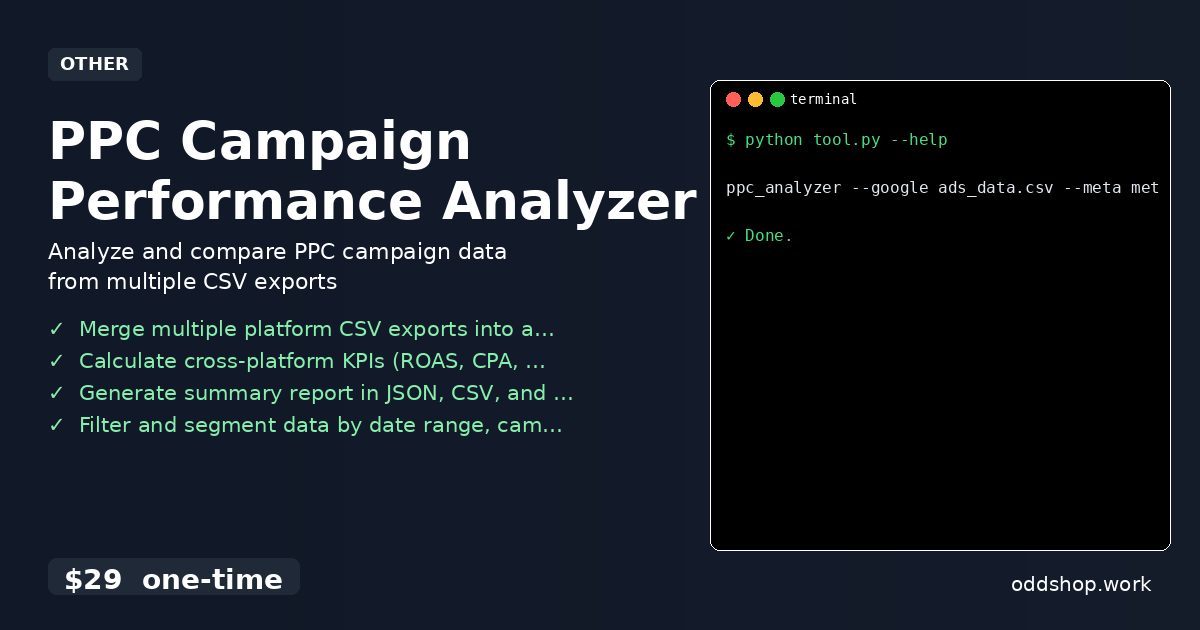
ppc_analyzer --google ads_data.csv --meta meta_data.csv --output report.json
This command merges data from Google Ads and Meta, standardizes it, and outputs a structured report. You can also add filters or switch formats using optional flags. The tool supports various input types and handles data inconsistencies without user intervention.
Results
With this tool, you save hours each week and eliminate manual errors. You get a clean, unified performance report in the format of your choice. No more juggling spreadsheets or reprocessing failed exports — your campaign data is ready for analysis in minutes.
Get the Script
If you want to skip the build and get a polished, production-ready tool, try the PPC Campaign Performance Analyzer. It’s a one-time $29 purchase that works on Windows, Mac, and Linux.
Download PPC Campaign Performance Analyzer →
$29 one-time. No subscription. Works on Windows, Mac, and Linux.
Built by OddShop — Python automation tools for developers and businesses.