If you’re managing a Shopify store with thousands of products, bulk updating meta descriptions manually isn’t just tedious — it’s impossible. You can’t click through each product and edit descriptions one by one, especially when your store has hundreds or thousands of SKUs. Even if you could, the time spent and risk of error would make it unsustainable for any serious business.
The Manual Way (And Why It Breaks)
Most developers and store owners try to manage meta descriptions manually by exporting product data, editing it in Excel or Google Sheets, and then re-uploading it. This works for small inventories, but with larger stores, it’s a nightmare. You risk missing products, introduce typos, and run into Shopify’s API limits if you try to update via the admin or API one by one.
Even if you’re using Shopify’s bulk actions feature, you’re still limited to basic fields like title, body, and tags — not custom metafields. And let’s be honest, most teams don’t have the time or resources to build a custom update script for every metafield update they need. You end up spending hours in a spreadsheet or clicking through admin pages, all while losing SEO traction.
The Python Approach
Here’s a simplified version of how you might approach this using Python. It reads a CSV file containing product data, applies an update template to metafields, and outputs a new CSV.
import csv

# Load product data from CSV
products = []
with open('products.csv', 'r') as f:
    reader = csv.DictReader(f)
    for row in reader:
        products.append(row)

# Define a simple template for meta description
template = "Handmade {material} {product_type}. {custom.description_short}"

# Generate meta descriptions
updated_products = []
for product in products:
    desc = template.format(**product)
    product['meta_description'] = desc
    updated_products.append(product)

# Write updated data back to CSV
with open('meta_updated.csv', 'w', newline='') as f:
    writer = csv.DictWriter(f, fieldnames=updated_products[0].keys())
    writer.writeheader()
    writer.writerows(updated_products)
This code shows how you can parse product data, apply a metafield-based template, and generate updated descriptions. But it’s limited — no error handling, assumes all fields exist, and doesn’t support multiple input formats or HTML output. You’d need to extend it to work with real-world data, especially when handling missing or malformed metafields.
What the Full Tool Handles
The Metafield Meta Description Generator goes beyond a basic script by handling:
- Multiple input formats: CSV, JSON
- Template engine with placeholders and fallbacks
- Error handling and logging for bad data
- Support for nested or missing metafields
- CLI interface with flags for input/output
- Output to CSV or HTML for easy import
It’s not just code — it’s a ready-to-use tool that accounts for the messy side of real product data.
Running It
To use the tool, you run it like this:
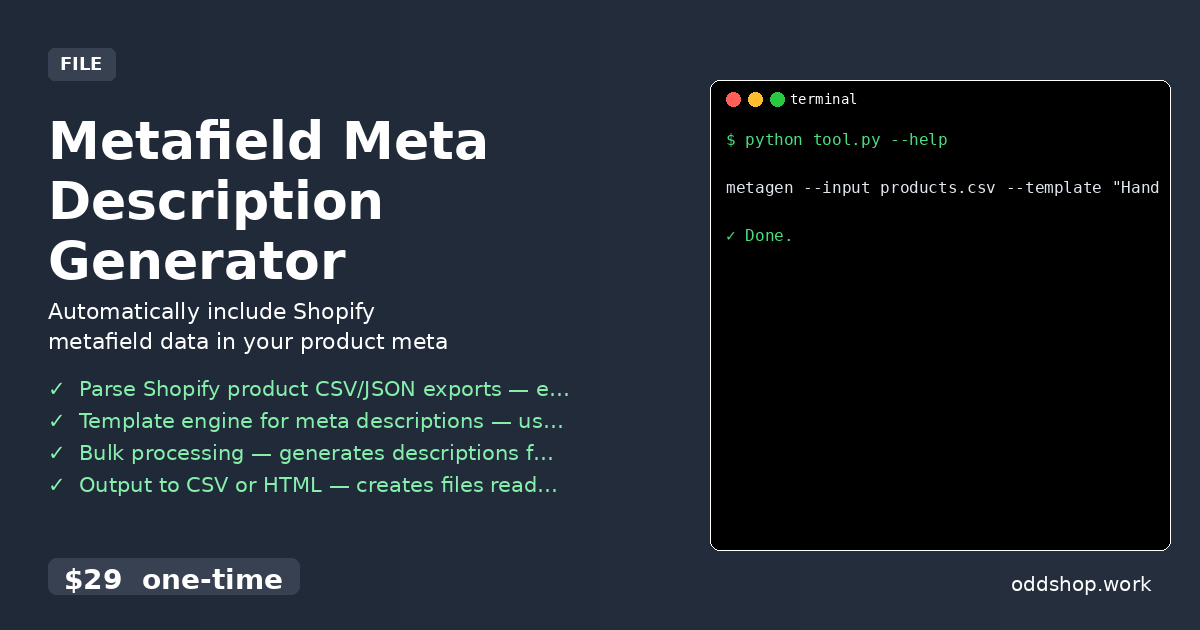
metagen --input products.csv --template "Handmade {material} {product_type}. {custom.description_short}" --output meta_updated.csv
You pass in a CSV or JSON file of your products, a template with placeholders for your metafields, and specify where to save the output. The tool handles the rest, generating clean, SEO-optimized descriptions for all your products. It can also output to HTML for quick preview or direct import.
Results
You end up with a bulk-updated set of meta descriptions in seconds — no more manual clicks or spreadsheets. You get a clean CSV or HTML file that’s ready to import or review. The tool solves the scalability and consistency problem of updating thousands of product descriptions in one go.
Get the Script
If you want to skip the build and get something that works out of the box, this is the solution. It’s designed for developers and store owners who want to automate their SEO without reinventing the wheel.
Download Metafield Meta Description Generator →
$29 one-time. No subscription. Works on Windows, Mac, and Linux.
Built by OddShop — Python automation tools for developers and businesses.