Ecommerce profit margin calculations can be a nightmare when you’re managing multiple orders and products. Shopify lets you track cost per item, but you’re left manually sifting through CSV exports to compute real profit. Even the most basic ecommerce profit margin reports require hours of copy-pasting and spreadsheet manipulation.
The Manual Way (And Why It Breaks)
Let’s say you want to analyze your profit margin for a Shopify store. You’ll start by downloading order and product CSV files from your admin. Then you’re into a world of copy-pasting line items, aligning SKUs, and manually calculating cost per order. You’ll probably end up with a messy Excel sheet that’s hard to update — and that’s just the beginning. Every time you want to check your profit margin for a new batch of products, you’re repeating this process. The task becomes a repetitive chore that’s ripe for automation, and it’s not just about saving time — it’s about reducing errors in your ecommerce order analysis.
The Python Approach
A smarter developer might write a simple script to automate part of this work. Here’s a minimal version that reads your CSV files, matches orders to product costs, and computes profit per line item.
import pandas as pd

# Load order and product data
orders_df = pd.read_csv('orders_export.csv')
products_df = pd.read_csv('products_export.csv')

# Merge by SKU or variant ID
merged_df = pd.merge(orders_df, products_df, left_on='sku', right_on='sku', how='left')

# Calculate gross profit per line item
merged_df['gross_profit'] = merged_df['price'] - merged_df['cost']

# Summarize profit by order
order_summary = merged_df.groupby('order_id').agg({
    'gross_profit': 'sum',
    'price': 'sum',
    'cost': 'sum'
}).reset_index()

# Export results
order_summary.to_csv('profit_report.csv', index=False)
View full code with error handling: https://oddshop.work/blog/ecommerce-profit-margin-calculator-guide/
This snippet does a basic job of aligning products and orders, but it won’t scale well when order data includes variants or when product cost isn’t always available. It still requires manual intervention for mismatched SKUs, and it doesn’t handle edge cases like multiple items per order or bulk discounts — tasks that real ecommerce analytics tools must manage.
What the Full Tool Handles
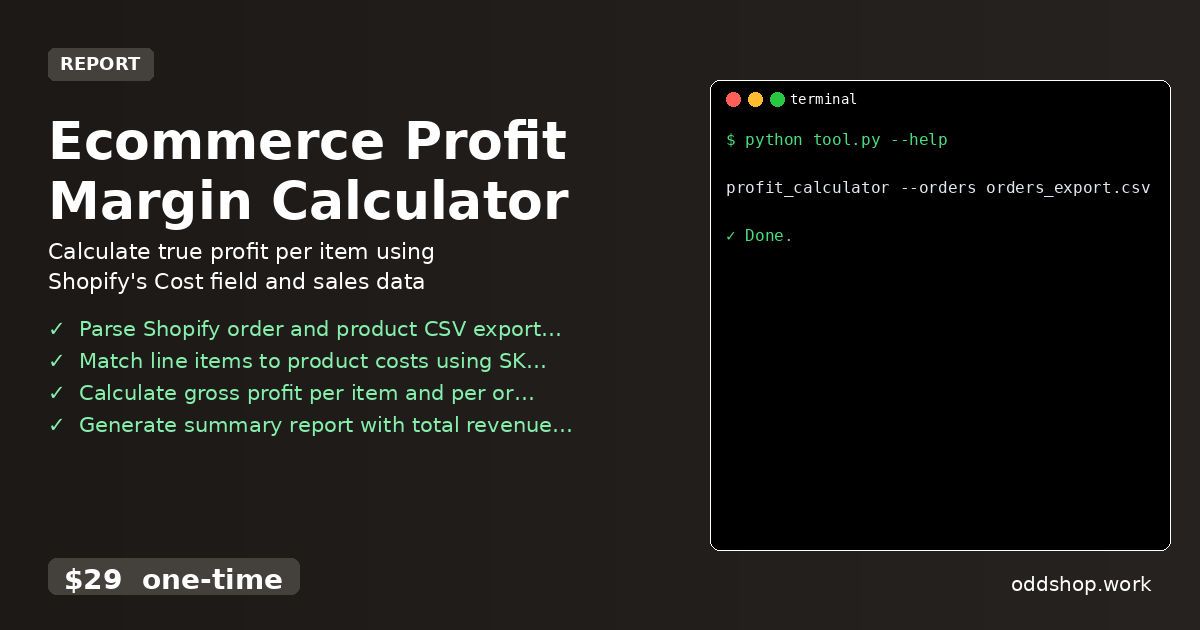
- Parses Shopify order and product CSV exports with error handling
- Matches line items to product costs using both SKU and variant ID
- Calculates gross profit per item and per order with full detail
- Generates a clean summary report of total revenue, cost, and profit
- Exports results in either formatted CSV or JSON for further use
- Handles all the edge cases that break manual or basic scripts — making it a true ecommerce profit margin solution
Running It
You can run the tool directly from the command line with clear flags:
profit_calculator --orders orders_export.csv --products products_export.csv --output profit_report.csv
View full code with error handling: https://oddshop.work/blog/ecommerce-profit-margin-calculator-guide/
The --orders and --products flags specify the input files, and --output sets the destination for your profit report. The result is a clean, structured CSV including total revenue, cost, and gross profit per order, ready for analysis.
Get the Script
Skip the build and just get the finished solution — this tool handles everything the code snippet does, and more.
Download Ecommerce Profit Margin Calculator →
$29 one-time. No subscription. Works on Windows, Mac, and Linux.
Built by OddShop — Python automation tools for developers and businesses.