Exporting Xero financial data manually is slow and error-prone—discover how Python can automate this process.
If you’re a business user or developer working with Xero, you’ve probably spent hours exporting transaction data, copying and pasting into spreadsheets, or manually reconciling entries. For small businesses, the task becomes even more tedious when handling multiple accounts or monthly reconciliations. The manual process is not only time-consuming but also highly prone to human error, especially when dealing with dozens of transactions that need to be matched.
The Manual Way (And Why It Breaks)
Most people use the Xero web interface to export transaction data manually: click “Reports,” select a report type, export to CSV, then open in Excel or Google Sheets. For small datasets, this works. But when reconciling monthly bank statements, it becomes a headache. You end up spending hours matching transactions by hand, trying to resolve discrepancies, and re-exporting reports dozens of times. Manual reconciliation often hits API limits if you’re doing it repeatedly, and spreadsheets don’t scale well when data volumes increase. You’re left with a mismatched dataset, a messy Excel file, and a lot of wasted time.
The Python Approach
Here’s a simplified Python script that shows how you might match transactions from a bank statement with those from Xero. It’s not a full solution, but it shows the core idea:
import csv
from datetime import datetime

def load_transactions(filename):
    transactions = []
    with open(filename, 'r') as f:
        reader = csv.DictReader(f)
        for row in reader:
            transactions.append({
                'date': datetime.strptime(row['Date'], '%Y-%m-%d'),
                'amount': float(row['Amount']),
                'description': row['Description']
            })
    return transactions

def match_transactions(bank_transactions, xero_transactions):
    matched = []
    unmatched = []

    for bank in bank_transactions:
        found = False
        for xero in xero_transactions:
            if (
                abs((bank['date'] - xero['date']).days) <= 1 and
                abs(bank['amount'] - xero['amount']) < 1.0 and
                bank['description'].lower() in xero['description'].lower()
            ):
                matched.append((bank, xero))
                found = True
                break
        if not found:
            unmatched.append(bank)

    return matched, unmatched

bank = load_transactions('bank_statement.csv')
xero = load_transactions('xero_export.csv')
matched, unmatched = match_transactions(bank, xero)

print(f"Matched: {len(matched)}, Unmatched: {len(unmatched)}")
This code loads two CSV files, matches them by date range, amount tolerance, and partial description match, and prints out how many were matched or not. It’s a starting point for your automation, but it lacks robust error handling, doesn’t support multiple date formats or different CSV layouts, and doesn’t generate a clean output report.
What the Full Tool Handles
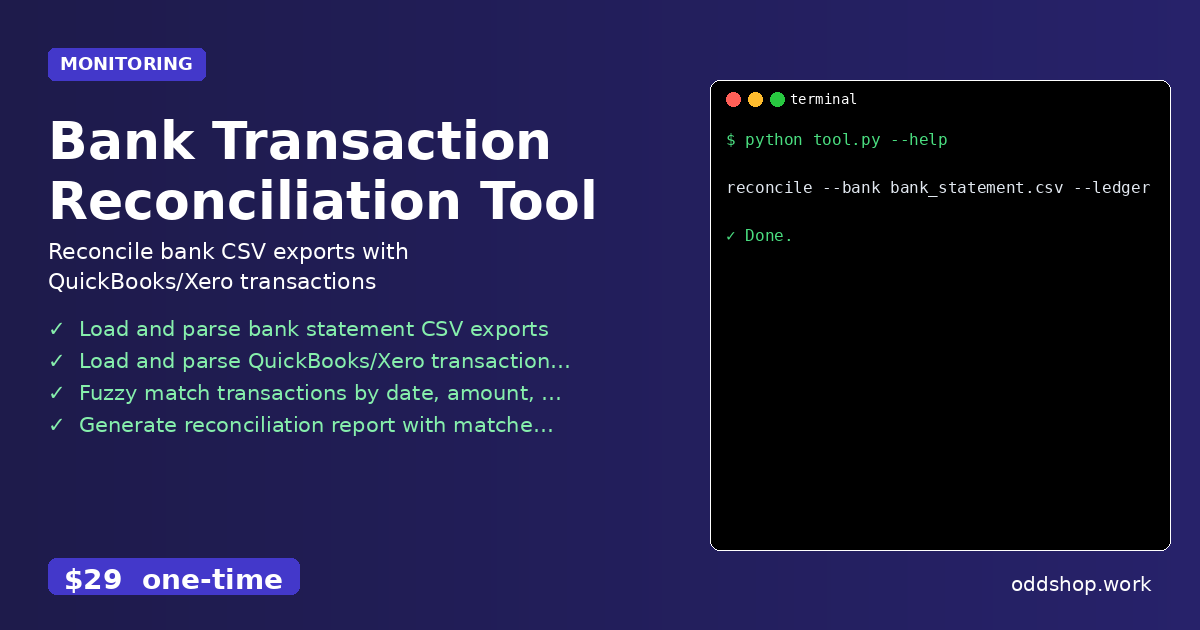
The Bank Transaction Reconciliation Tool solves many of the issues that make manual or basic scripts fragile:
- Reads bank statements and Xero/QuickBooks exports in multiple CSV formats
- Handles date parsing with flexible formats and timezone differences
- Provides fuzzy matching with configurable tolerance for amounts and descriptions
- Generates a clean, readable reconciliation report with matched and unmatched items
- Offers CLI interface that’s easy to integrate into workflows or scripts
- Outputs matched/unmatched data for review and audit purposes
Running It
You can run the tool directly from the command line using a simple command:
reconcile --bank bank_statement.csv --ledger xero_export.csv --output report.csv
This will process the files, match the transactions, and output a clean reconciliation report named report.csv. The tool can handle multiple input types and formats, and the output includes both matched and unmatched entries for easy review.
Results
You save hours of manual work and reduce the risk of errors. Instead of spending a day cleaning up spreadsheets, you get a clean, structured reconciliation report in minutes. Each reconciliation task now takes under 10 minutes, and you can run it weekly or monthly as needed.
Get the Script
If you’re tired of building this logic yourself, the Bank Transaction Reconciliation Tool is a polished solution that handles all the edge cases and makes the process simple.
Download Bank Transaction Reconciliation Tool →
$29 one-time. No subscription. Works on Windows, Mac, and Linux.