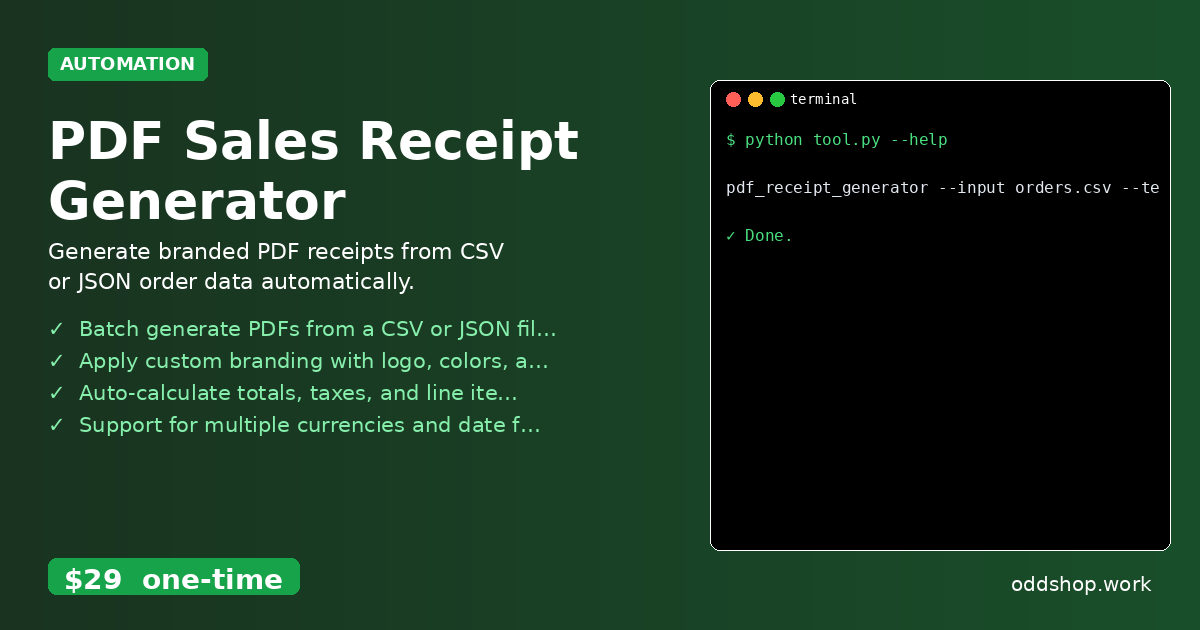
The Python pdf generator that automates receipt creation can be a lifesaver for small businesses and developers handling batch payments. But when you’re manually generating receipts from order data — especially after processing hundreds of transactions through Stripe or PayPal — it becomes a time-consuming pain. Using a python pdf automation tool like this can help avoid the repetitive task of copying and pasting data into templates.
The Manual Way (And Why It Breaks)
Processing sales receipts manually is not only tedious but also error-prone. You might export order data from your payment platform, copy line items into a template, adjust tax calculations, and format everything to match your branding. That’s a lot of back-and-forth with spreadsheets, PDF editors, and possibly multiple file formats. It’s easy to miss a tax rate or misalign customer details, especially when you’re processing high volumes. This is where a python receipt generator comes in — and why you don’t want to do it by hand.
The Python Approach
A simple script can automate the process of pulling order data, calculating totals, and generating PDFs from that data. Here’s a minimal example using Python libraries to do just that. This snippet shows how to read a CSV of orders, compute line totals, and create a basic receipt layout using pandas and fpdf2.
import pandas as pd
from fpdf import FPDF
import os

# Load order data from CSV
orders = pd.read_csv("orders.csv")

# Create a PDF for each order
for index, row in orders.iterrows():
    pdf = FPDF()
    pdf.add_page()
    pdf.set_font("Arial", size=12)

    # Add header
    pdf.cell(0, 10, "Receipt", ln=True)
    pdf.cell(0, 10, f"Order ID: {row['order_id']}", ln=True)
    pdf.cell(0, 10, f"Date: {row['date']}", ln=True)
    pdf.ln()

    # Add line items
    for item in row['items'].split(";"):
        pdf.cell(0, 10, item, ln=True)

    # Add totals
    pdf.cell(0, 10, f"Subtotal: ${row['subtotal']}", ln=True)
    pdf.cell(0, 10, f"Tax: ${row['tax']}", ln=True)
    pdf.cell(0, 10, f"Total: ${row['total']}", ln=True)

    # Save PDF
    pdf.output(f"receipt_{row['order_id']}.pdf")
This code reads a CSV file, loops over each line item, and generates a separate PDF for each order. It’s limited in that it doesn’t support branding or dynamic layouts, but it gives a foundation for building more advanced automation. You’d still need to manually manage logos and styling, which is where a full python pdf generator tool comes in.
What the Full Tool Handles
The PDF Sales Receipt Generator handles all the advanced steps you’d normally have to build yourself:
- Generates multiple PDFs from CSV or JSON input files
- Automatically calculates line items, taxes, and totals
- Accepts custom branding such as logos, color schemes, and footer text
- Supports multiple currencies and various date formats
- Merges customer data from input files into the generated documents
- Offers a clean, professional output structure with organized filenames and folders
This is a powerful python pdf generator solution for developers or entrepreneurs working with order data in bulk, especially when integrating with Stripe or PayPal. It removes the guesswork and speeds up delivery.
Running It
Using the tool is straightforward. You provide the input data, a branding template, and a target directory for output.
pdf_receipt_generator --input orders.csv --template brand_template.json --output-dir ./receipts
You can specify different input formats like CSV or JSON, and the tool will process all orders accordingly. The output folder will contain individual receipt files, each named after the order ID for easy reference.
Get the Script
If you’re tired of building this yourself, skip the build. This tool handles everything from data formatting to PDF layout.
Download PDF Sales Receipt Generator →
$29 one-time. No subscription. Works on Windows, Mac, and Linux.
Built by OddShop — Python automation tools for developers and businesses.