Manually copying data from Google Ads into spreadsheets every week is exhausting. It’s time-consuming, error-prone, and offers no real insight into campaign performance across platforms. For business owners and marketers managing multiple ad accounts, the strain only grows.
The Manual Way (And Why It Breaks)
Most marketers who manage multiple advertising platforms spend hours each week manually exporting data from Google Ads, Microsoft Advertising, and Meta Ads. They copy-paste into spreadsheets, align columns, and try to calculate ROAS or CPA by hand. This process is not only tedious but also prone to human error. And when you’re trying to compare performance between platforms, you’re left with inconsistent data formats and missing values. If you hit API limits, or forget to update a campaign name, your report becomes outdated quickly. It’s a fragile, inefficient system that breaks down under pressure.
The Python Approach
Here’s a simplified Python script that merges two CSV files from Google Ads and Meta Ads, normalizes some metrics, and calculates basic KPIs. While this isn’t a full solution, it shows the core logic someone might build to automate merging.
import pandas as pd

# Load Google Ads and Meta Ads data
google_ads = pd.read_csv('google_ads_data.csv')
meta_ads = pd.read_csv('meta_ads_data.csv')

# Standardize columns
google_ads.rename(columns={'Clicks': 'clicks', 'Cost': 'cost', 'Conversions': 'conversions'}, inplace=True)
meta_ads.rename(columns={'Clicks': 'clicks', 'Spend': 'cost', 'Conversions': 'conversions'}, inplace=True)

# Select common columns
common_cols = ['campaign_name', 'clicks', 'cost', 'conversions']

# Merge datasets
merged = pd.concat([google_ads[common_cols], meta_ads[common_cols]], ignore_index=True)

# Calculate ROAS and CPA
merged['roas'] = merged['conversions'] / merged['cost']
merged['cpa'] = merged['cost'] / merged['conversions']

# Save to CSV
merged.to_csv('merged_ads_report.csv', index=False)
This code merges two data sources based on common column names and computes ROAS and CPA. However, it lacks error handling, assumes data is formatted the same across platforms, and doesn’t support filtering or multiple output formats. At scale, this script would break without careful preprocessing and validation.
What the Full Tool Handles
The PPC Campaign Performance Analyzer improves on the DIY version by handling:
- Multiple input formats and platforms (Google Ads, Meta, Microsoft)
- Automatic column normalization and mapping
- Data validation with warnings for missing or malformed data
- Date range filtering, campaign name filtering, and status filtering
- Output in JSON, CSV, and Markdown formats
- A clean CLI interface that accepts file arguments
Running It
Using the tool is simple:
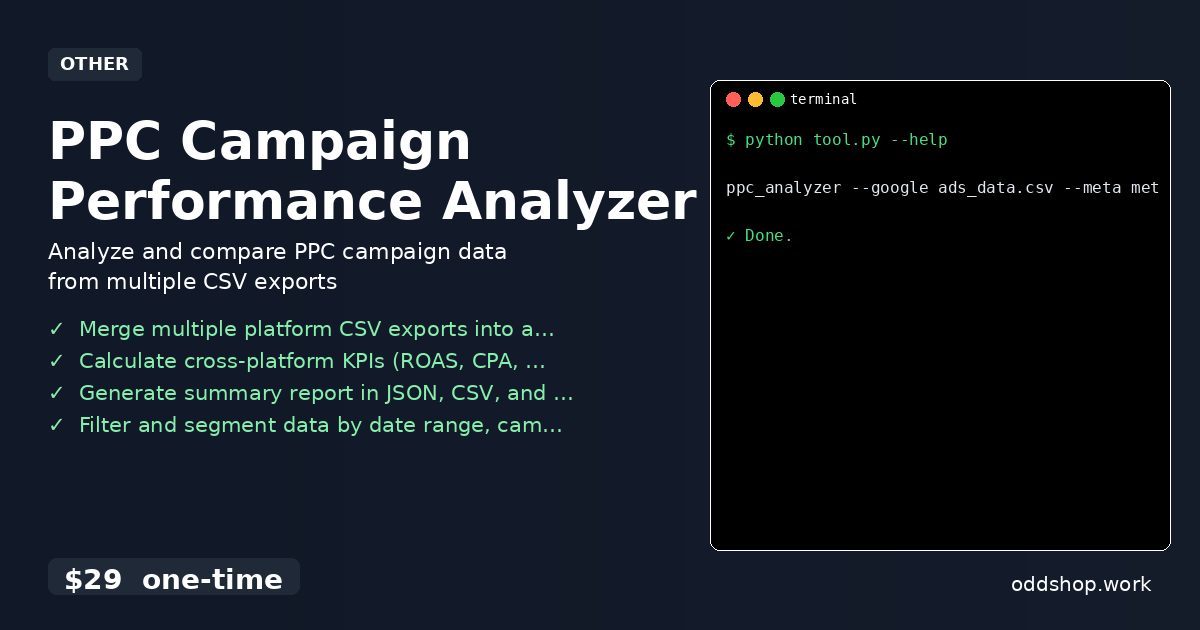
ppc_analyzer --google google_ads_data.csv --meta meta_ads_data.csv --output report.json
You provide input files for each platform and specify an output path. The tool merges the data, normalizes metrics, and generates a clean summary report. You can also add filters like --start-date or --campaign-name to narrow results.
Results
This automation saves hours each week, especially when managing multiple platforms. You get a single CSV or JSON file with unified campaign performance data, including CPA, ROAS, and CTR. The tool handles the complexity behind the scenes so you can focus on insights, not spreadsheets.
Get the Script
If you’re tired of rebuilding this logic every time, skip the build. The PPC Campaign Performance Analyzer is the polished, reliable version of what you just read.
Download PPC Campaign Performance Analyzer →
$29 one-time. No subscription. Works on Windows, Mac, and Linux.
Built by OddShop — Python automation tools for developers and businesses.