Generating realistic bank transaction data for testing financial applications is a persistent pain point for developers. A bank transaction generator that can produce synthetic records with appropriate spending patterns and merchant types is essential—but building one from scratch is time-consuming. Manual approaches often lead to poor-quality test data, breaking application logic or masking real issues. When dealing with financial data generation, small inconsistencies can cause big problems down the line.
The Manual Way (And Why It Breaks)
Creating synthetic financial data manually is laborious and error-prone. You might start by copying a few rows from an Excel sheet and adjusting amounts, but soon realize that real-world spending behaviors vary widely—some users pay utilities every month, others splurge on dining. Adding merchant categories like groceries, entertainment, and travel requires manual classification, which is tedious and inconsistent. This approach doesn’t scale for multiple accounts or realistic date ranges. And when you need to export data into formats like CSV or JSON, it’s easy to make mistakes that break downstream systems. The lack of a structured financial data generation tool can leave your testing phase unstable.
The Python Approach
Here’s a simple Python script to get you started generating synthetic transactions without writing a full application. It simulates realistic spending using random but believable values and timestamps, ideal for early-stage testing. One limitation is that it only works for one account; for more complex scenarios, a dedicated bank transaction generator is recommended.
import pandas as pd
import random
from datetime import datetime, timedelta

# Define merchant categories and typical spending ranges
categories = ['Groceries', 'Utilities', 'Entertainment', 'Dining', 'Transportation', 'Shopping']
spending_ranges = {
    'Groceries': (20, 100),
    'Utilities': (30, 200),
    'Entertainment': (10, 150),
    'Dining': (15, 80),
    'Transportation': (5, 50),
    'Shopping': (30, 300)
}

# Generate a list of transactions
transactions = []
start_date = datetime.now() - timedelta(days=30)
for i in range(50):
    date = start_date + timedelta(days=random.randint(0, 30))
    category = random.choice(categories)
    amount = random.uniform(*spending_ranges[category])
    transactions.append({
        'date': date.strftime('%Y-%m-%d'),
        'merchant': f'Merchant-{random.randint(1, 100)}',
        'category': category,
        'amount': round(amount, 2),
        'account_id': 'ACC-12345'
    })

# Convert list to DataFrame and save to CSV
df = pd.DataFrame(transactions)
df.to_csv('sample_transactions.csv', index=False)
This script generates a small set of synthetic financial records with realistic amounts and categories. While useful for prototyping or small tests, it doesn’t support multiple accounts or advanced date controls. For larger datasets, or when you require more precise behavior modeling, a full-featured bank transaction generator will be more efficient.
What the Full Tool Handles
The Synthetic Bank Transaction Generator takes care of several key elements that are missing in manual or simple scripts:
- Generates synthetic transaction records with realistic amounts and spending patterns, mimicking real user behavior.
- Supports multiple account types with different spending habits, useful for testing varied financial scenarios.
- Includes common merchant categories like groceries, utilities, and entertainment to simulate authentic spending.
- Provides flexible date range controls and transaction frequency settings to match real-world data timelines.
- Offers output in CSV, JSON, or Excel formats with customizable column structures.
- Fully automated—no need to write code or manage libraries yourself.
This bank transaction generator is ideal for developers who want to build financial applications without relying on real customer data.
Running It
To generate transaction data, run the following command in your terminal:
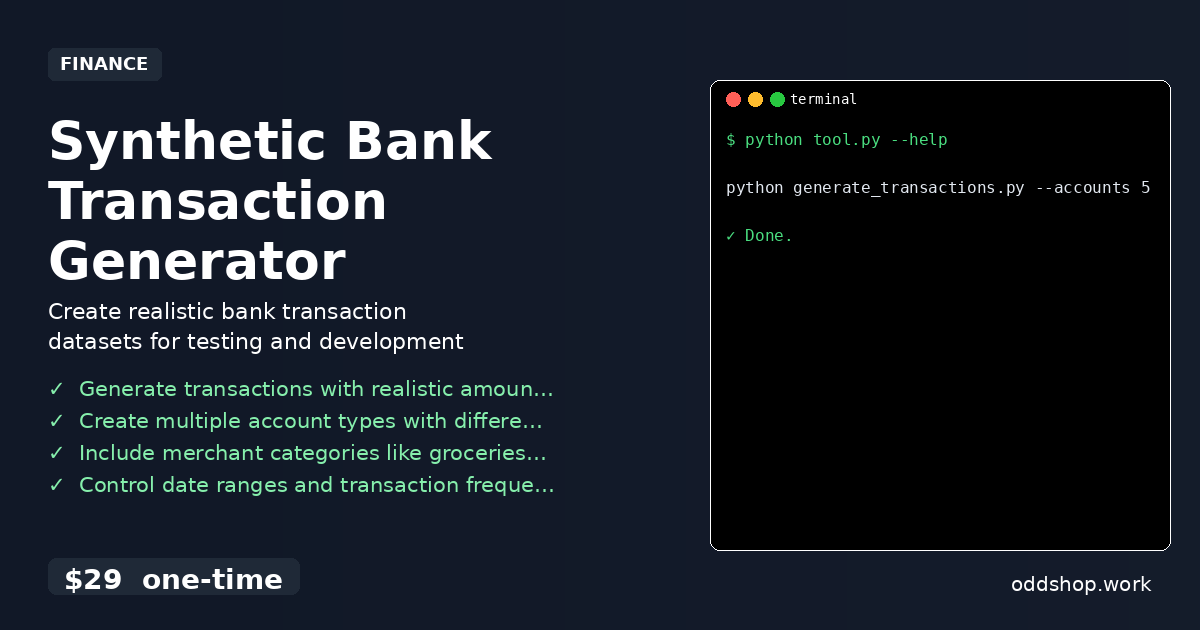
python generate_transactions.py --accounts 5 --days 30 --output sample_transactions.csv
You can adjust the number of accounts, the date range, and output format using command-line flags. The script will generate realistic data in your specified format for easy integration into financial applications or testing environments.
Get the Script
If you’re not interested in writing the script yourself, skip the build and get a ready-to-use solution. The Synthetic Bank Transaction Generator handles all the heavy lifting for you.
Download Synthetic Bank Transaction Generator →
$29 one-time. No subscription. Works on Windows, Mac, and Linux.
Built by OddShop — Python automation tools for developers and businesses.