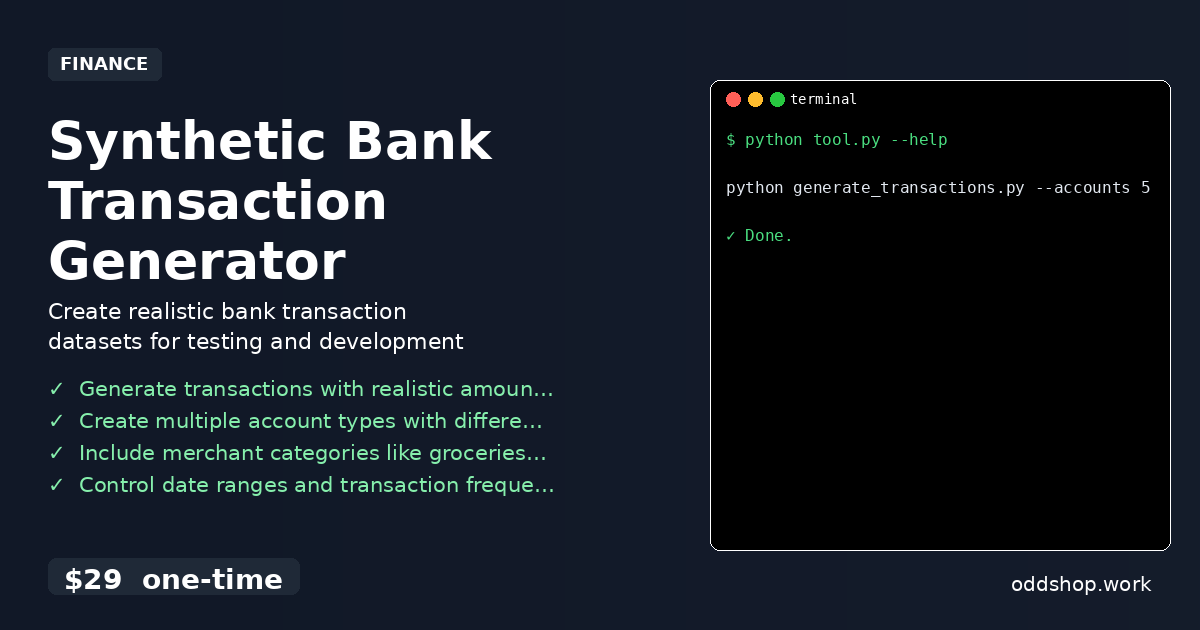
python bank data often comes with a steep learning curve when you’re trying to build tools or prototypes that need realistic financial information. If you’re not working with real bank records, creating synthetic data manually is one of the most tedious steps in any data project. It’s easy to get lost in spreadsheets, formulas, and countless clicks.
The Manual Way (And Why It Breaks)
Manually creating transaction data for a Python project can take hours. You’re often forced to enter dozens of rows by hand, copy-paste across multiple sheets, or rely on outdated templates. Even with tools like Excel or Google Sheets, there’s little automation to simulate realistic patterns like recurring bills, irregular spending, or seasonal trends. It’s a waste of time and doesn’t help with scaling. For developers working with python financial data, this step becomes a bottleneck that slows progress. Tools like synthetic data generator apps can help, but they’re not always flexible or tailored to your specific transaction format.
The Python Approach
If you’re building applications that need a realistic set of bank entries, using Python to generate this data is a much faster approach. This Python script leverages python data automation to quickly produce a CSV file with 12 months of fake bank records. It’s not perfect — it’s designed for prototyping and testing — but it gets the job done without manual input.
import pandas as pd
import numpy as np
from datetime import datetime, timedelta
import random

# Generate a list of random transaction descriptions
descriptions = [
    "Amazon Purchase", "Grocery Store", "Gas Station", "Restaurant",
    "Salary Deposit", "Electric Bill", "Netflix Subscription",
    "Online Transfer", "Coffee Shop", "ATM Withdrawal"
]

# Define date range for one year
start_date = datetime(2023, 1, 1)
end_date = datetime(2023, 12, 31)

# Generate a list of random dates within the year
dates = [start_date + timedelta(days=random.randint(0, 365)) for _ in range(500)]

# Create a dataframe with randomized transactions
transactions = {
    "date": dates,
    "description": [random.choice(descriptions) for _ in range(500)],
    "amount": [round(random.uniform(-500, 500), 2) for _ in range(500)],
    "category": [random.choice(["Expense", "Income"]) for _ in range(500)]
}

# Convert to DataFrame
df = pd.DataFrame(transactions)

# Export to CSV
df.to_csv("synthetic_bank_transactions.csv", index=False)
This script quickly builds a dataset of 500 entries with realistic entries like purchases, income, and transfers. It includes a date, description, amount, and category, which makes it a great starting point for testing financial applications. While it doesn’t replicate the complexity of real-world transaction data, it’s perfect for development and testing workflows involving python bank data.
What the Full Tool Handles
- Realistic transaction patterns: Recurring bills, irregular spending, and seasonal trends
- Multiple categories: Income, expenses, transfers, and cash withdrawals
- Automated CSV generation: One-click download of ready-to-use transaction data
- Customizable date range: Easily adjust for different time spans
- Cross-platform support: Works on Windows, macOS, and Linux
- Designed for developers: Direct use in automation pipelines and testing environments
Running It
To get started, you’ll need to download the CSV file directly:
Download CSV: oddshop.work/downloads/synthetic-bank-transactions-1yr.zip
Once downloaded, you can import the data into your Python environment using pandas.read_csv(). The dataset includes columns for date, description, amount, and category — perfect for data analysis or visualization. You can even tweak the flags in your own scripts to include more rows, adjust date ranges, or change categories.
Get the Script
If you’d rather not build your own version, skip the development and get the full package. This tool generates automated transaction data in a ready-to-use format — no coding required.
Download 1 Year Synthetic Bank Transaction Data →
$29 one-time. No subscription. Works on Windows, Mac, and Linux.
Built by OddShop — Python automation tools for developers and businesses.