How to Read Google Spreadsheets with Python CLI Tool

A python spreadsheet reader like this one can save hours of manual work, especially when you’re dealing with live Google Sheets. Imagine copy-pasting data from a dashboard into an Excel sheet, or scraping data from multiple tabs manually. That’s where a python spreadsheet reader comes in handy — but if you build it yourself, it quickly becomes a messy, error-prone task. The process is slow, and you’re constantly fighting with Google Sheets API complexities....

<span title='2026-05-15 01:47:41 +0000 UTC'>May 15, 2026</span>&nbsp;·&nbsp;OddShop
Spreadsheet Web Scraper

New Tool: Spreadsheet Web Scraper

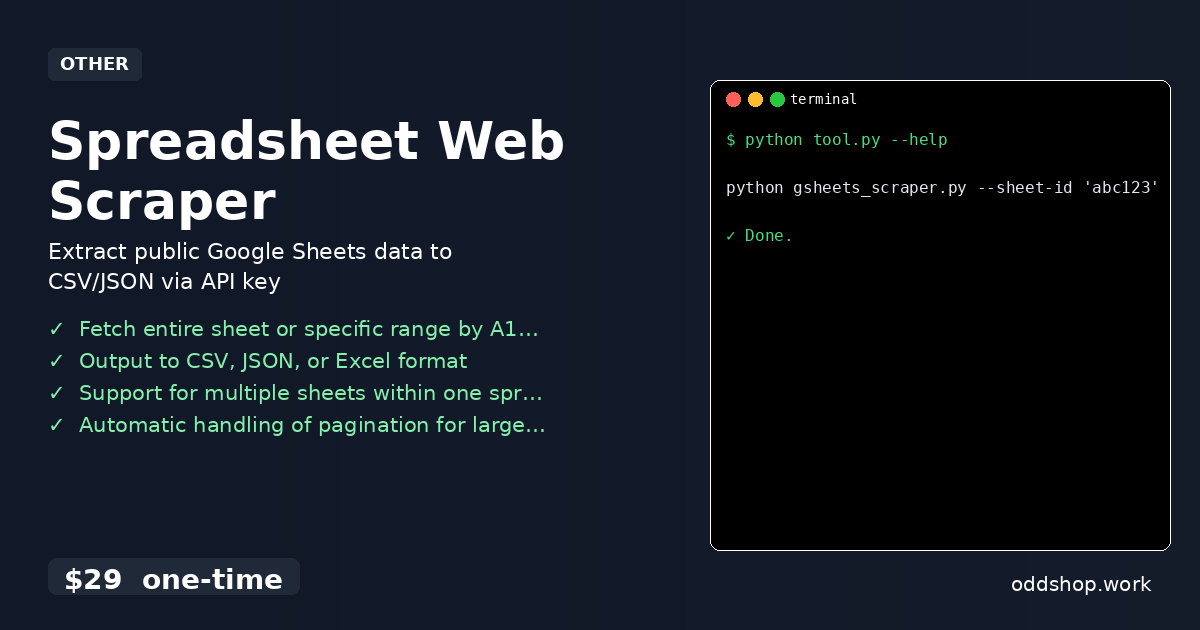
We just released Spreadsheet Web Scraper — extract public google sheets data to csv/json via api key. What it does A Python CLI tool that fetches data from published Google Sheets using only the sheet ID and API key. Ideal for analysts and developers who need to pull live spreadsheet data into local files without browser automation or OAuth. Features Fetch entire sheet or specific range by A1 notation Output to CSV, JSON, or Excel format Support for multiple sheets within one spreadsheet Automatic handling of pagination for large datasets Configurable via command-line arguments or config file Usage python gsheets_scraper....

<span title='2026-05-14 00:00:00 +0000 UTC'>May 14, 2026</span>&nbsp;·&nbsp;OddShop

How to automate Jelastic billing export processor with Python

jelastic billing automation is a necessary but often tedious process when managing multiple environments across platforms like Jelastic. Manually sifting through billing exports to extract meaningful cost insights can eat up hours and introduce errors. It’s especially painful for DevOps teams who need structured data for budgeting or resource planning — and this is where Python-based jelastic billing automation tools come in handy. The Manual Way (And Why It Breaks) Manually analyzing Jelastic billing data involves downloading CSV files, opening them in spreadsheets, and manually filtering rows by date, environment, or service type....

<span title='2026-05-12 01:43:28 +0000 UTC'>May 12, 2026</span>&nbsp;·&nbsp;OddShop

How to Fix Python Script Sync Delays on Linux and Mac

python script sync issues can crop up in automation projects and cause frustrating delays that are hard to track down. When scripts depend on time.sleep() or other timing-based triggers, especially in cross-platform environments like Linux and Mac, delays can compound and slow execution by as much as 40%. Developers often end up manually tweaking intervals, rerunning tests, and guessing — a process that’s both time-consuming and error-prone. The Manual Way (And Why It Breaks) Manually detecting and fixing python script sync issues is tedious and unreliable....

<span title='2026-05-11 01:40:29 +0000 UTC'>May 11, 2026</span>&nbsp;·&nbsp;OddShop
Jelastic Billing Export Processor

New Tool: Jelastic Billing Export Processor

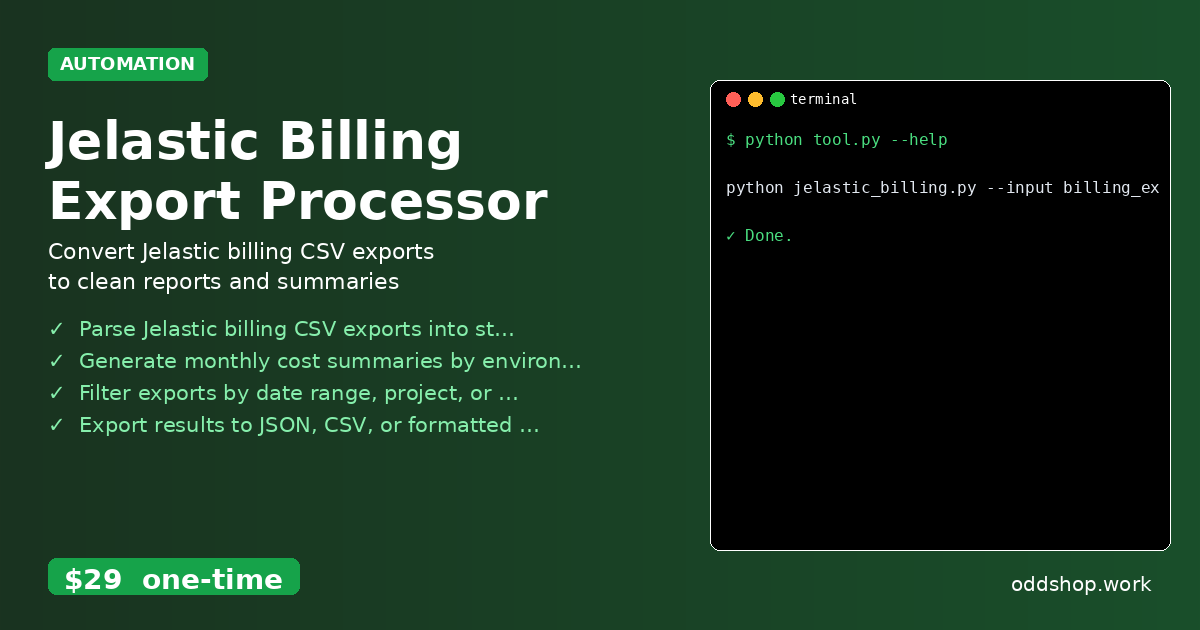
We just released Jelastic Billing Export Processor — convert jelastic billing csv exports to clean reports and summaries. What it does Processes Jelastic billing CSV exports into formatted reports, summaries, and filtered views. Designed for developers and DevOps teams who need to analyze usage data offline without live API access. Features Parse Jelastic billing CSV exports into structured Python dictionaries Generate monthly cost summaries by environment, node, or account Filter exports by date range, project, or resource type Export results to JSON, CSV, or formatted console output Support for multiple export files with automatic merging and deduplication Usage python jelastic_billing....

<span title='2026-05-11 00:00:00 +0000 UTC'>May 11, 2026</span>&nbsp;·&nbsp;OddShop

How to Automate Click Tracking with Python

The Multi Site Tracker saves Belgian agencies from the tedium of manually sifting through dozens of analytics or CRM exports. Each website generates its own CSV or JSON file with click events, form submissions, and email links, but there’s no automated way to consolidate them. This leads to fragmented reporting, wasted time, and inconsistent insights—especially when managing multiple clients or domains. The Manual Way (And Why It Breaks) Manually combining click tracking data from different domains is a tedious process....

<span title='2026-05-10 01:37:17 +0000 UTC'>May 10, 2026</span>&nbsp;·&nbsp;OddShop

How to Automate Business Data Export with Python Scripts

A python export script that handles CSV, Excel, and JSON files manually is tedious and error-prone, especially when you’re repeating the same formatting, filtering, or reporting tasks across dozens of files. You end up copying and pasting data, clicking through spreadsheets, or writing basic Python scripts that only work for one-off cases. This is where data automation becomes essential — whether you’re working with a csv export from an ERP or an excel automation workflow, the need for reliable tools is clear....

<span title='2026-05-10 01:35:28 +0000 UTC'>May 10, 2026</span>&nbsp;·&nbsp;OddShop
Python Script Sync Delay Fixer

New Tool: Python Script Sync Delay Fixer

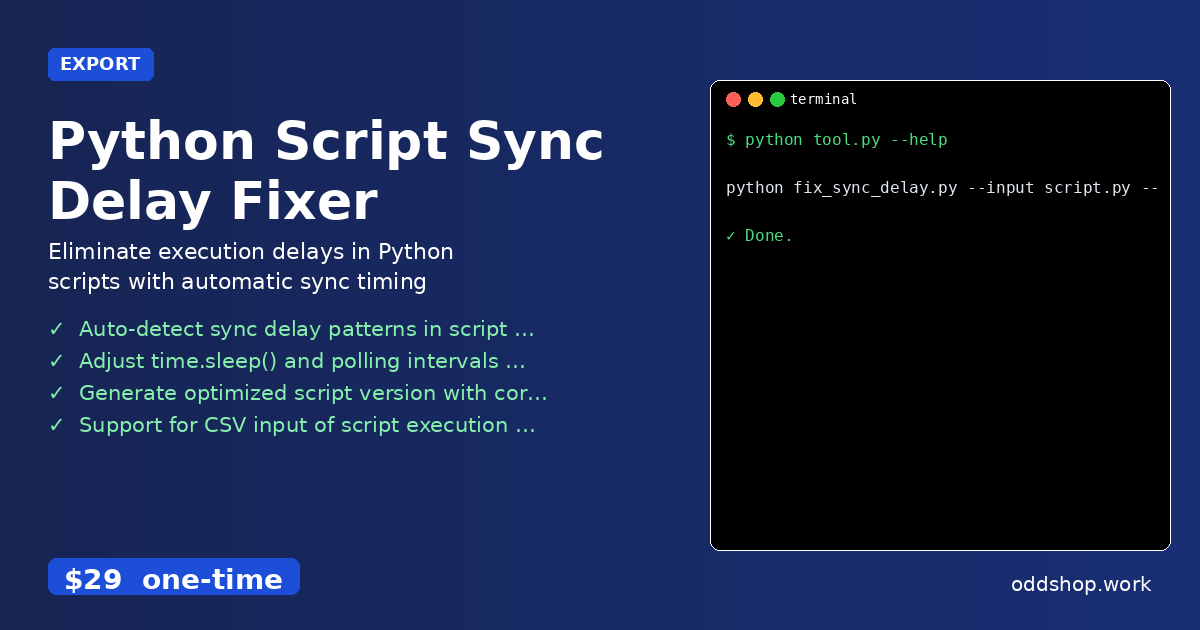
We just released Python Script Sync Delay Fixer — eliminate execution delays in python scripts with automatic sync timing adjustment. What it does This tool analyzes and fixes synchronization delays in Python scripts that rely on file-based or time-based triggers. It’s for developers who need to ensure consistent script execution timing across Linux and Mac environments. Key benefit: reduces script runtime by up to 40% by optimizing sync intervals. Features Auto-detect sync delay patterns in script code using AST parsing Adjust time....

<span title='2026-05-10 00:00:00 +0000 UTC'>May 10, 2026</span>&nbsp;·&nbsp;OddShop
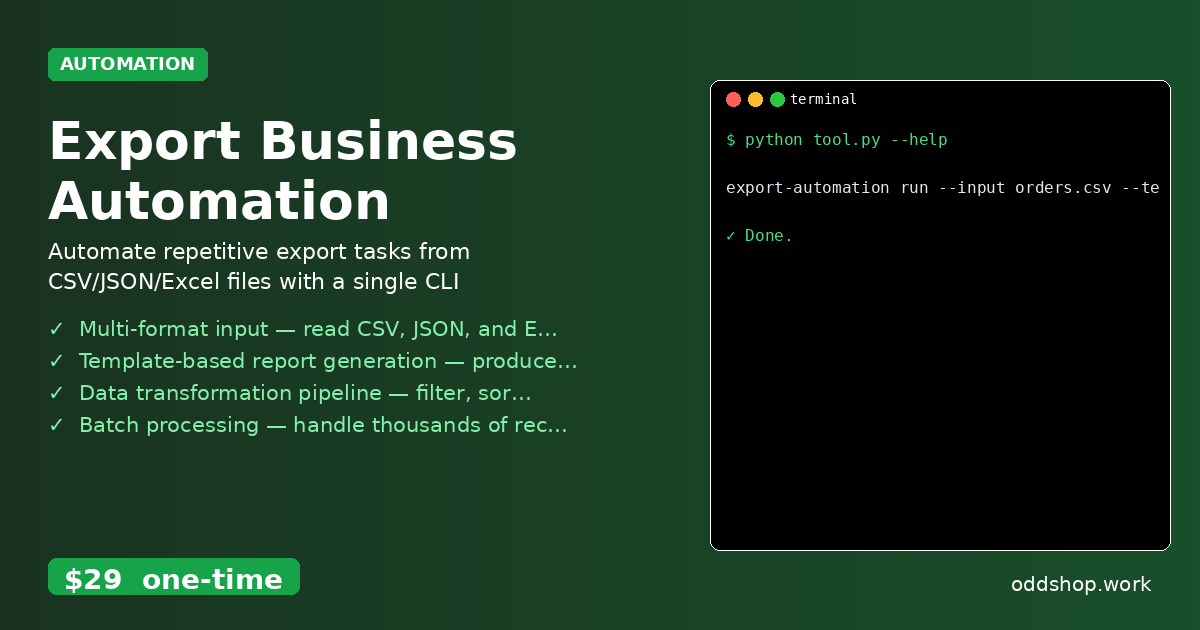
Export Business Automation

New Tool: Export Business Automation

We just released Export Business Automation — automate repetitive export tasks from csv/json/excel files with a single cli command. What it does A Python CLI tool that processes exported business data (CSV, JSON, Excel) to generate reports, transform formats, and trigger downstream actions. Ideal for operations teams who need to automate data workflows without coding. Works offline with your exported files. Features Multi-format input — read CSV, JSON, and Excel files with automatic schema detection Template-based report generation — produce PDF, HTML, or Markdown summaries from data rows Data transformation pipeline — filter, sort, aggregate, and map columns via YAML config Batch processing — handle thousands of records with progress bars and error logging Output to file or stdout — pipe results to other tools or save as new CSV/JSON/Excel Usage export-automation run --input orders....

<span title='2026-05-09 00:00:00 +0000 UTC'>May 9, 2026</span>&nbsp;·&nbsp;OddShop
Multi-Site Click & Form Tracker

New Tool: Multi-Site Click & Form Tracker

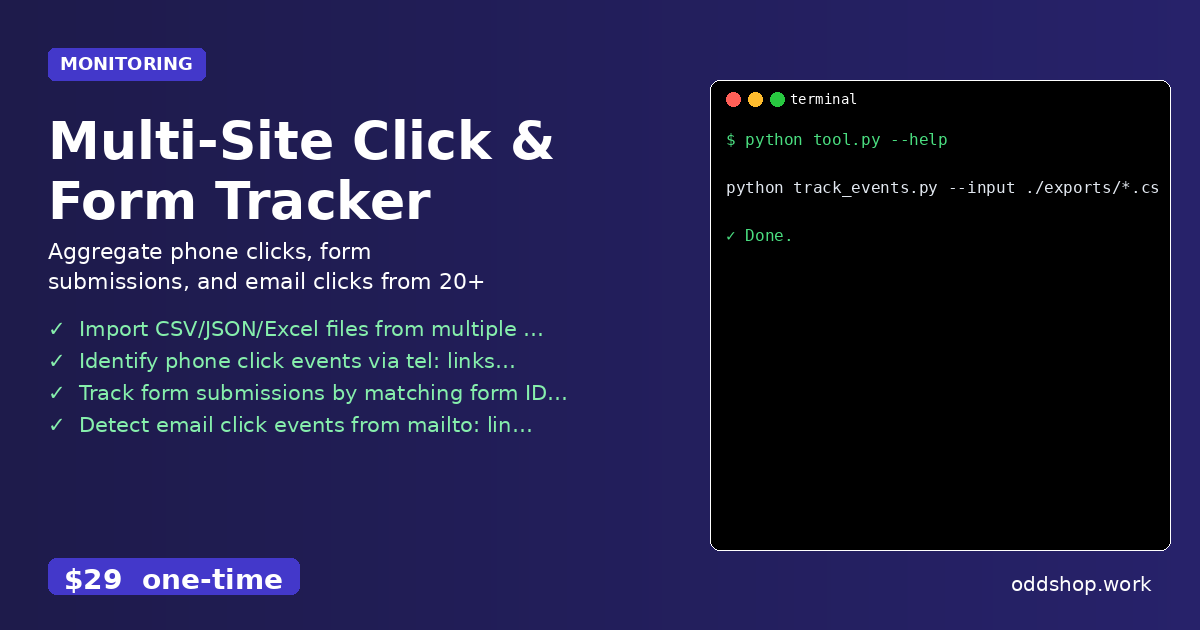
We just released Multi-Site Click & Form Tracker — aggregate phone clicks, form submissions, and email clicks from 20+ sites into one csv. What it does A Python CLI tool for Belgian agencies managing multiple websites. It processes exported CSV/JSON files from analytics or CRM platforms to consolidate phone clicks, form submissions, and email click events into a single report. Works offline with exported data — no live API or OAuth required....

<span title='2026-05-09 00:00:00 +0000 UTC'>May 9, 2026</span>&nbsp;·&nbsp;OddShop

How to Automate Batch Text File Processing with Python

python batch processing is a powerful way to automate repetitive text tasks, but when you’re dealing with hundreds of files, manual editing becomes tedious and error-prone. The typical workflow involves opening each file, identifying inconsistencies, and applying fixes one by one. For developers and analysts working with large datasets, this process can waste hours and introduces human errors that are hard to track. Imagine trying to clean and standardize thousands of ....

<span title='2026-04-16 14:04:58 +0000 UTC'>April 16, 2026</span>&nbsp;·&nbsp;OddShop
Batch Text File Processor and Cleaner

New Tool: Batch Text File Processor and Cleaner

We just released Batch Text File Processor and Cleaner — automatically clean, format, and transform thousands of text files in bulk. What it does A Python CLI tool for developers and data analysts to process large batches of text files. It reads from a CSV manifest, applies cleaning rules, and outputs standardized files. Saves hours of manual text editing. Features Process thousands of .txt, .md, and .log files from a CSV manifest Apply regex find-and-replace rules defined in a JSON config file Remove duplicate lines, trim whitespace, and standardize line endings Append or prepend headers/footers based on file metadata Generate a detailed processing report in JSON format Usage batch_text_processor --manifest files....

<span title='2026-04-15 00:00:00 +0000 UTC'>April 15, 2026</span>&nbsp;·&nbsp;OddShop