How to Generate Fake Shopify Order Data with Python

Generating python fake order data manually is time-consuming and error-prone. It’s especially frustrating when you need realistic test data to validate a Shopify app or run integration tests. Manually crafting records with fake customer names, product details, and order statuses takes hours and rarely feels accurate. Tools like the python faker library help, but for Shopify-specific workflows, a dedicated order generator is more practical. The Manual Way (And Why It Breaks) Creating test data for your Shopify app by hand involves copying and pasting rows, adjusting timestamps, and generating unique IDs....

<span title='2026-03-20 19:22:35 +0000 UTC'>March 20, 2026</span>&nbsp;·&nbsp;OddShop
Fake Shopify Order Data Generator

Fake Shopify Order Data Generator

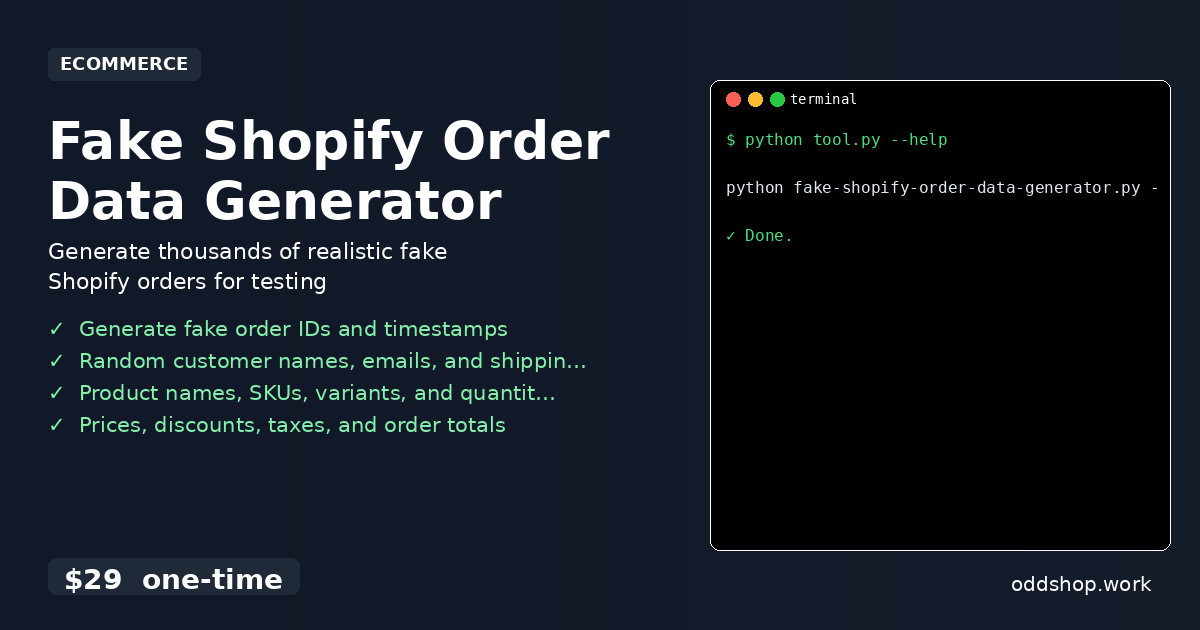
Generates realistic fake Shopify order records as CSV for app testing. Creates order data with customer info, product names, SKUs, quantities, prices, and order status using only Python standard library. Features Generate fake order IDs and timestamps Random customer names, emails, and shipping addresses Product names, SKUs, variants, and quantities Prices, discounts, taxes, and order totals Order status distribution (fulfilled, pending, refunded) Configurable record count via –records argument Usage python fake-shopify-order-data-generator....

<span title='2026-03-20 00:00:00 +0000 UTC'>March 20, 2026</span>&nbsp;·&nbsp;OddShop

Shopify Product Sync Tool

Keep your Shopify product catalog in sync automatically. No more manual copy-paste between stores, no more mismatched inventory. What it does Pulls product data from your Shopify store via API Compares against a local JSON file or secondary store Updates only what has changed — skips unchanged products Logs every change with timestamp and product ID Runs on a schedule or on-demand Requirements Python 3.8+ A Shopify store with API access requests library (pip install requests) Usage python shopify_product_sync....

<span title='2026-03-07 00:00:00 +0000 UTC'>March 7, 2026</span>&nbsp;·&nbsp;OddShop