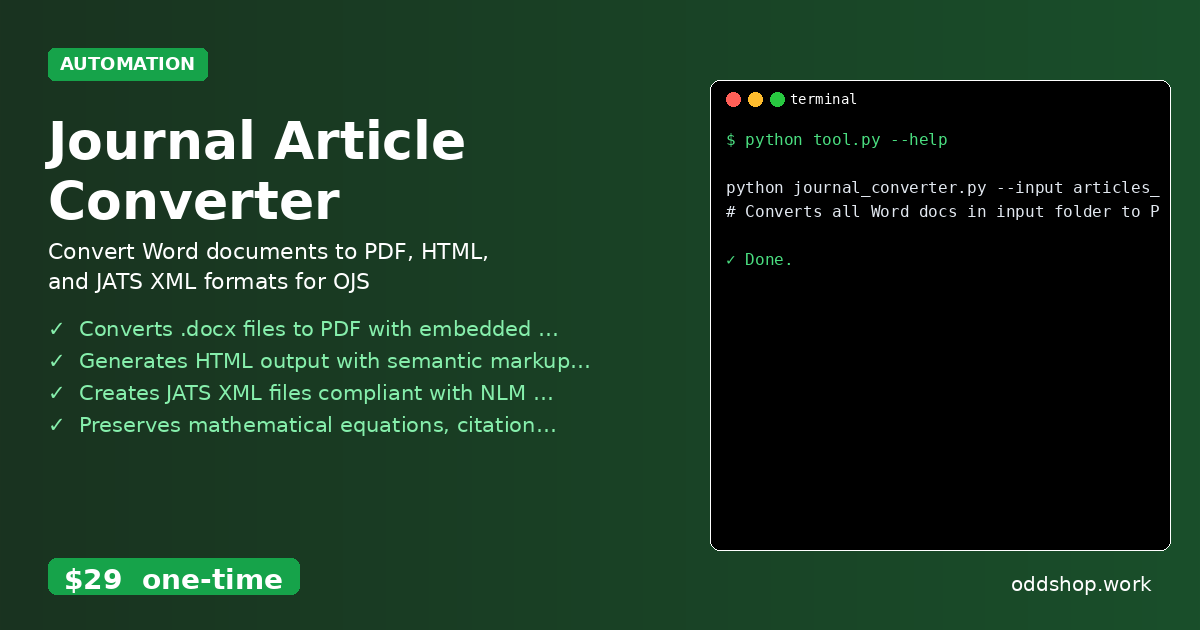
How to Batch Process Word Documents with Python for Scholarly Publishing

If you’re working with dozens of research papers and manually converting each one to different formats, this Python solution will change everything. Academic workflows often require transforming Word documents into PDFs, HTML, and JATS XML for submission to Open Journal Systems — a tedious task that eats up hours of your time. The Manual Way (And Why It Breaks) Most developers dealing with scholarly publishing resort to manual labor: copy-pasting content into new documents, clicking through menus to export each file, or using spreadsheets to track metadata....
<span title='2026-03-17 10:35:39 +0000 UTC'>March 17, 2026</span>&nbsp;·&nbsp;OddShop

Python Script to Automate Academic Publishing Workflow

If you’re managing multiple journal submissions and tired of manual formatting, Python can save you hours each week. Automate academic publishing python with tools that handle the repetition for you. You no longer need to copy-paste content, format citations, or repeatedly hit API limits just to get your work into the right structure for submission. The Manual Way (And Why It Breaks) The typical workflow for academic publishing starts with a Word document and ends with a submission that needs to be converted into multiple formats: PDF for review, HTML for web display, and JATS XML for Open Journal Systems (OJS)....

<span title='2026-03-17 10:34:00 +0000 UTC'>March 17, 2026</span>&nbsp;·&nbsp;OddShop

How to Convert Journal Articles from Word to JATS XML with Python

If you’ve ever spent hours manually converting Word documents to XML for scholarly journals, you know the frustration. The process is tedious, error-prone, and eats up valuable development time. As academic publishers grow, the need to automate this workflow becomes more urgent — especially when handling dozens or hundreds of articles at once. The Manual Way (And Why It Breaks) Most developers who work with academic publishing tools end up doing this by hand....

<span title='2026-03-17 10:32:03 +0000 UTC'>March 17, 2026</span>&nbsp;·&nbsp;OddShop

How to Clean Bulk Ebay Export Data with Python

If you’re spending hours each week cleaning Ebay CSV exports manually, this Python solution will change everything. Manually sifting through listings, copying data into spreadsheets, and calculating profit margins is not only time-consuming but also error-prone. When you’re managing hundreds of products, the repetitive task of data entry becomes a bottleneck for your business operations. The Manual Way (And Why It Breaks) Most developers who work with Ebay data fall back on spreadsheets or manual copy-paste methods....

<span title='2026-03-17 10:29:15 +0000 UTC'>March 17, 2026</span>&nbsp;·&nbsp;OddShop

Python Script to Automate Marketplace Product Analysis

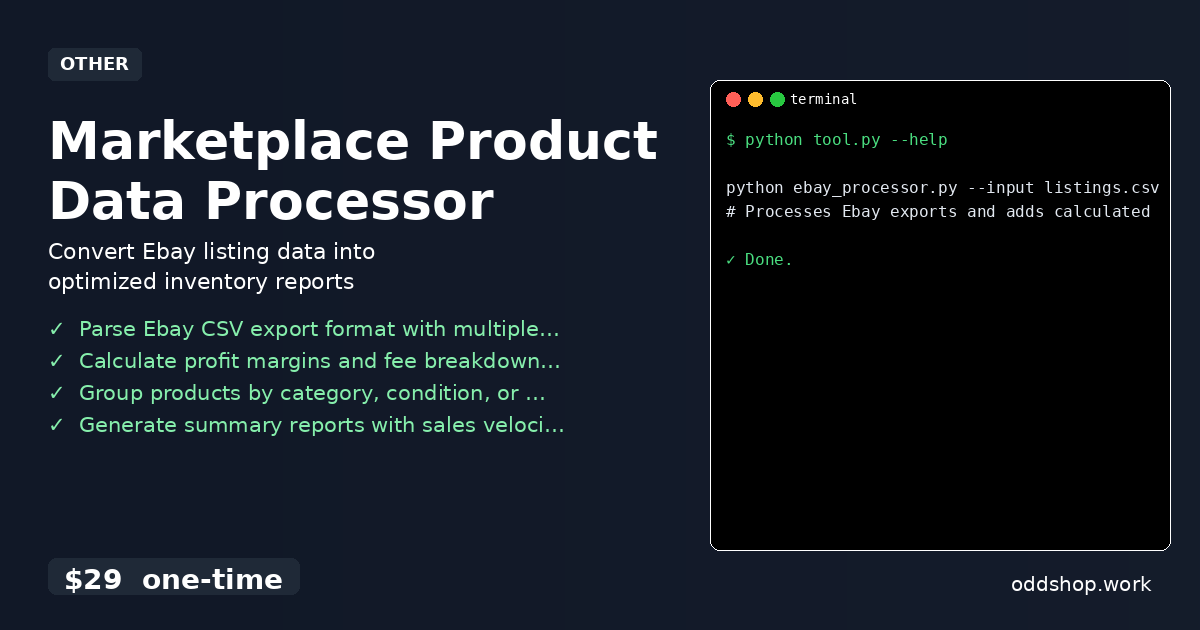
Imagine automatically grouping your marketplace products by category, condition, and price range with a single Python script. If you’re running a marketplace business, you’ve likely spent hours manually sorting listings, calculating profit margins, and compiling reports. The process is tedious, error-prone, and eats up valuable time. There’s no good way to scale this without automation — but how do you actually get there? The Manual Way (And Why It Breaks) Most business owners who sell on platforms like eBay handle product analysis in spreadsheets or by manually exporting listings and copying data into tools like Excel....

<span title='2026-03-17 10:27:18 +0000 UTC'>March 17, 2026</span>&nbsp;·&nbsp;OddShop

Automate Your Job Board Data Workflow with Python

You’re spending hours manually cleaning job board data every week, and it’s time to automate that tedious process. Whether you’re scraping listings from Amazon, LinkedIn, or Indeed, the raw data you get is rarely ready for analysis. Duplicates, inconsistent date formats, and messy HTML descriptions make your datasets unusable. If you’re doing this by hand, it’s time to stop. The Manual Way (And Why It Breaks) Without automation, analysts often resort to copy-pasting data into spreadsheets, manually removing duplicates, or cleaning HTML by hand....

<span title='2026-03-17 10:22:32 +0000 UTC'>March 17, 2026</span>&nbsp;·&nbsp;OddShop

How to Clean Scraped Job Data with Python for Analysis

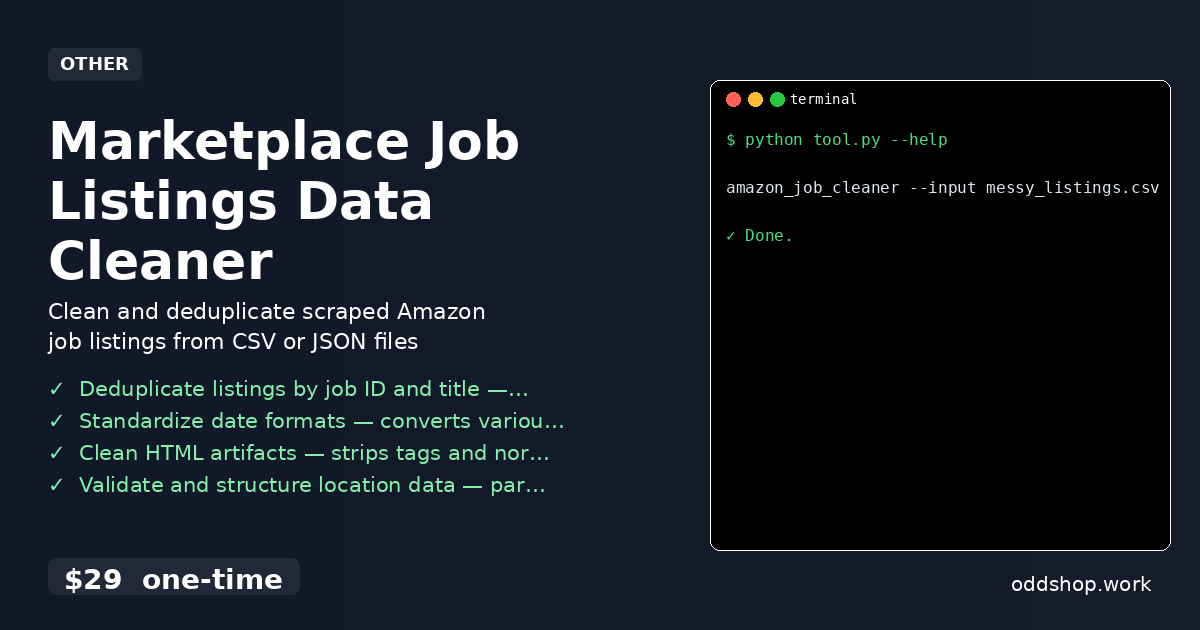
You’ve scraped Amazon’s careers page and now have a mess of duplicate entries, broken HTML, and inconsistent date formats. The job listings are scattered across multiple rows, descriptions are full of <br> tags and strange line breaks, and some dates are in MM/DD/YYYY while others are DD-MM-YYYY. You need clean data for analysis, but the raw scrape is unusable as-is. The Manual Way (And Why It Breaks) Most developers try to clean this by hand — copying and pasting into spreadsheets, deleting rows manually, or writing quick scripts in Excel or Notepad++....

<span title='2026-03-17 10:18:25 +0000 UTC'>March 17, 2026</span>&nbsp;·&nbsp;OddShop

Python Script to Analyze Order and Inventory CSV Data

When you’re drowning in CSV exports from your ecommerce platform, a Python script can transform your data into actionable insights. But manually analyzing order and inventory data can be tedious, error-prone, and time-consuming. If you’re managing a medium-sized store, that data is likely scattered across multiple files, each containing a piece of the puzzle. The Manual Way (And Why It Breaks) Most developers dealing with CSV order and inventory data fall back on Excel or Google Sheets....

<span title='2026-03-17 10:06:48 +0000 UTC'>March 17, 2026</span>&nbsp;·&nbsp;OddShop

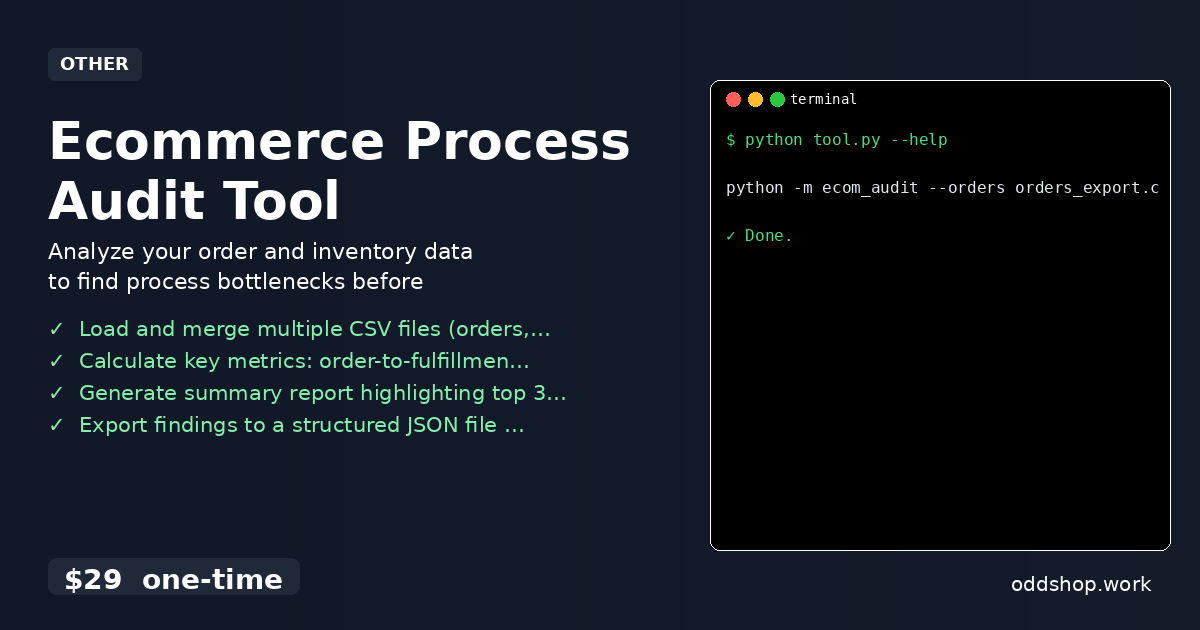
How to Identify Ecommerce Process Failures with Python

If your ecommerce store is losing money due to delayed fulfillments and stockouts, a simple Python script can reveal the root causes. These issues often go unnoticed until they become costly — but with data, you can spot bottlenecks before they hurt your bottom line. The Manual Way (And Why It Breaks) Most small to mid-sized ecommerce teams try to identify process failures by manually reviewing spreadsheets, copying data between tools, or parsing CSV exports in Excel....

<span title='2026-03-17 10:04:42 +0000 UTC'>March 17, 2026</span>&nbsp;·&nbsp;OddShop

Python Script to Fix Bulk Product Listings for eBay Sellers

When your eBay inventory export comes back with inconsistent formatting and invalid data, it’s time for a Python solution. Manual editing of product listings is time-consuming and error-prone, especially when dealing with hundreds or thousands of items. A single typo in a product title or incorrect category ID can cause your listing to be flagged or rejected. If you’re manually cleaning up product data from export tools, you’re wasting hours that could be spent growing your business....

<span title='2026-03-17 09:59:44 +0000 UTC'>March 17, 2026</span>&nbsp;·&nbsp;OddShop

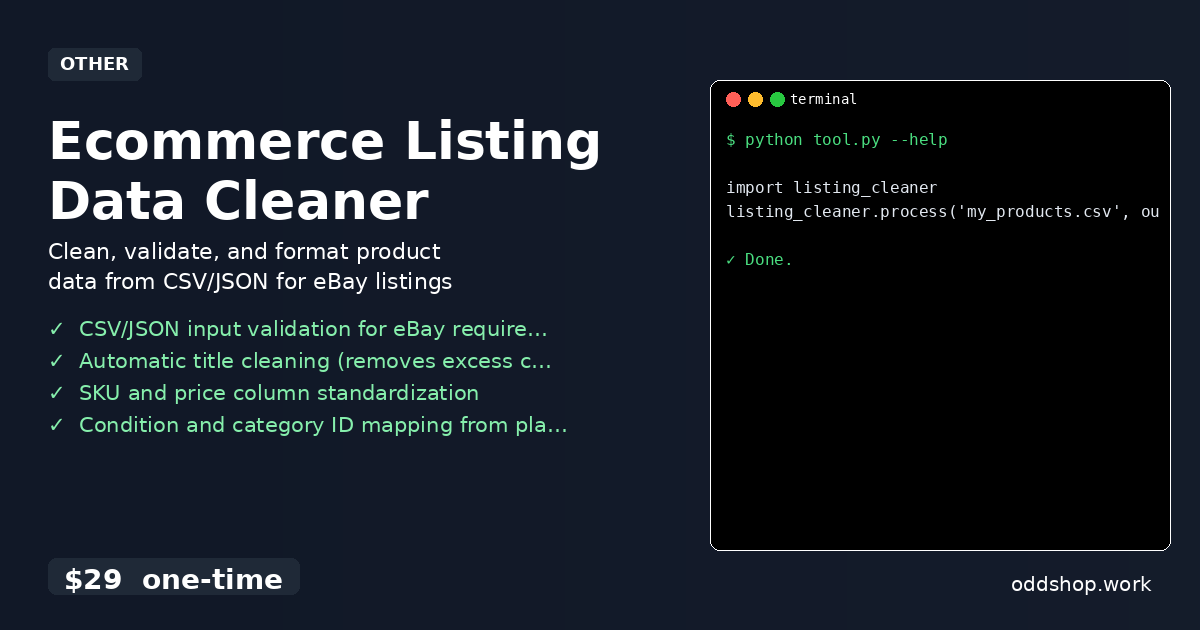
How to Clean eBay Product Data with Python CLI Tools

If you’ve ever spent hours manually fixing eBay product titles and formatting, you know how frustrating it is. The process is tedious, error-prone, and eats up time that could be spent on growing your business. When eBay requires precise formatting for listings, and inventory exports come in messy, inconsistent shapes — that’s where automation comes in. The Manual Way (And Why It Breaks) Most developers or sellers who work with eBay inventory data do it the old-fashioned way: copy-paste from spreadsheets, manually edit listing titles, and format prices and SKUs by hand....

<span title='2026-03-17 09:57:43 +0000 UTC'>March 17, 2026</span>&nbsp;·&nbsp;OddShop

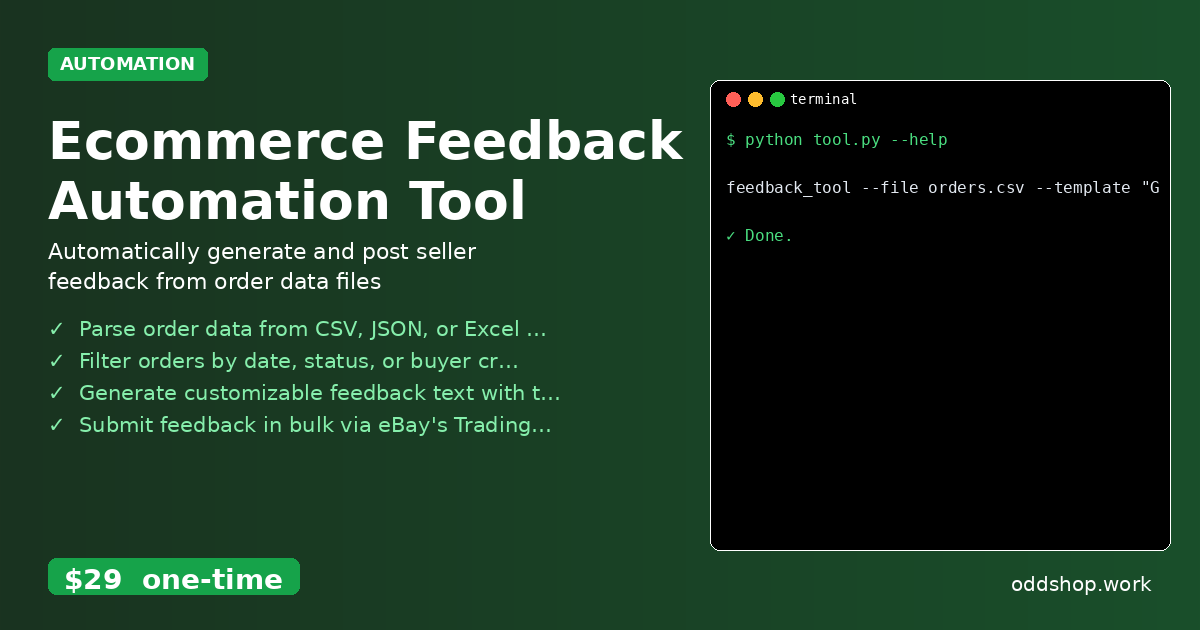
How to Build a Bulk Feedback Automation Tool with Python

If you’ve been manually posting feedback for eBay buyers for hours every week, it’s time to automate that workflow with Python. The process of clicking through each order, typing out feedback, and hitting submit is not only tedious but also prone to errors. For sellers managing dozens of transactions a day, this becomes a serious time sink. The Manual Way (And Why It Breaks) Most eBay sellers who handle high volumes of orders fall into the trap of using spreadsheets or manually clicking through each buyer’s profile....

<span title='2026-03-17 09:55:02 +0000 UTC'>March 17, 2026</span>&nbsp;·&nbsp;OddShop