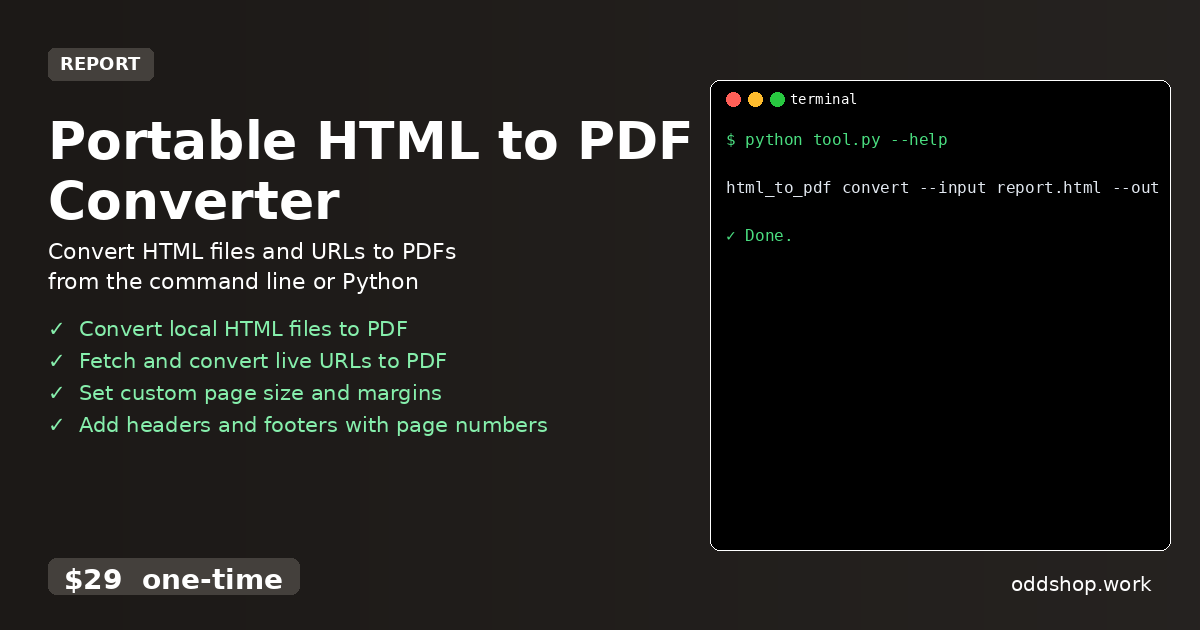
How to Automate Document Archiving with Python PDF Converter

Imagine being able to automatically archive 100 web pages to PDF with a single Python command. This isn’t just a time-saver—it’s a productivity game-changer for developers managing large volumes of reports, documentation, or web-based archives. Automating document archiving in Python is often more frustrating than it should be. Most developers resort to clicking through browser tabs, copying and pasting content, or wrestling with inconsistent APIs that fail under load. The result?...
<span title='2026-03-17 09:14:34 +0000 UTC'>March 17, 2026</span>&nbsp;·&nbsp;OddShop

Python Script to Generate PDF Reports from Web Pages

When customers request printed copies of your website content, you don’t want to manually screenshot and compile. It’s time-consuming, error-prone, and not scalable. Imagine having to generate PDFs for dozens of product pages, blog posts, or reports—each one a manual click or scroll. That’s where a pdf report generator python solution can save the day. The Manual Way (And Why It Breaks) Developers often resort to laborious workarounds when faced with generating PDFs from web content....

<span title='2026-03-17 09:12:45 +0000 UTC'>March 17, 2026</span>&nbsp;·&nbsp;OddShop

How to Convert HTML Reports to PDF with Python Automatically

If you’re tired of manually converting HTML reports to PDF every day, this Python solution will change everything. You’re not alone if you’ve spent hours copy-pasting templates, clicking through browser menus, or wrestling with API rate limits. Automating this task is essential for developers who want to spend time building, not repeating. The Manual Way (And Why It Breaks) Most developers who work with HTML reports fall into one of two traps: they either copy-paste content into PDF editors like Word or use browser print-to-PDF features....

<span title='2026-03-17 09:11:20 +0000 UTC'>March 17, 2026</span>&nbsp;·&nbsp;OddShop

Automate Excel Data Consolidation with Python Workflow

Every morning you spend 30 minutes consolidating data from multiple Excel files? Here’s how to automate that process with Python. If you’re a data analyst or developer who works with spreadsheets daily, you’ve likely faced the repetitive task of merging sales reports, monthly summaries, or operational data from different sheets and files. It’s tedious, error-prone, and eats up valuable time that could be better spent on insights. The Manual Way (And Why It Breaks) Without automation, analysts usually resort to manual steps: opening each file, copying data, pasting into a master workbook, handling formatting inconsistencies, and double-checking for errors....

<span title='2026-03-17 09:08:47 +0000 UTC'>March 17, 2026</span>&nbsp;·&nbsp;OddShop

Python Script to Combine Excel Sheets into One Workbook

When your team has spreadsheets scattered across multiple sheets and workbooks, this Python solution saves the day. Imagine trying to consolidate quarterly sales data from ten separate Excel files — each with their own formatting, headers, and sheet names. Copy-pasting manually isn’t just time-consuming; it’s error-prone and inefficient. That’s where a well-built combine excel sheets python script comes in handy. The Manual Way (And Why It Breaks) Most people facing this problem fall back on manual methods....

<span title='2026-03-17 09:06:59 +0000 UTC'>March 17, 2026</span>&nbsp;·&nbsp;OddShop

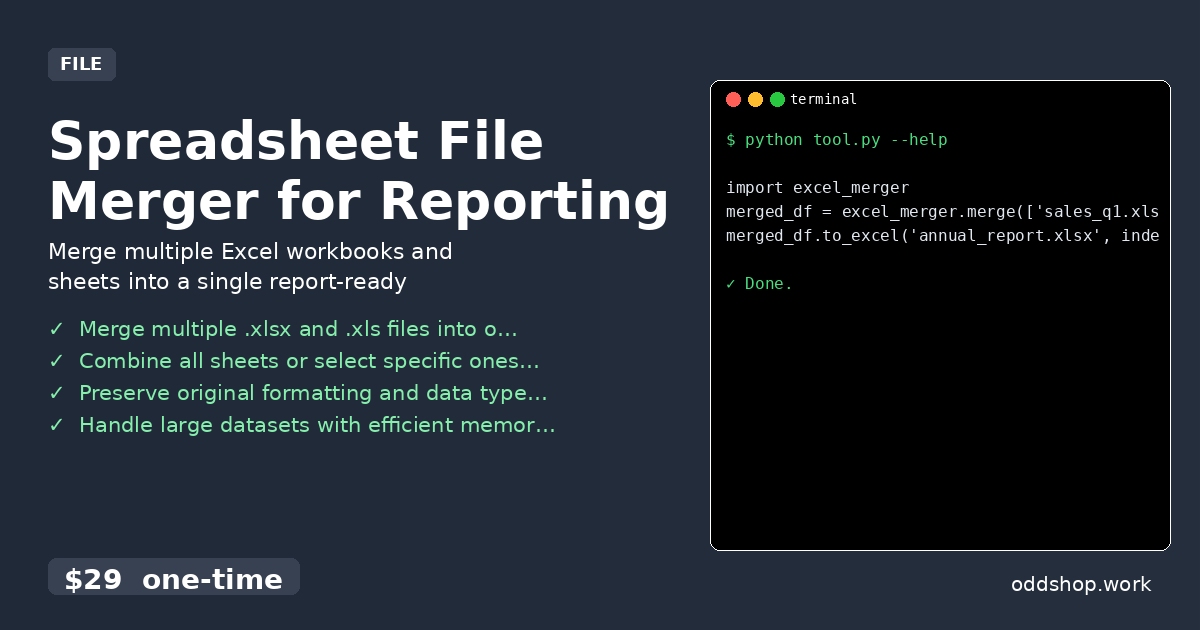
How to Merge Multiple Excel Files in Python for Reporting

Tired of spending hours manually copying data between Excel files for your quarterly reports? If you’re a developer or analyst working with Excel workbooks, you’ve likely encountered this: multiple files, multiple sheets, scattered data that needs to be consolidated into one report. It’s tedious, error-prone, and wastes valuable time. The Manual Way (And Why It Breaks) Most people deal with this by copying and pasting data between Excel files, often opening and closing dozens of workbooks....

<span title='2026-03-17 09:05:07 +0000 UTC'>March 17, 2026</span>&nbsp;·&nbsp;OddShop

How to Automate Merchandise Design Workflow with Python

Tired of switching between design tools and manually adjusting product templates for every new order? If you’re running a print-on-demand business or managing a merch design pipeline, you know how time-consuming and error-prone this process can be. Every t-shirt, mug, or hoodie requires a new image, and every image needs to be repositioned, resized, and exported—often dozens of times per week. The Manual Way (And Why It Breaks) Without automation, designers and developers rely on manual Photoshop or Illustrator workflows....

<span title='2026-03-17 09:02:33 +0000 UTC'>March 17, 2026</span>&nbsp;·&nbsp;OddShop

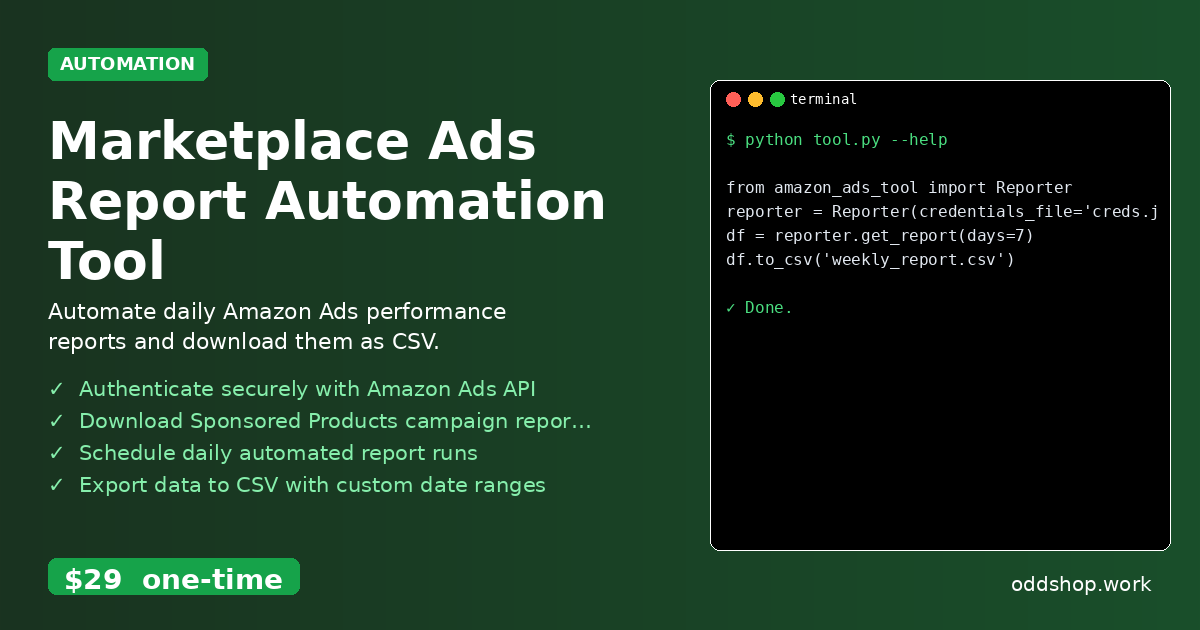
How to Schedule Daily Amazon Ads Data Exports with Python

Want to automatically download your Amazon Ads reports every day without lifting a finger? This Python automation handles everything for you. If you’re managing sponsored product campaigns, manually downloading reports is time-consuming and error-prone. You’re likely hitting API limits, copying data into spreadsheets, or missing critical performance insights due to inconsistent reporting. The Manual Way (And Why It Breaks) Most developers who manage Amazon Ads fall into the routine of logging in manually, selecting date ranges, and downloading campaign reports....

<span title='2026-03-17 08:55:34 +0000 UTC'>March 17, 2026</span>&nbsp;·&nbsp;OddShop

How to Automate Amazon Ads Campaign Reports with Python

Tired of manually downloading Amazon Ads campaign reports every morning? This Python script will save you 2+ hours daily. Managing Amazon Ads campaigns often means sifting through performance data manually. You might have to log into the Amazon Ads console, select reports, choose date ranges, and click download dozens of times each week. It’s repetitive, error-prone, and wastes valuable developer time that could be spent analyzing trends or optimizing ad strategies....

<span title='2026-03-17 08:51:41 +0000 UTC'>March 17, 2026</span>&nbsp;·&nbsp;OddShop

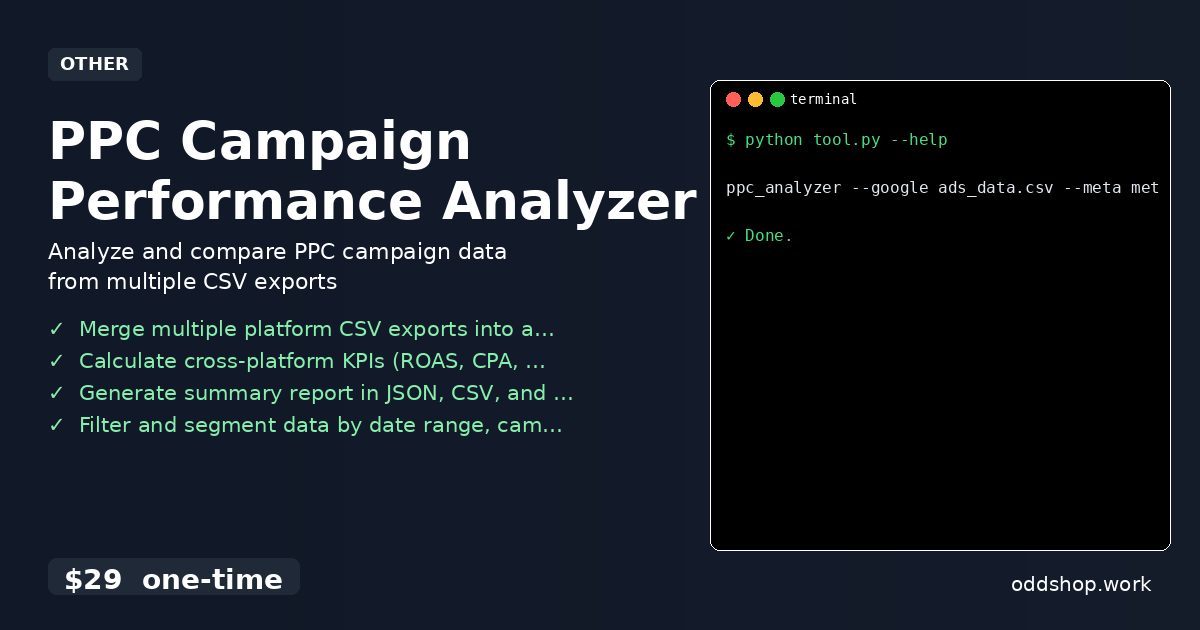
Automate PPC Campaign Reporting with Python and CSV Data

If you’re manually calculating ROAS, CPA, and CTR across multiple advertising platforms every week, it’s time to automate this process. You’re probably copying data between spreadsheets, running formulas by hand, and spending hours trying to align metrics from Google Ads, Meta, and Microsoft Advertising. The manual workflow is error-prone and doesn’t scale when you have dozens of campaigns or need to report to multiple stakeholders. The Manual Way (And Why It Breaks) Most marketers who try to automate this themselves end up writing custom scripts or using spreadsheets to merge data from different platforms....

<span title='2026-03-17 08:01:44 +0000 UTC'>March 17, 2026</span>&nbsp;·&nbsp;OddShop

How to Analyze Google Ads and Meta Ads Performance with Python

If you’ve ever spent hours manually comparing Google Ads and Meta Ads reports, you know how tedious this process can be. Copy-pasting data, aligning columns, and calculating metrics by hand is not only time-consuming but also prone to errors. It’s a task that should be automated — especially when you’re managing multiple campaigns across platforms. The Manual Way (And Why It Breaks) Most developers and marketers dealing with ad performance data rely on spreadsheets or manual export/import methods to compare results....

<span title='2026-03-17 07:57:40 +0000 UTC'>March 17, 2026</span>&nbsp;·&nbsp;OddShop