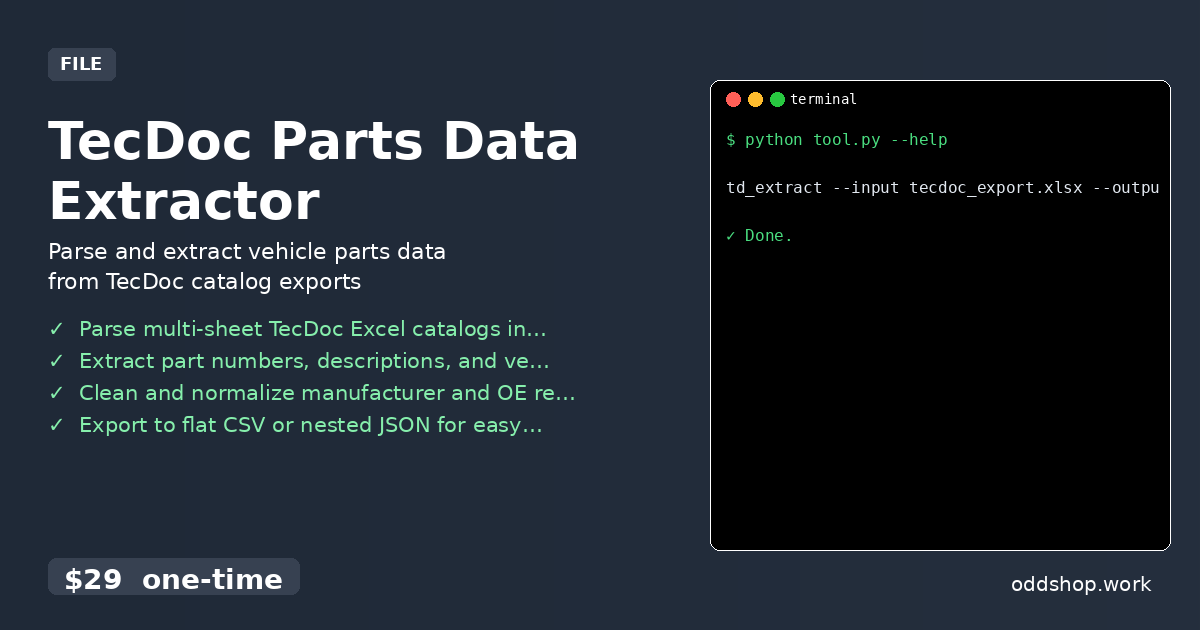
How to automate TecDoc parts data extraction with Python

TecDoc parts extractor tools save developers from hours of manual work when processing automotive catalog data. The tedious process of parsing multi-sheet Excel files and mapping vehicle compatibility can take days. For those who need clean, queryable parts data for integration, automation is a necessity. The Manual Way (And Why It Breaks) Manually processing TecDoc exports means opening Excel files, copying data across sheets, and cross-referencing part numbers. Each vehicle model often spans multiple sheets, and manufacturers use inconsistent naming conventions....
<span title='2026-04-05 11:25:41 +0000 UTC'>April 5, 2026</span>&nbsp;·&nbsp;OddShop

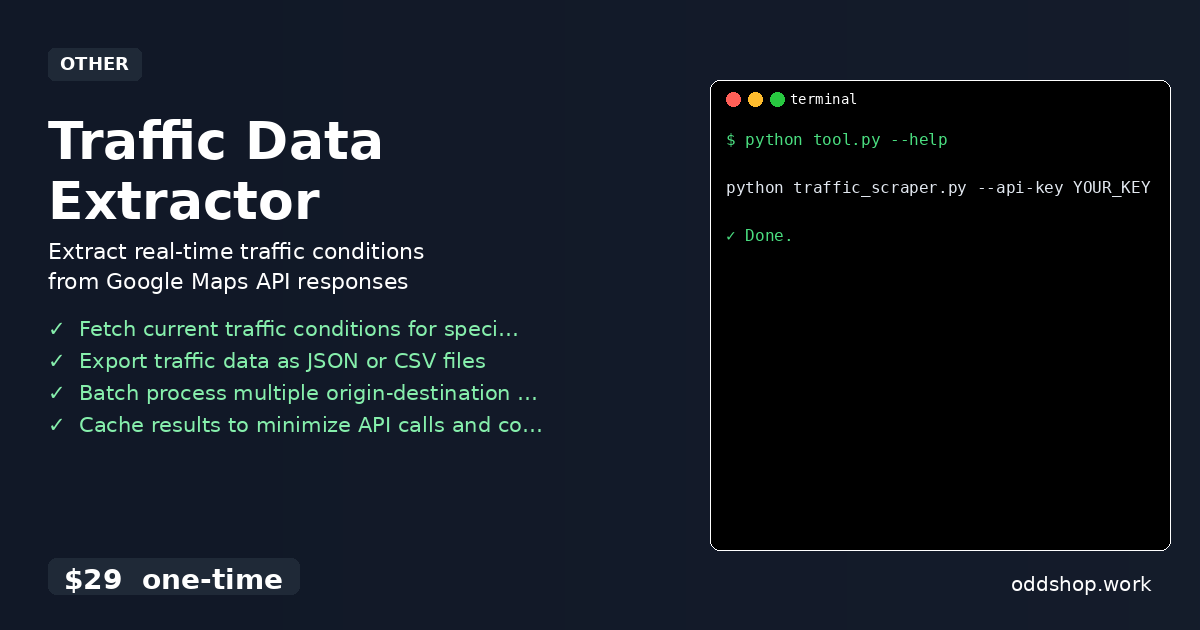
How to Extract Live Traffic Data with Python CLI

Working with python traffic data often means wrestling with outdated tools or manual processes that are both time-consuming and error-prone. Developers and analysts trying to build traffic-aware applications are often left scraping public sources or relying on APIs that don’t expose the real-time conditions you need. The process of collecting live traffic details from Google Maps API without a proper tool is a headache, and it’s easy to hit rate limits or miss the data you’re after....

<span title='2026-04-04 11:19:33 +0000 UTC'>April 4, 2026</span>&nbsp;·&nbsp;OddShop

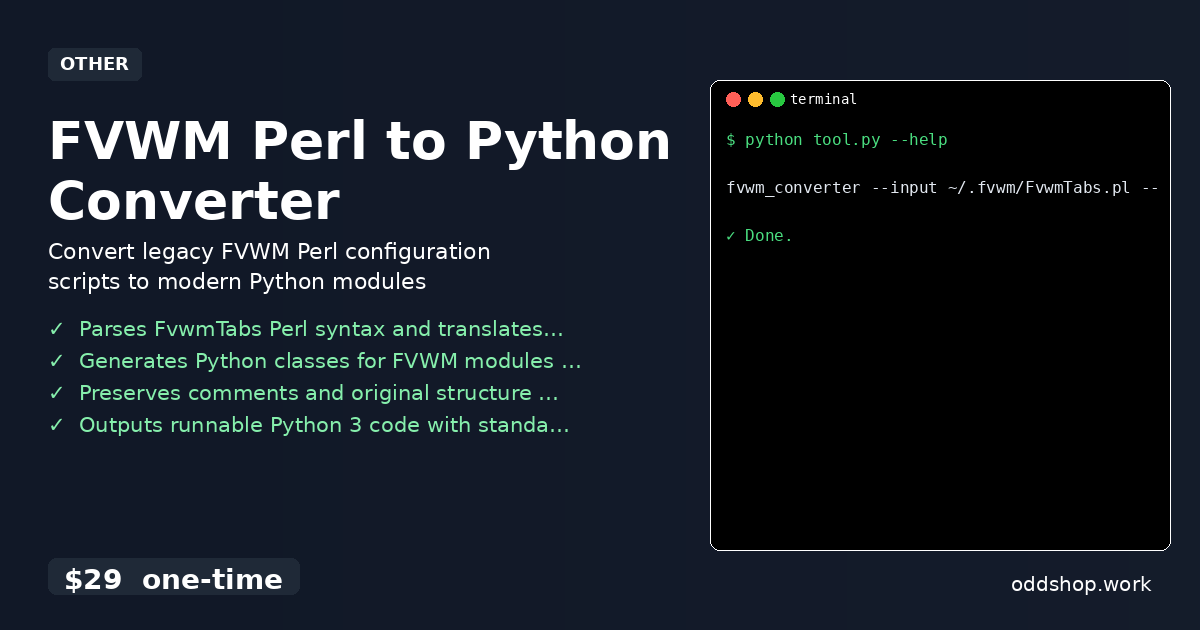
How to automate fvwm perl to python converter with python

FVWM users who rely on Perl scripts for window manager automation often find themselves stuck in legacy codebases. The FVWM Perl to Python Converter helps bridge that gap, translating existing Perl modules into clean, modern Python code. If you’re managing custom FVWM setups and avoiding Perl dependencies, this tool can save you hours of manual rework. The Manual Way (And Why It Breaks) Manually converting Perl scripts to Python for FVWM automation is a tedious and error-prone process....

<span title='2026-04-03 11:15:41 +0000 UTC'>April 3, 2026</span>&nbsp;·&nbsp;OddShop

How to Extract Brand and Promotion Data with Python

Marketplace data extraction from Amazon product listings used to require hours of manual effort. Copying brand names, parsing promotion text, and organizing results into clean reports was tedious and error-prone. For analysts and developers working with competitor data, it’s a bottleneck that slows down insights. The Manual Way (And Why It Breaks) Manually sifting through Amazon exports is not just slow—it’s prone to mistakes. You must open each file, scan the product rows, and extract brand names and promotion terms like “deal,” “coupon,” or “off....

<span title='2026-04-03 11:13:37 +0000 UTC'>April 3, 2026</span>&nbsp;·&nbsp;OddShop

How to Automate Social Media Data Export with Python

python social media automation tools can save hours of manual work — especially when dealing with Facebook group exports. But what happens when the Facebook data export comes as a massive, nested JSON file? That’s where automation breaks down. Most people end up manually copying and pasting data across spreadsheets, trying to maintain post hierarchy and reaction counts. For researchers or group admins, the process becomes a headache — especially when looking to analyze trends or archive discussions....

<span title='2026-04-02 11:10:12 +0000 UTC'>April 2, 2026</span>&nbsp;·&nbsp;OddShop

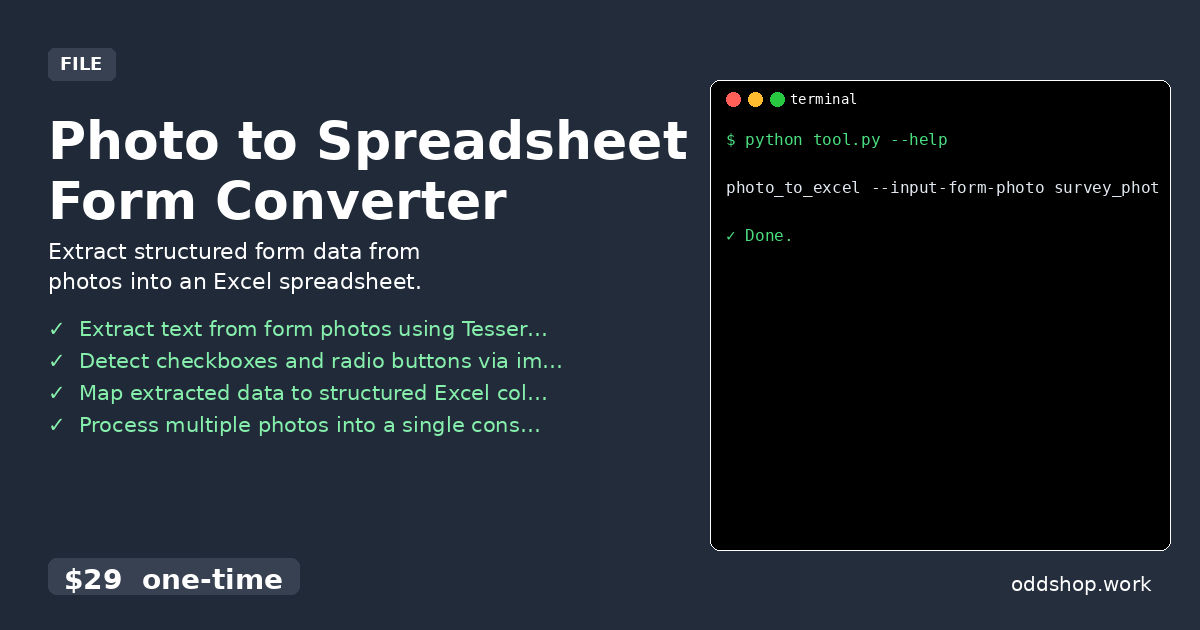
How to Convert Photos to Excel Spreadsheets with Python

Photo to spreadsheet conversion is a time-consuming task often done manually, especially when field workers or researchers scan paper forms and then type data into Excel. The process is error-prone, repetitive, and slows down workflows. With tools like OCR Python and image to text Python, developers can automate parts of this process—but doing it right requires handling form layouts, checkboxes, and structured output. The Manual Way (And Why It Breaks) Manually entering data from paper forms is tedious and inefficient....

<span title='2026-04-02 11:08:00 +0000 UTC'>April 2, 2026</span>&nbsp;·&nbsp;OddShop

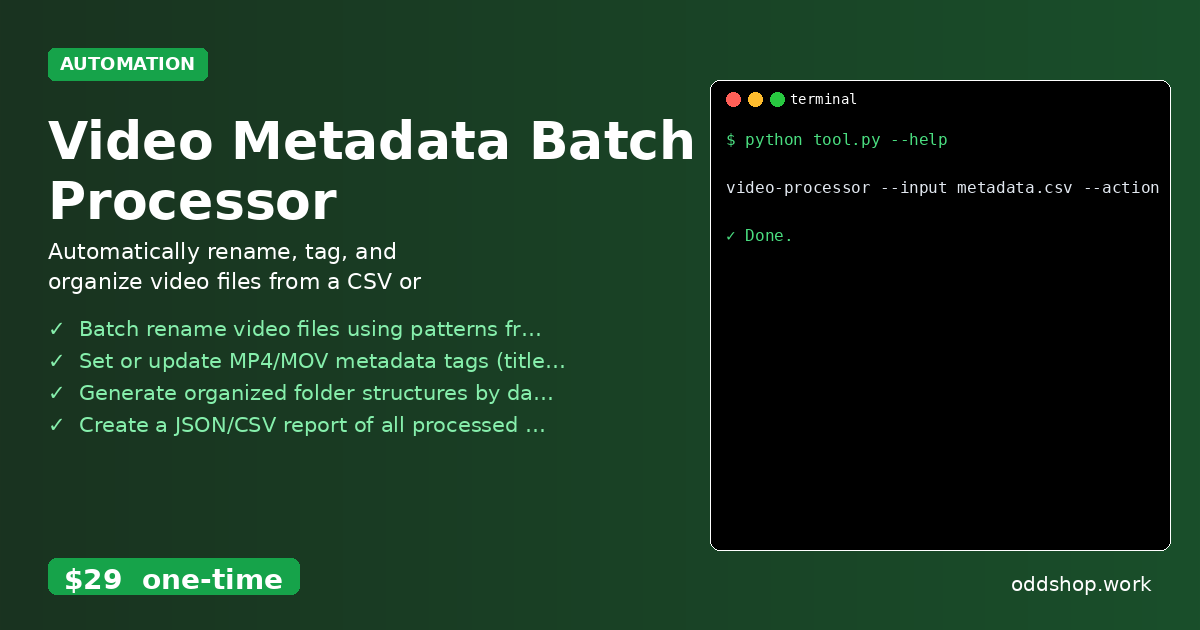
How to Automate Video Metadata Processing with Python

python video automation doesn’t have to mean manual drudgery. For content creators and media managers handling dozens or hundreds of video files, the repetitive task of renaming and tagging can quickly become a bottleneck. A simple tool that automates these tasks — like a video metadata batch processor — is a necessity for those looking to scale their workflow. When you’re juggling multiple projects, the last thing you want is to spend hours manually updating file names and metadata....

<span title='2026-04-01 11:00:59 +0000 UTC'>April 1, 2026</span>&nbsp;·&nbsp;OddShop

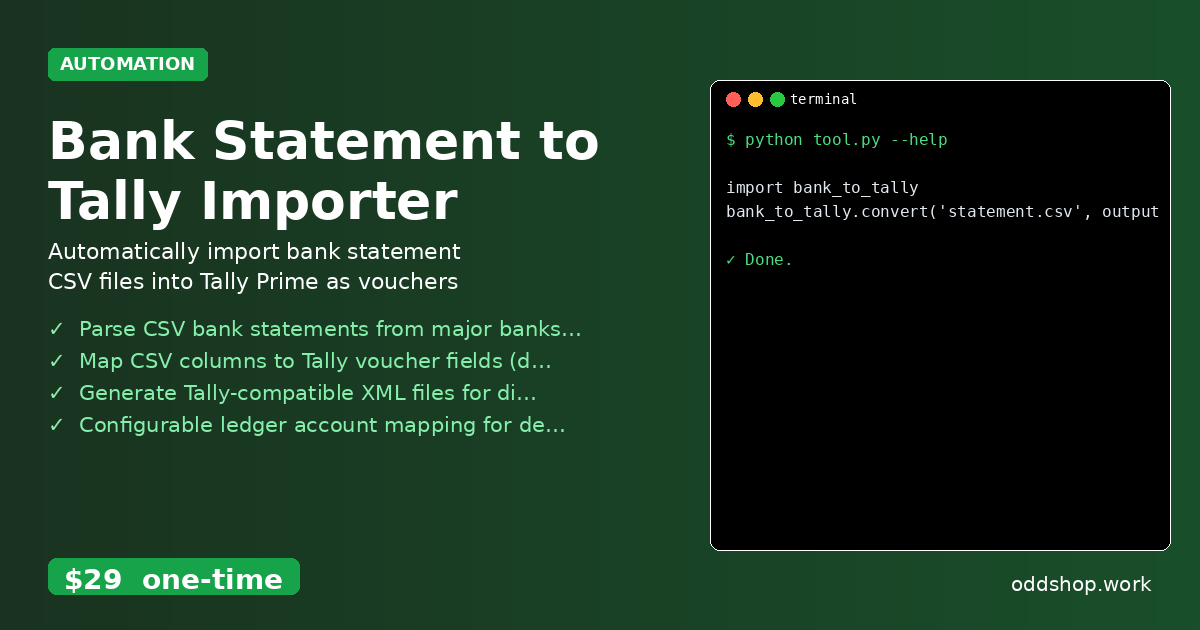
How to Automate Bank Statement Imports with Python

Bank statement python tools can save hours of manual work, but only when they’re built for real-world complexity. Most businesses still rely on tedious CSV-to-Tally imports, requiring accountants to retype every transaction. This bank statement python solution streamlines that process by automatically converting bank exports into Tally Prime XML format. The Manual Way (And Why It Breaks) Manually entering bank transactions into Tally Prime is time-consuming and error-prone. Accountants often spend hours copying data from CSV files, mapping fields, and creating vouchers....

<span title='2026-03-29 10:57:06 +0000 UTC'>March 29, 2026</span>&nbsp;·&nbsp;OddShop

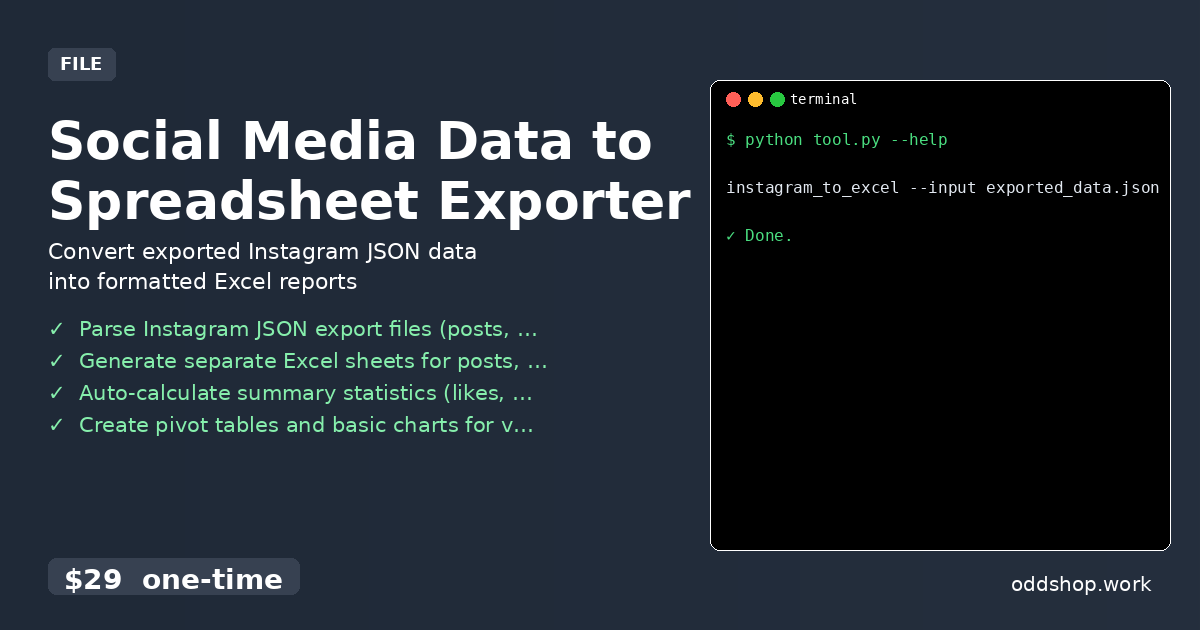
How to Automate Social Media Data Export with Python

python social media automation tools often fall short when dealing with the raw, unstructured data exported from platforms like Instagram. You might have hundreds of JSON entries representing posts, engagement stats, or follower changes, but manually converting them into Excel sheets is tedious, error-prone, and time-consuming. If you’re building a workflow around instagram data analysis, this is where python automation tools can really help — but only if you don’t have to write the whole thing from scratch....

<span title='2026-03-28 10:53:51 +0000 UTC'>March 28, 2026</span>&nbsp;·&nbsp;OddShop

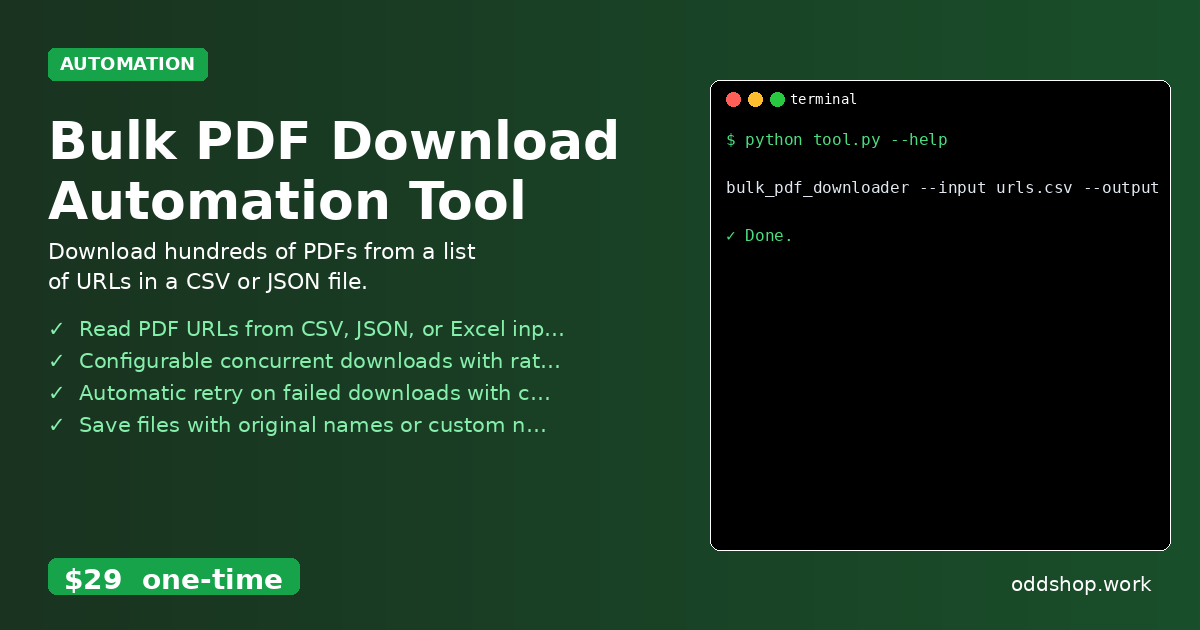
How to Automate Bulk PDF Downloads with Python

bulk pdf download is a common but tedious task for developers and data analysts who need to collect many documents programmatically. Manually clicking through hundreds of links or downloading files one by one wastes time and introduces human error. A better approach is to automate this bulk pdf download process using Python, especially when working with large datasets or needing to archive documents. The Manual Way (And Why It Breaks) Manually downloading PDFs from a list of URLs is not only slow but also error-prone....

<span title='2026-03-27 10:45:47 +0000 UTC'>March 27, 2026</span>&nbsp;·&nbsp;OddShop

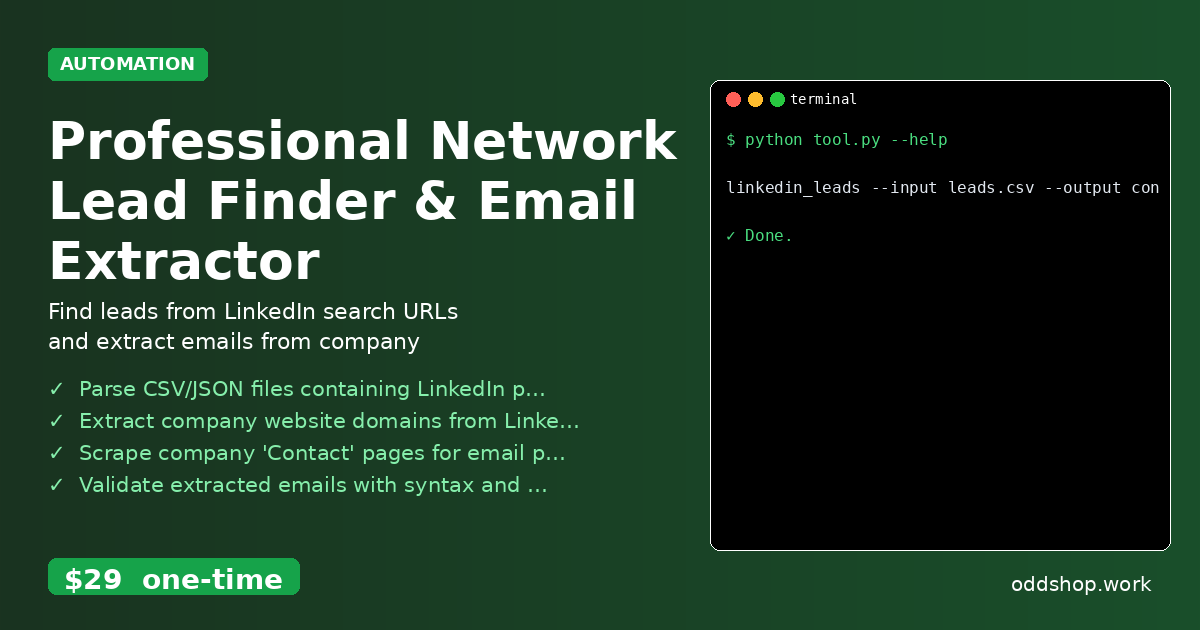
How to Automate Lead Generation with Python Email Extraction

python lead generation is a challenge that many sales and recruiting teams face daily. Manually extracting email addresses from LinkedIn profiles or company pages can be time-consuming and error-prone. When teams need to build targeted outreach lists for cold email campaigns, the process often involves hopping between platforms, copying and pasting data, and cross-referencing domains — all of which break workflow momentum. This kind of python lead generation work is ripe for automation, especially when you’re dealing with dozens or hundreds of company URLs....

<span title='2026-03-25 10:41:32 +0000 UTC'>March 25, 2026</span>&nbsp;·&nbsp;OddShop

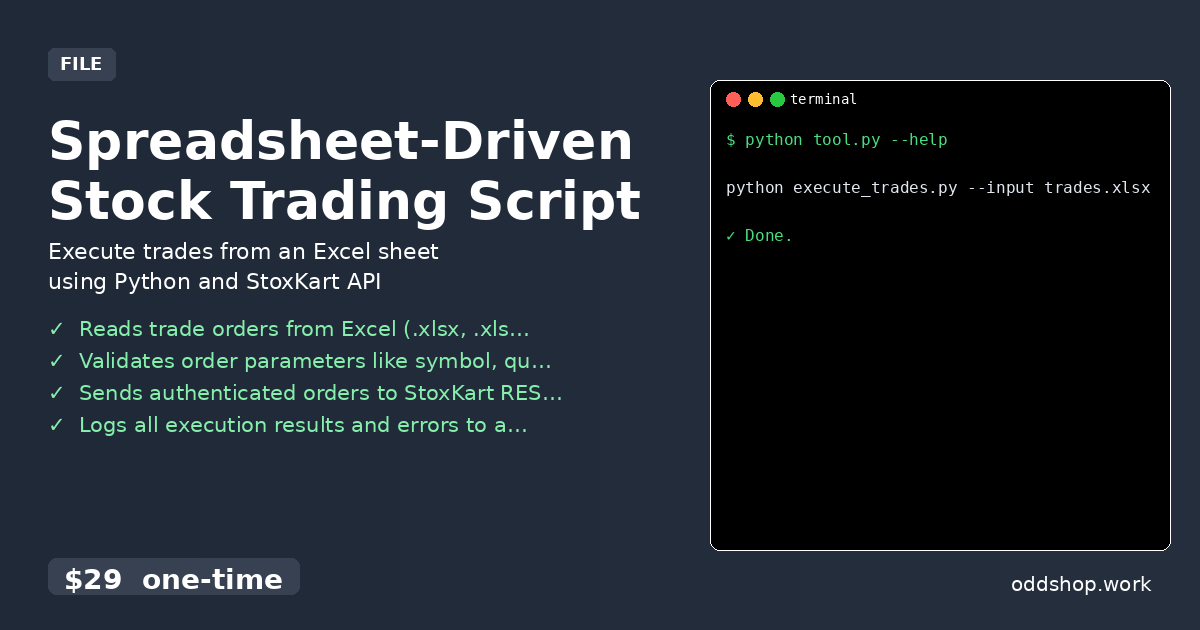
How to Automate Spreadsheet-Driven Stock Trading with Python

stock trading automation doesn’t have to mean manual data entry and delayed execution. When you’re managing multiple trades and relying on spreadsheets to track orders, the process becomes error-prone and slow. The Excel trading script approach might feel familiar, but it’s also tedious and leaves room for human mistakes. The Manual Way (And Why It Breaks) Manually copying trade orders from Excel into a trading platform is time-consuming and fragile. You have to open your spreadsheet, select rows, copy data, paste into the platform, and then confirm each transaction....

<span title='2026-03-24 10:25:11 +0000 UTC'>March 24, 2026</span>&nbsp;·&nbsp;OddShop