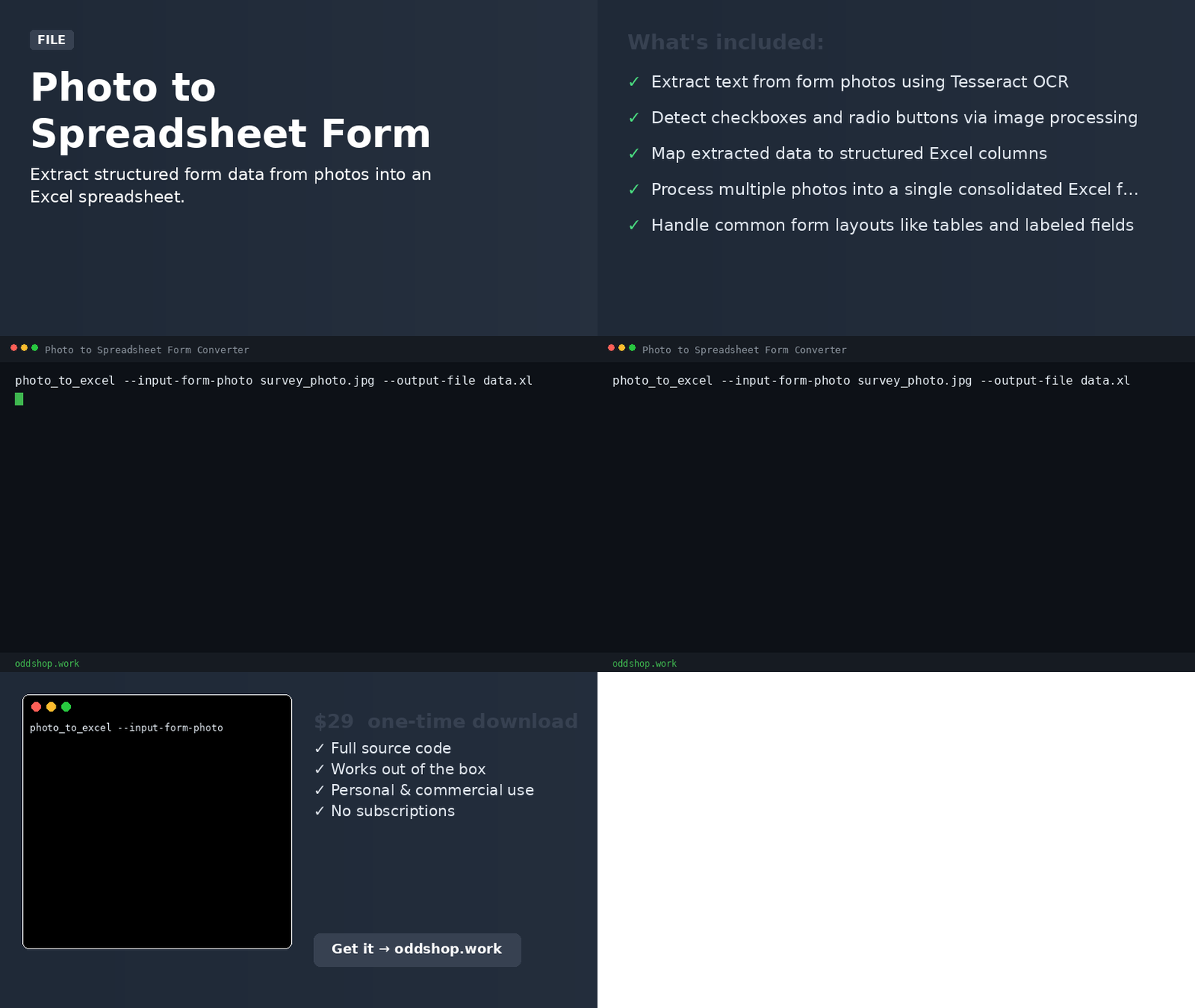
This tool uses OCR and computer vision to detect and read form fields in a photo, then outputs the data to an Excel file. It’s for researchers, field workers, and office staff who need to digitize paper forms quickly. The key benefit is automating manual data entry from images.
Features
- Extract text from form photos using Tesseract OCR
- Detect checkboxes and radio buttons via image processing
- Map extracted data to structured Excel columns
- Process multiple photos into a single consolidated Excel file
- Handle common form layouts like tables and labeled fields
Usage
photo_to_excel --input-form-photo survey_photo.jpg --output-file data.xlsx
Requirements
Python 3.8+. Install dependencies:
pip install -r requirements.txt
Download
Buy once, download immediately. ZIP includes the full script, README, and usage examples.
License
Personal & Commercial Use. You may use this tool in your own personal and commercial projects. Redistribution or resale of the source code is not permitted.