Photo to Spreadsheet Form Converter

Photo to Spreadsheet Form Converter

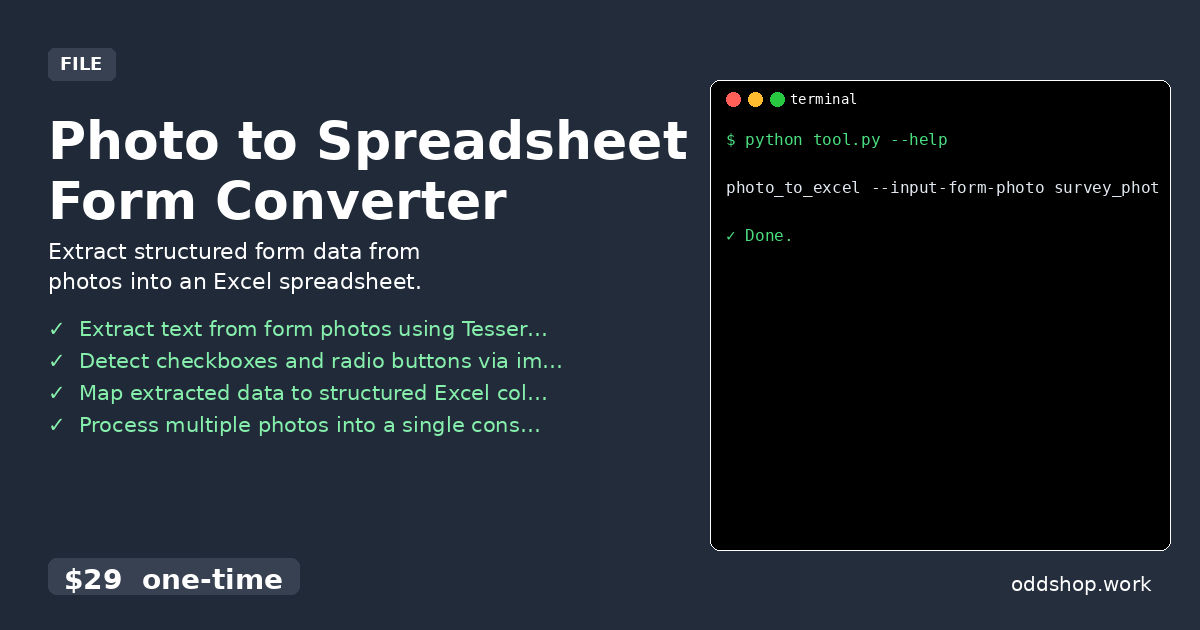
This tool uses OCR and computer vision to detect and read form fields in a photo, then outputs the data to an Excel file. It’s for researchers, field workers, and office staff who need to digitize paper forms quickly. The key benefit is automating manual data entry from images. Features Extract text from form photos using Tesseract OCR Detect checkboxes and radio buttons via image processing Map extracted data to structured Excel columns Process multiple photos into a single consolidated Excel file Handle common form layouts like tables and labeled fields Usage photo_to_excel --input-form-photo survey_photo....

<span title='2026-04-01 00:00:00 +0000 UTC'>April 1, 2026</span>&nbsp;·&nbsp;OddShop
Social Media Data to Spreadsheet Exporter

Social Media Data to Spreadsheet Exporter

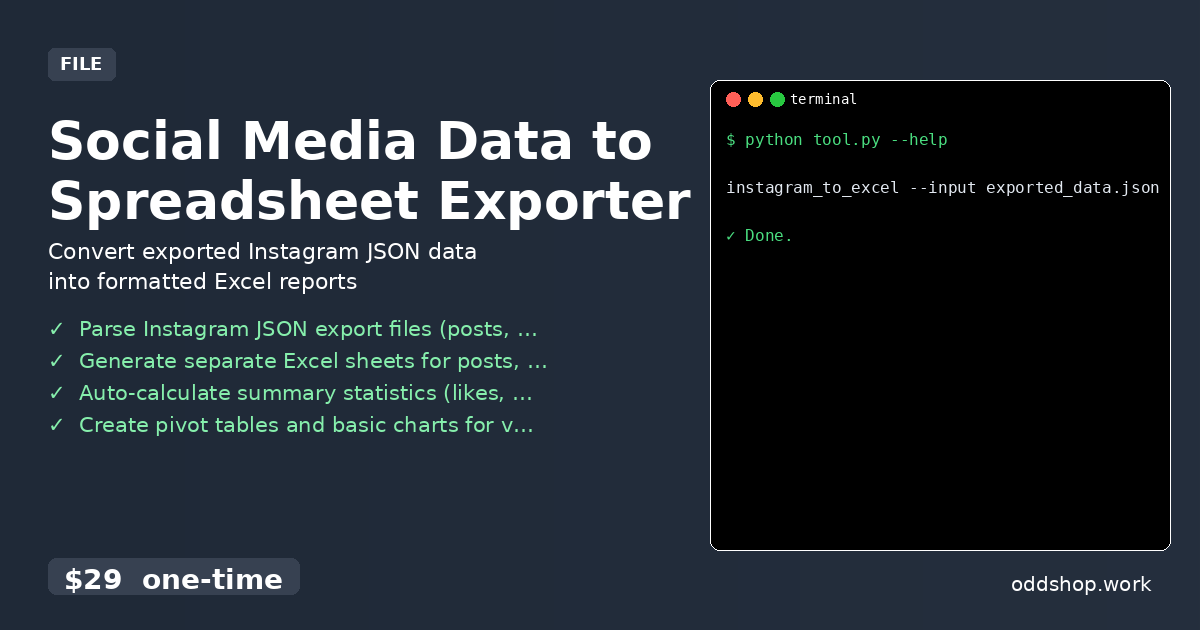
This tool processes Instagram data you’ve exported to JSON files and converts it into clean, structured Excel workbooks. It’s for analysts and marketers who need to analyze Instagram insights, posts, or audience data offline. The key benefit is turning messy JSON exports into ready-to-use Excel sheets with charts and tables. Features Parse Instagram JSON export files (posts, profile, insights) Generate separate Excel sheets for posts, followers, and engagement metrics Auto-calculate summary statistics (likes, comments, engagement rate) Create pivot tables and basic charts for visual analysis Export to XLSX with custom formatting and date filters Usage instagram_to_excel --input exported_data....

<span title='2026-03-28 00:00:00 +0000 UTC'>March 28, 2026</span>&nbsp;·&nbsp;OddShop
Spreadsheet Retention Dashboard Generator

Spreadsheet Retention Dashboard Generator

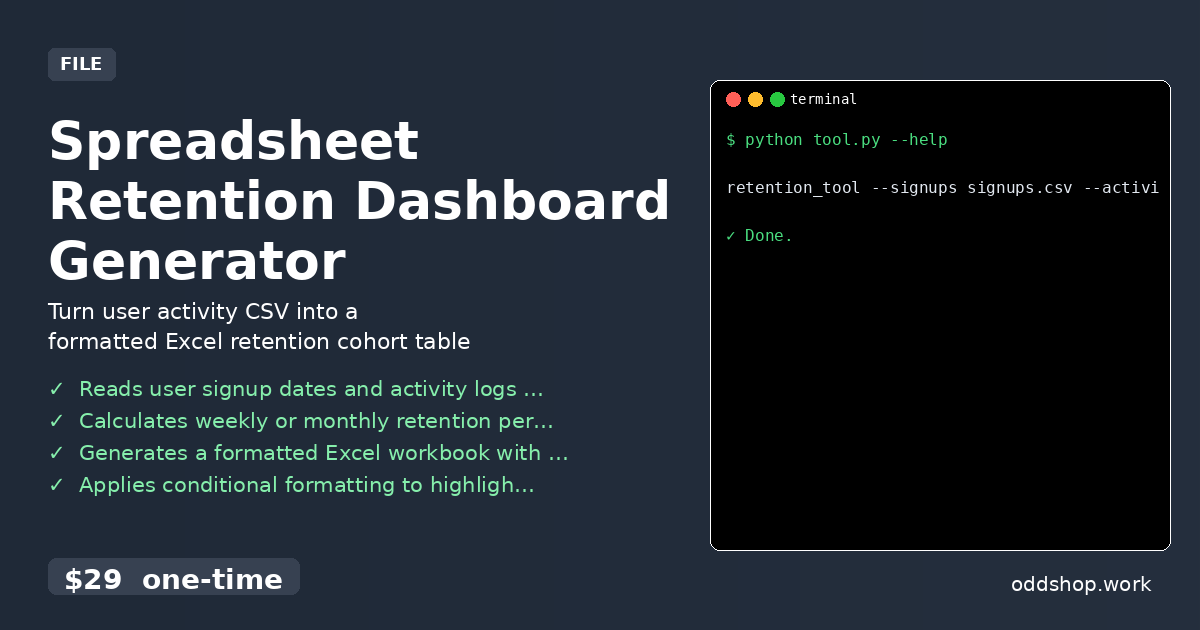
Reads a CSV of user signups and activity logs, then generates a formatted Excel workbook with a retention cohort matrix. For Python developers analyzing product usage without BI tools. Saves hours of manual spreadsheet work. Features Reads user signup dates and activity logs from CSV Calculates weekly or monthly retention percentages Generates a formatted Excel workbook with a cohort matrix Applies conditional formatting to highlight retention trends Exports a summary sheet with key metrics (e....

<span title='2026-03-17 00:00:00 +0000 UTC'>March 17, 2026</span>&nbsp;·&nbsp;OddShop
Spreadsheet to CSV Filter Converter

Spreadsheet to CSV Filter Converter

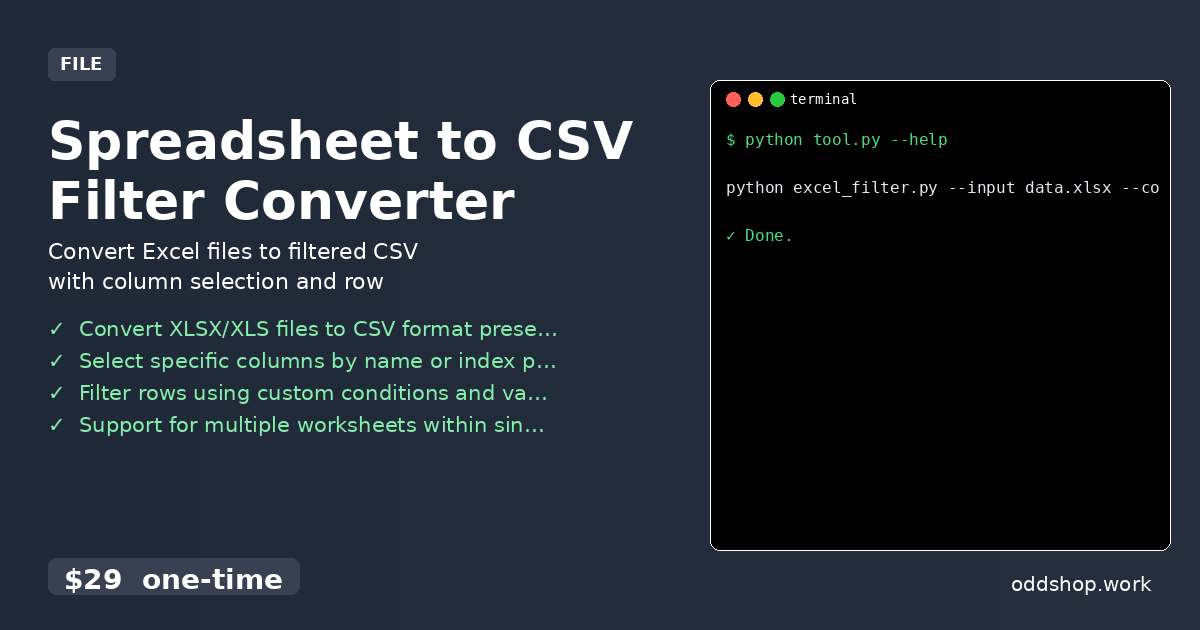
Transforms Excel spreadsheets into clean CSV files with customizable column selection and row filtering capabilities. Perfect for data analysts and developers who need to extract specific data subsets from large Excel files. Works offline without requiring Excel installation. Features Convert XLSX/XLS files to CSV format preserving data types Select specific columns by name or index position Filter rows using custom conditions and value matching Support for multiple worksheets within single Excel files Output to console or save filtered results to new CSV file Usage python excel_filter....

<span title='2026-03-17 00:00:00 +0000 UTC'>March 17, 2026</span>&nbsp;·&nbsp;OddShop
Spreadsheet File Merger for Reporting

Spreadsheet File Merger for Reporting

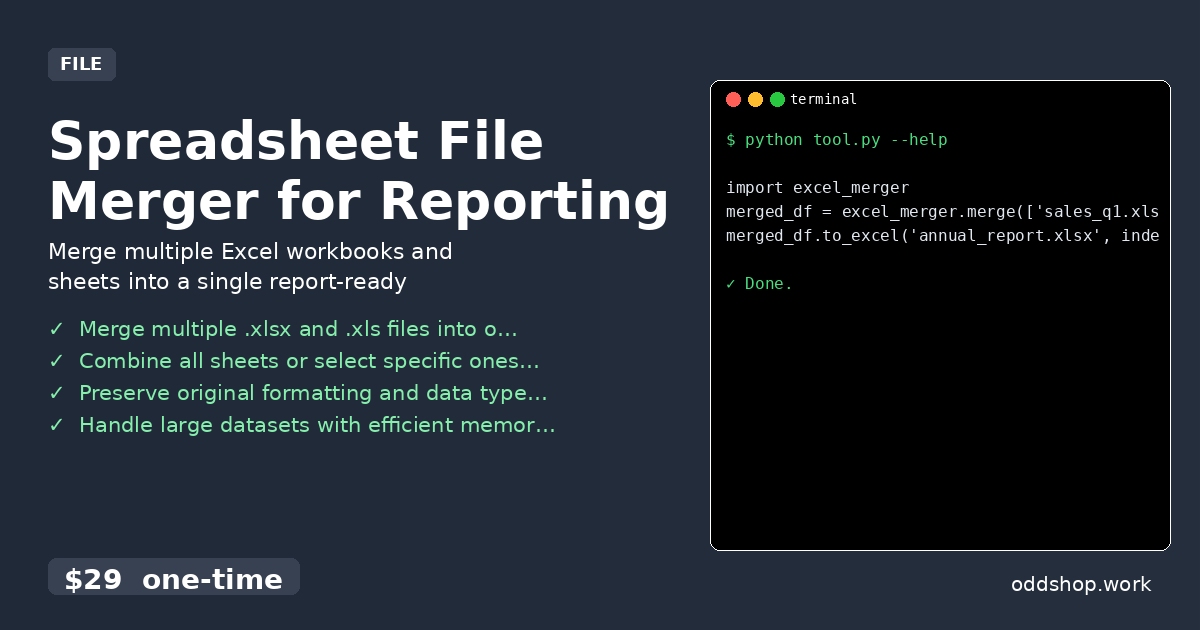
A Python tool for analysts and developers to combine Excel files for reporting. It merges data from multiple workbooks and sheets into a single, organized file, saving hours of manual copy-paste work. Features Merge multiple .xlsx and .xls files into one workbook Combine all sheets or select specific ones by name Preserve original formatting and data types Handle large datasets with efficient memory usage Command-line interface for batch processing Usage import excel_merger merged_df = excel_merger....

<span title='2026-03-14 00:00:00 +0000 UTC'>March 14, 2026</span>&nbsp;·&nbsp;OddShop