Portable HTML to PDF Converter

New Tool: Portable HTML to PDF Converter

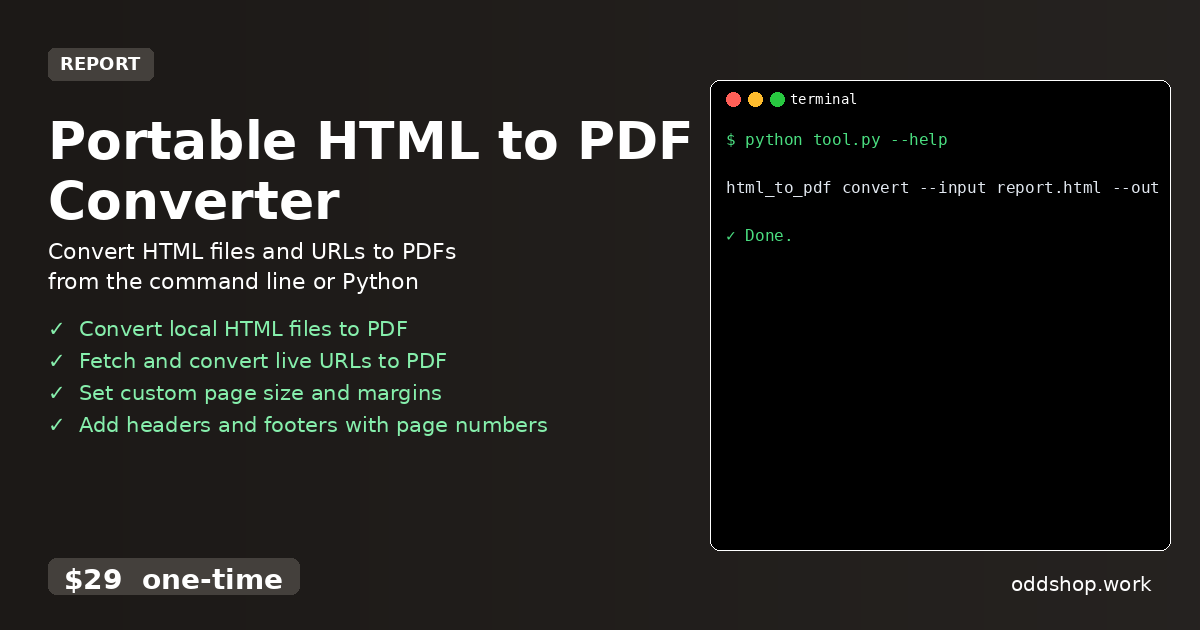
We just released Portable HTML to PDF Converter — convert html files and urls to pdfs from the command line or python scripts. What it does A standalone Python tool that generates PDFs from HTML files or live webpages. It’s for developers who need to automate report generation or document archiving without external services. The key benefit is a single, dependency-free executable that works anywhere. Features Convert local HTML files to PDF Fetch and convert live URLs to PDF Set custom page size and margins Add headers and footers with page numbers Run as a CLI tool or import as a Python library Usage html_to_pdf convert --input report....
<span title='2026-03-14 00:00:00 +0000 UTC'>March 14, 2026</span>&nbsp;·&nbsp;OddShop
Portable HTML to PDF Converter

Portable HTML to PDF Converter

A standalone Python tool that generates PDFs from HTML files or live webpages. It’s for developers who need to automate report generation or document archiving without external services. The key benefit is a single, dependency-free executable that works anywhere. Features Convert local HTML files to PDF Fetch and convert live URLs to PDF Set custom page size and margins Add headers and footers with page numbers Run as a CLI tool or import as a Python library Usage html_to_pdf convert --input report....

<span title='2026-03-14 00:00:00 +0000 UTC'>March 14, 2026</span>&nbsp;·&nbsp;OddShop
Marketplace Ads Report Automation Tool

Marketplace Ads Report Automation Tool

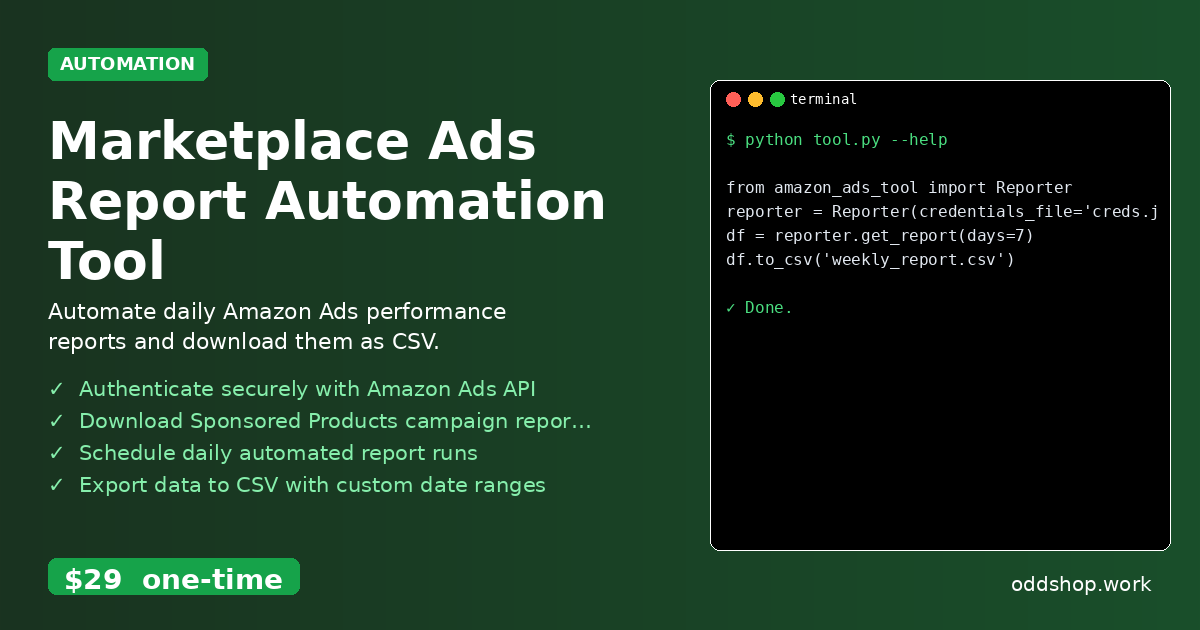
This tool logs into your Amazon Ads account and downloads campaign performance reports. It’s for Python developers managing Amazon Ads who need to automate daily data collection. Saves hours of manual work. Features Authenticate securely with Amazon Ads API Download Sponsored Products campaign reports Schedule daily automated report runs Export data to CSV with custom date ranges Handle API rate limits and errors automatically Usage from amazon_ads_tool import Reporter reporter = Reporter(credentials_file='creds....

<span title='2026-03-13 00:00:00 +0000 UTC'>March 13, 2026</span>&nbsp;·&nbsp;OddShop