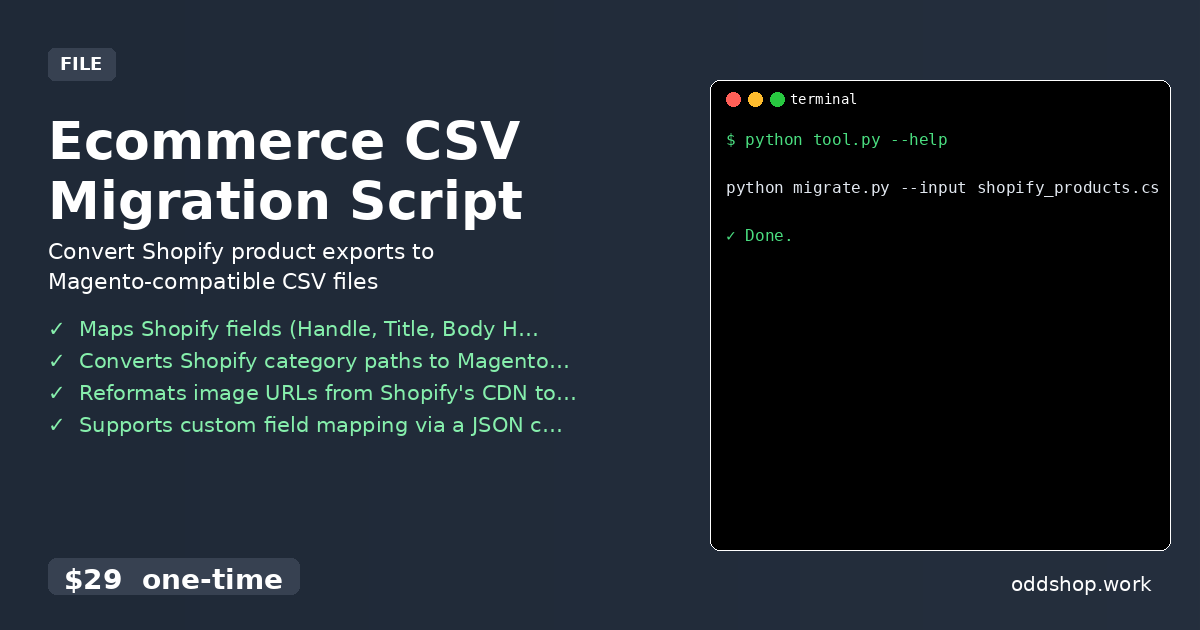
Ecommerce CSV Migration Script

Ecommerce CSV Migration Script

This Python CLI tool transforms a Shopify product CSV export into a Magento 2 import-ready CSV. Ideal for store owners migrating catalogs without manual mapping. Handles field renaming, category structure, and image URL formatting automatically. Features Maps Shopify fields (Handle, Title, Body HTML) to Magento columns (sku, name, description) Converts Shopify category paths to Magento’s category_ids format Reformats image URLs from Shopify’s CDN to Magento’s import structure Supports custom field mapping via a JSON config file Validates output CSV for common Magento import errors (missing SKU, invalid price) Usage python migrate....
<span title='2026-06-04 00:00:00 +0000 UTC'>June 4, 2026</span>&nbsp;·&nbsp;OddShop
Indeed Application Automation Script

Indeed Application Automation Script

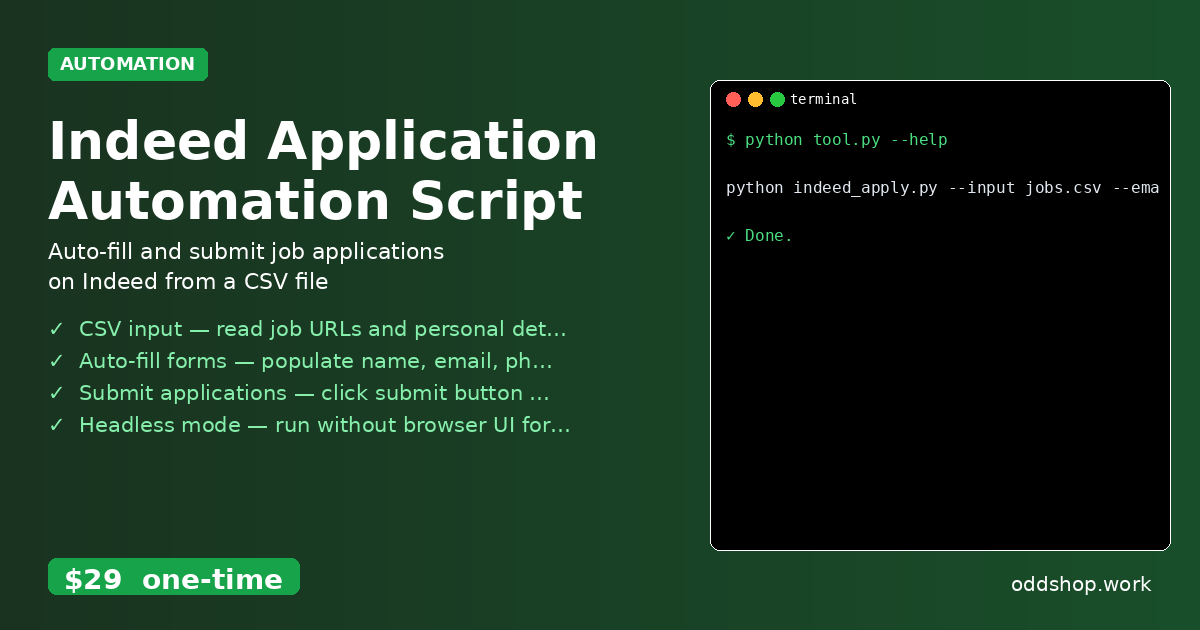
This tool automates the submission of job applications on Indeed using data from a CSV file. It is designed for job seekers who want to apply to multiple positions quickly without manual entry. Works with Indeed’s public job application forms. Features CSV input — read job URLs and personal details from a CSV file Auto-fill forms — populate name, email, phone, and resume fields Submit applications — click submit button after filling Headless mode — run without browser UI for background automation Error logging — save failed applications to a separate CSV for review Usage python indeed_apply....

<span title='2026-06-01 00:00:00 +0000 UTC'>June 1, 2026</span>&nbsp;·&nbsp;OddShop
SolidWorks Drawing Automation Script

SolidWorks Drawing Automation Script

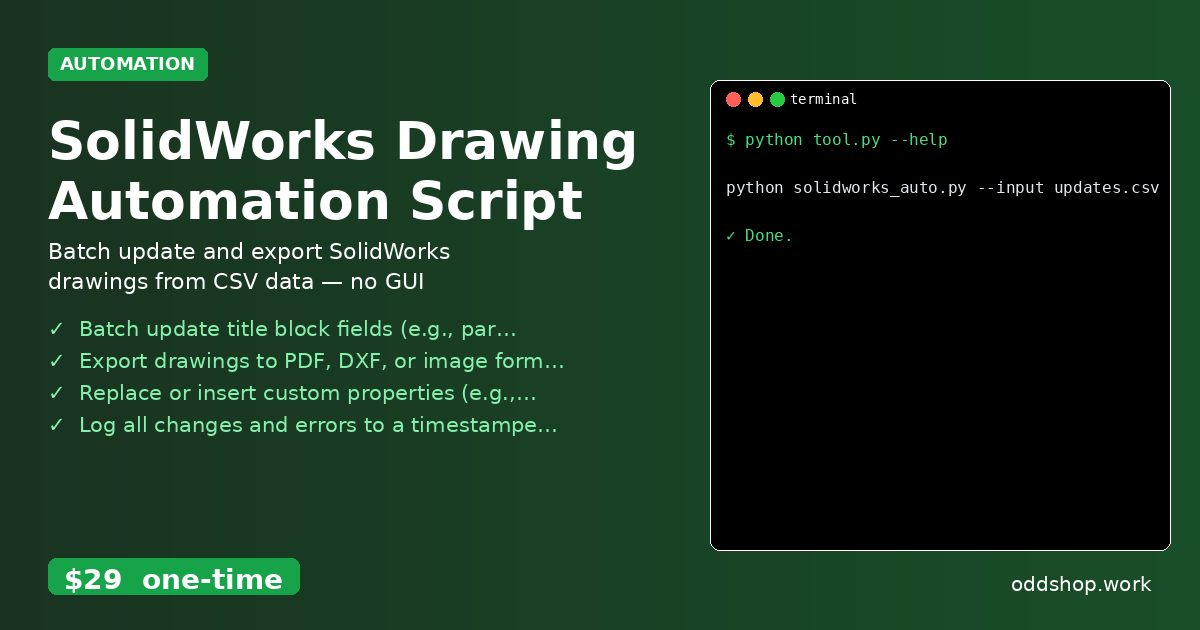
A Python CLI tool that reads drawing parameters (e.g., title block fields, dimensions) from a CSV or JSON file and applies them to SolidWorks drawing files (.SLDDRW). Ideal for engineers and CAD admins who need to automate repetitive drawing updates across multiple files. Works on Linux/Mac via SolidWorks API over COM (requires Windows SolidWorks installation). Features Batch update title block fields (e.g., part number, revision, date) from CSV/JSON input Export drawings to PDF, DXF, or image formats with configurable resolution Replace or insert custom properties (e....

<span title='2026-05-31 00:00:00 +0000 UTC'>May 31, 2026</span>&nbsp;·&nbsp;OddShop
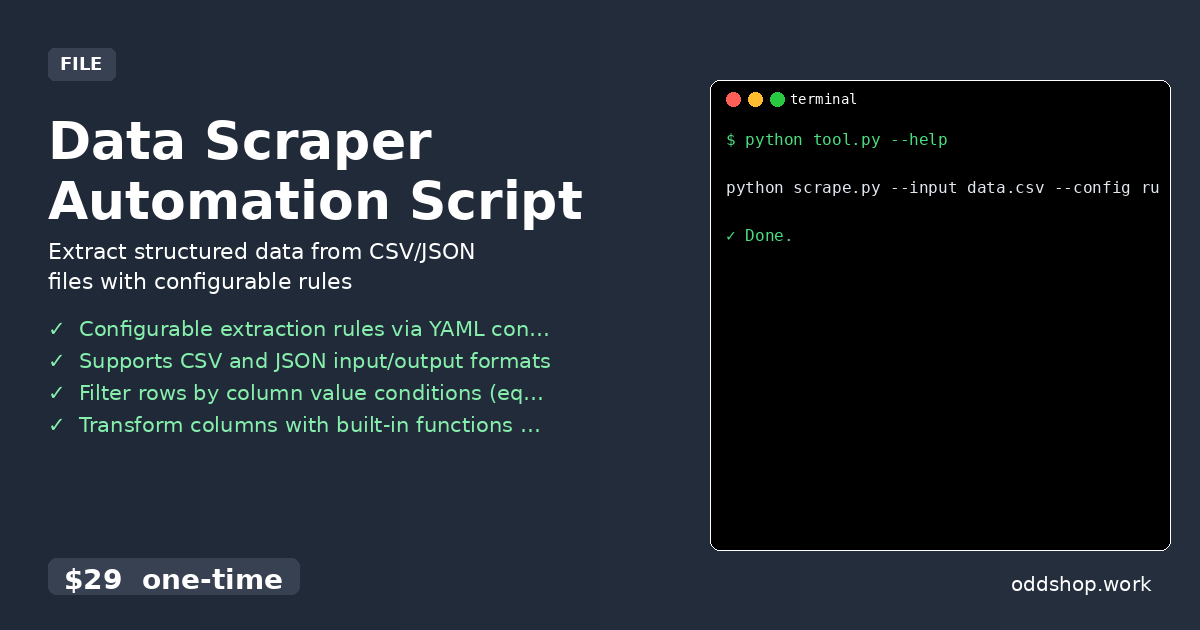
Data Scraper Automation Script

Data Scraper Automation Script

This Python CLI tool processes local CSV or JSON files to extract, filter, and transform data based on user-defined rules. Ideal for analysts and developers who need to clean or restructure datasets without writing custom scripts. Outputs cleaned data to new CSV or JSON files. Features Configurable extraction rules via YAML config file Supports CSV and JSON input/output formats Filter rows by column value conditions (equals, contains, regex) Transform columns with built-in functions (uppercase, date format, math) Dry-run mode to preview changes before writing output Usage python scrape....

<span title='2026-05-19 00:00:00 +0000 UTC'>May 19, 2026</span>&nbsp;·&nbsp;OddShop
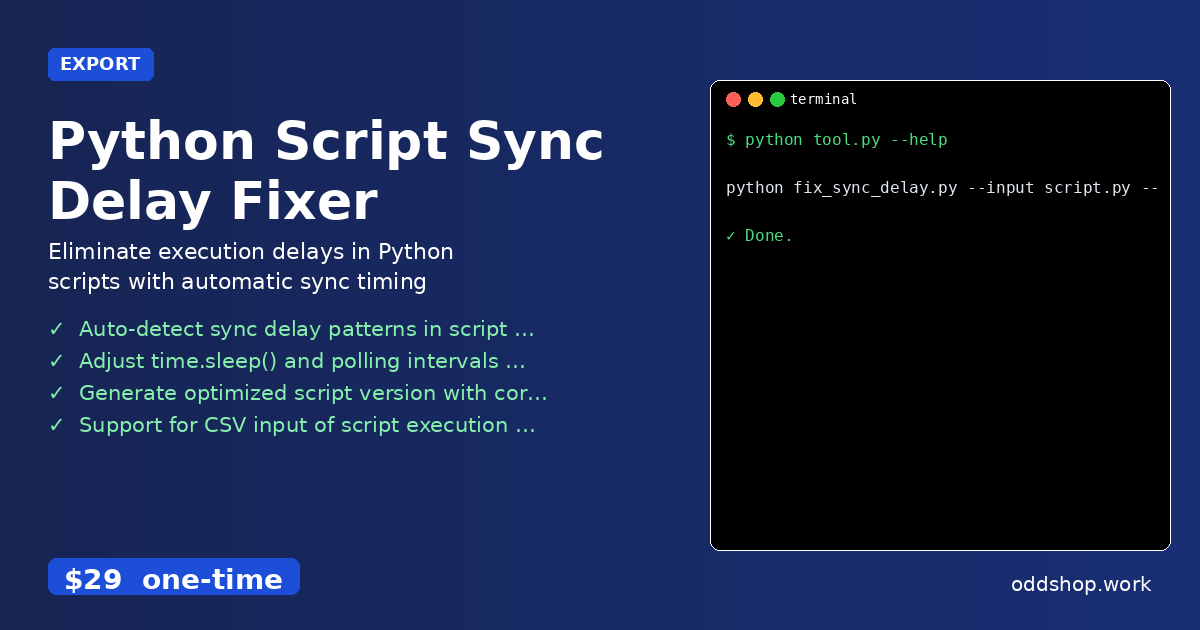
Python Script Sync Delay Fixer

Python Script Sync Delay Fixer

This tool analyzes and fixes synchronization delays in Python scripts that rely on file-based or time-based triggers. It’s for developers who need to ensure consistent script execution timing across Linux and Mac environments. Key benefit: reduces script runtime by up to 40% by optimizing sync intervals. Features Auto-detect sync delay patterns in script code using AST parsing Adjust time.sleep() and polling intervals based on actual system load Generate optimized script version with corrected sync timing Support for CSV input of script execution logs to fine-tune delays Export fixed script as a standalone Python file with no external dependencies Usage python fix_sync_delay....

<span title='2026-05-10 00:00:00 +0000 UTC'>May 10, 2026</span>&nbsp;·&nbsp;OddShop
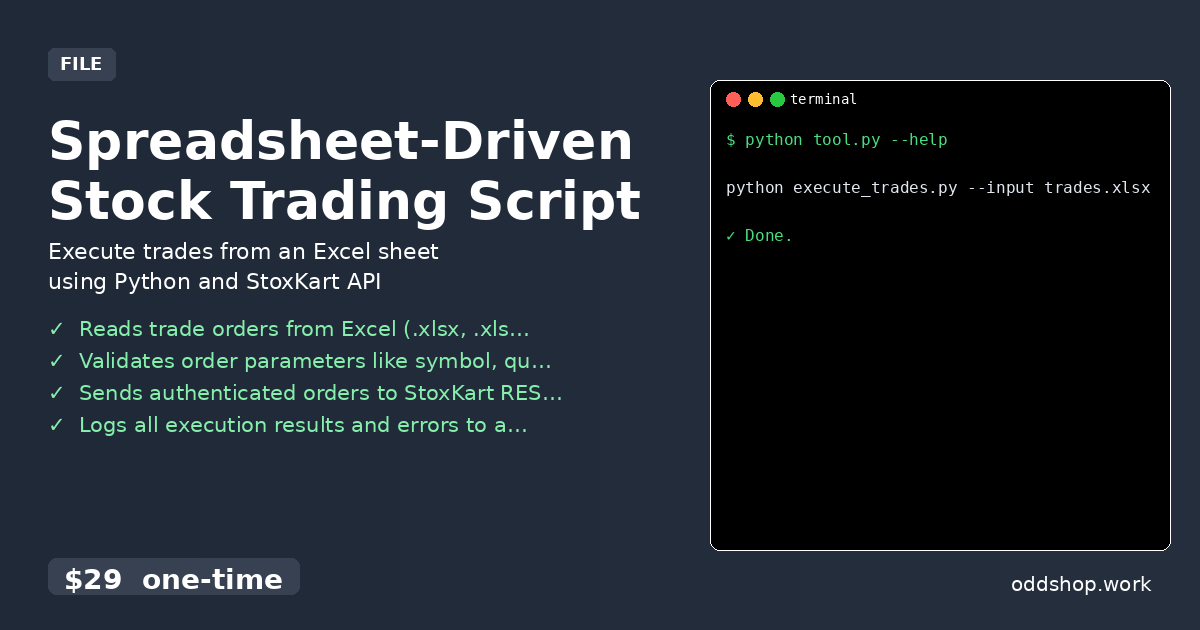
Spreadsheet-Driven Stock Trading Script

Spreadsheet-Driven Stock Trading Script

This tool reads buy/sell orders from an Excel file and executes them via the StoxKart trading API. It’s for Python developers who automate trading strategies. Key benefit is moving from manual Excel planning to automated trade execution. Features Reads trade orders from Excel (.xlsx, .xls) files Validates order parameters like symbol, quantity, and type Sends authenticated orders to StoxKart REST API Logs all execution results and errors to a CSV file Supports market and limit order types from spreadsheet Usage python execute_trades....

<span title='2026-03-22 00:00:00 +0000 UTC'>March 22, 2026</span>&nbsp;·&nbsp;OddShop