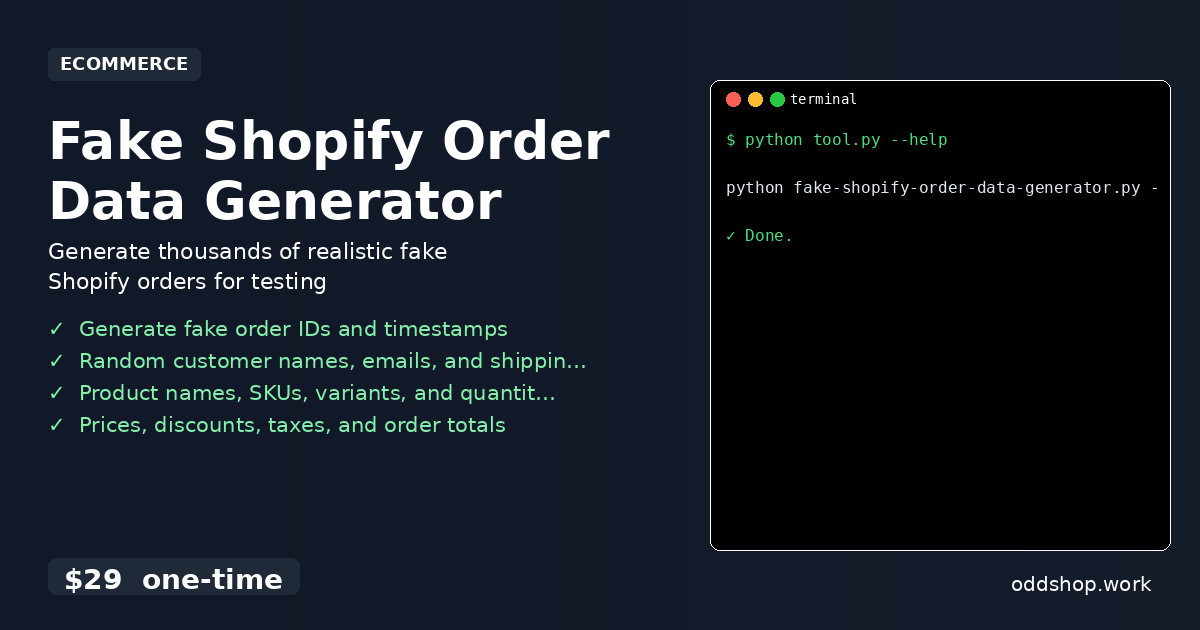
Generating python fake order data manually is time-consuming and error-prone. It’s especially frustrating when you need realistic test data to validate a Shopify app or run integration tests. Manually crafting records with fake customer names, product details, and order statuses takes hours and rarely feels accurate. Tools like the python faker library help, but for Shopify-specific workflows, a dedicated order generator is more practical.
The Manual Way (And Why It Breaks)
Creating test data for your Shopify app by hand involves copying and pasting rows, adjusting timestamps, and generating unique IDs. You need to ensure that each new record has a valid customer email, a product SKU, and an accurate order total. You might use a spreadsheet to draft order data, but syncing it with real Shopify formats is a tedious task. The process breaks down quickly when you realize the importance of realistic order timestamps and status distributions.
The Python Approach
Instead of doing it by hand, a Python script can produce realistic order records in seconds. Here’s how one such script works using only the standard library:
import csv
import random
import datetime
from pathlib import Path

# Sample data for realistic fake order creation
customer_names = ["Alice Johnson", "Bob Smith", "Charlie Brown", "Diana Prince"]
customer_emails = ["[email protected]", "[email protected]", "[email protected]", "[email protected]"]
product_names = ["Wireless Headphones", "Smart Watch", "Fitness Tracker", "Bluetooth Speaker"]
skus = ["WH-123", "SW-456", "FT-789", "BS-012"]
statuses = ["fulfilled", "pending", "refunded"]

# Generate a list of order records
orders = []
for i in range(10):  # Generate 10 fake orders
    order_id = f"#{random.randint(10000, 99999)}"
    timestamp = datetime.datetime.now() - datetime.timedelta(days=random.randint(0, 30))
    customer_name = random.choice(customer_names)
    customer_email = random.choice(customer_emails)
    product = random.choice(product_names)
    sku = random.choice(skus)
    quantity = random.randint(1, 5)
    price = round(random.uniform(10.0, 500.0), 2)
    status = random.choice(statuses)

    orders.append({
        "order_id": order_id,
        "timestamp": timestamp,
        "customer_name": customer_name,
        "customer_email": customer_email,
        "product_name": product,
        "sku": sku,
        "quantity": quantity,
        "price": price,
        "status": status
    })

# Save to CSV
with open("fake_orders.csv", "w", newline="") as file:
    writer = csv.DictWriter(file, fieldnames=orders[0].keys())
    writer.writeheader()
    writer.writerows(orders)
This code uses Python’s built-in libraries to simulate key attributes of real orders. It generates order IDs, timestamps, customer info, and product details without external dependencies. However, it lacks real-world complexity like taxes, discounts, or multiple items per order.
What the Full Tool Handles
The Fake Shopify Order Data Generator expands on this concept with full functionality:
- Generates realistic fake order IDs and timestamps
- Randomly assigns customer names, email addresses, and shipping info
- Creates product details including names, SKUs, and quantities
- Computes prices, taxes, and discounts for accurate totals
- Distributes order statuses (fulfilled, pending, refunded) realistically
- Produces python fake order data in CSV format with full control
This kind of solution saves developers from the hassle of building test data manually, especially when you’re automating workflows or testing Shopify apps.
Running It
To generate a batch of fake orders, run:
python fake-shopify-order-data-generator.py --records 5000 --days 365 --output orders.csv
You can adjust the number of records, the time span for order dates, and the output file name. The script uses only the Python standard library and produces clean, ready-to-use CSV output.
Get the Script
Skip the build and get a ready-to-use tool that handles everything from fake customer data to order totals.
Download Fake Shopify Order Data Generator →
$29 one-time. No subscription. Works on Windows, Mac, and Linux.
Built by OddShop — Python automation tools for developers and businesses.