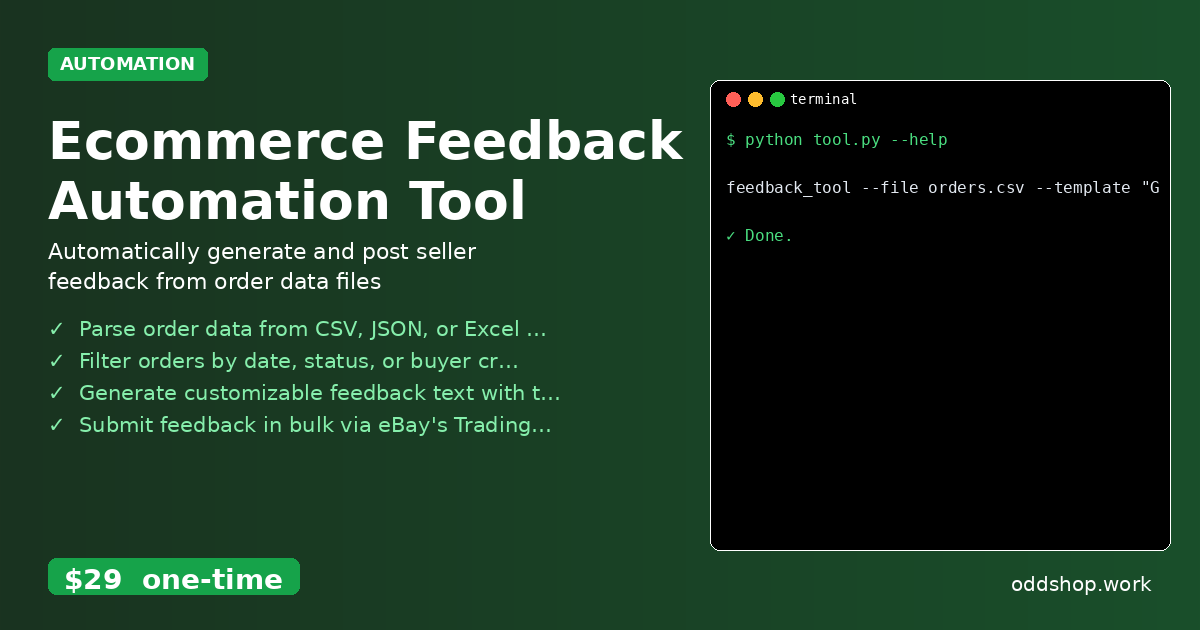
Python Script to Parse Order Data and Submit Feedback to eBay

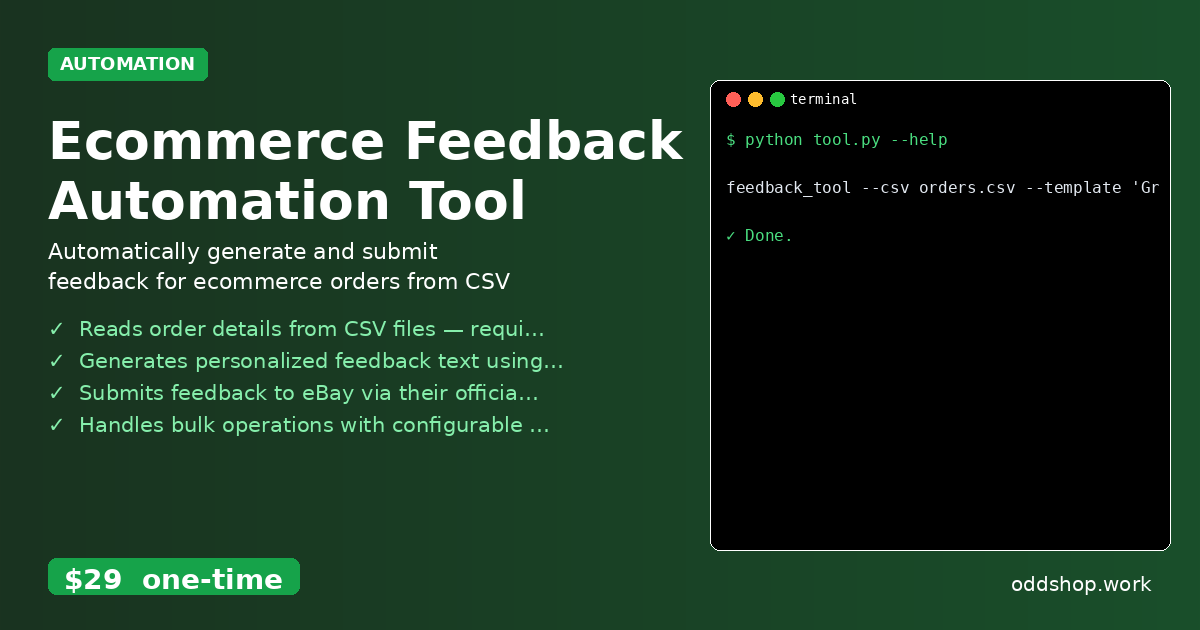
You’ve exported your eBay orders to CSV and now you’re wondering how to automatically post feedback for all buyers without manual clicks. This is a common pain point for sellers managing multiple listings — the feedback process is time-consuming and error-prone when done manually. If you’re handling hundreds of orders, it’s easy to miss a few buyers or accidentally post duplicate feedback. The Manual Way (And Why It Breaks) Most sellers who try to automate feedback start by copying order data into spreadsheets, then manually clicking through each buyer’s profile to leave feedback....
<span title='2026-03-17 09:53:11 +0000 UTC'>March 17, 2026</span>&nbsp;·&nbsp;OddShop

How to Automate eBay Feedback Submission with Python Script

Every eBay seller knows how tedious it is to manually submit feedback for dozens of orders after each sale. It’s time-consuming, repetitive, and error-prone. Many sellers skip it altogether, risking their reputation or losing out on valuable feedback stats. Automating this task can save hours each week — but how do you do it without building everything from scratch? The Manual Way (And Why It Breaks) Most sellers who don’t automate feedback rely on either copying order details from eBay or exporting data to spreadsheets, then manually clicking “leave feedback” for each buyer....

<span title='2026-03-17 09:51:04 +0000 UTC'>March 17, 2026</span>&nbsp;·&nbsp;OddShop

How to Bulk Process eBay Orders with Python and API Integration

If you’re managing multiple eBay orders daily and tired of manual entry, this Python approach handles everything in bulk. Most eBay sellers who manage a high volume of transactions quickly realize that manually leaving feedback for each buyer is not just time-consuming — it’s also prone to errors. The process often involves copying order IDs, navigating to individual listings, and writing feedback by hand. With thousands of orders to process monthly, the task becomes a bottleneck that eats into productivity and margins....

<span title='2026-03-17 09:48:06 +0000 UTC'>March 17, 2026</span>&nbsp;·&nbsp;OddShop

How to Create a Reconciliation Report with Python CSV Tools

Generating detailed reconciliation reports from CSV files shouldn’t require hours of manual work in Excel. Financial teams often spend days matching transactions, hunting for mismatches, and creating reports by hand. This process is error-prone, tedious, and inefficient — especially when dealing with large datasets. The Manual Way (And Why It Breaks) Most developers and finance teams currently handle reconciliation by copying and pasting data into Excel, then manually searching for matches across two spreadsheets....

<span title='2026-03-17 09:41:09 +0000 UTC'>March 17, 2026</span>&nbsp;·&nbsp;OddShop

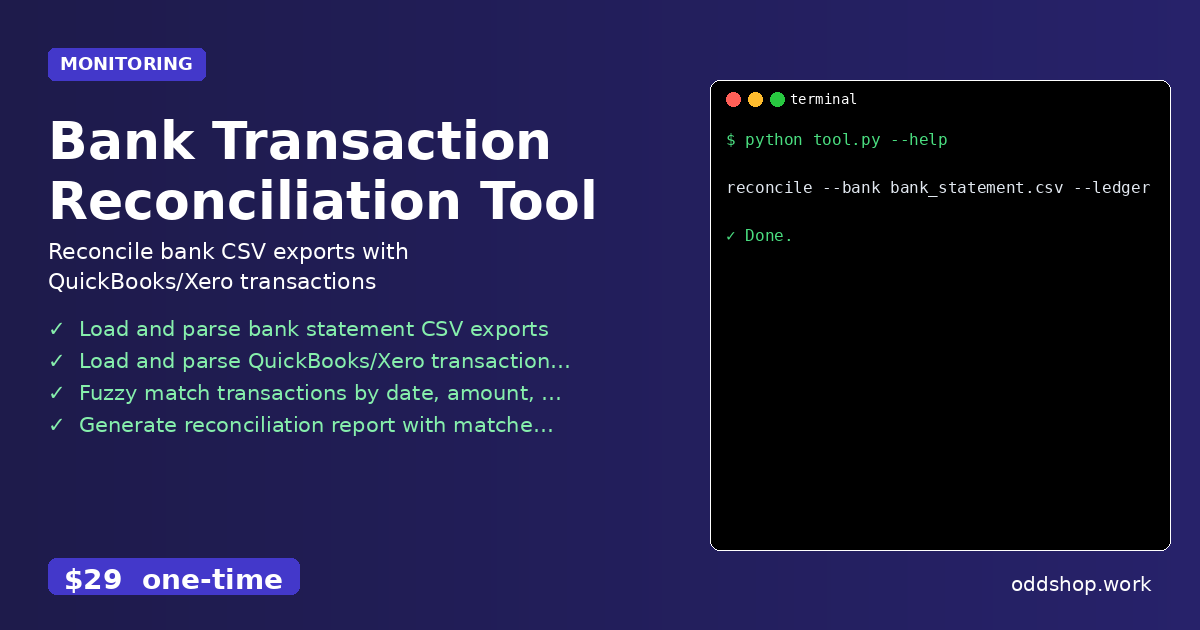
Python Script to Compare QuickBooks and Bank Statements

Tired of spending 3 hours each week matching QuickBooks transactions with bank exports? A Python script can do it in seconds. Manual reconciliation of bank statements and accounting software is a time sink that plagues developers and small businesses alike. Every week, someone copies and pastes data between spreadsheets, manually compares amounts, and searches for matching transactions. It’s tedious, error-prone, and wastes valuable hours that could be spent on more strategic tasks....

<span title='2026-03-17 09:39:23 +0000 UTC'>March 17, 2026</span>&nbsp;·&nbsp;OddShop

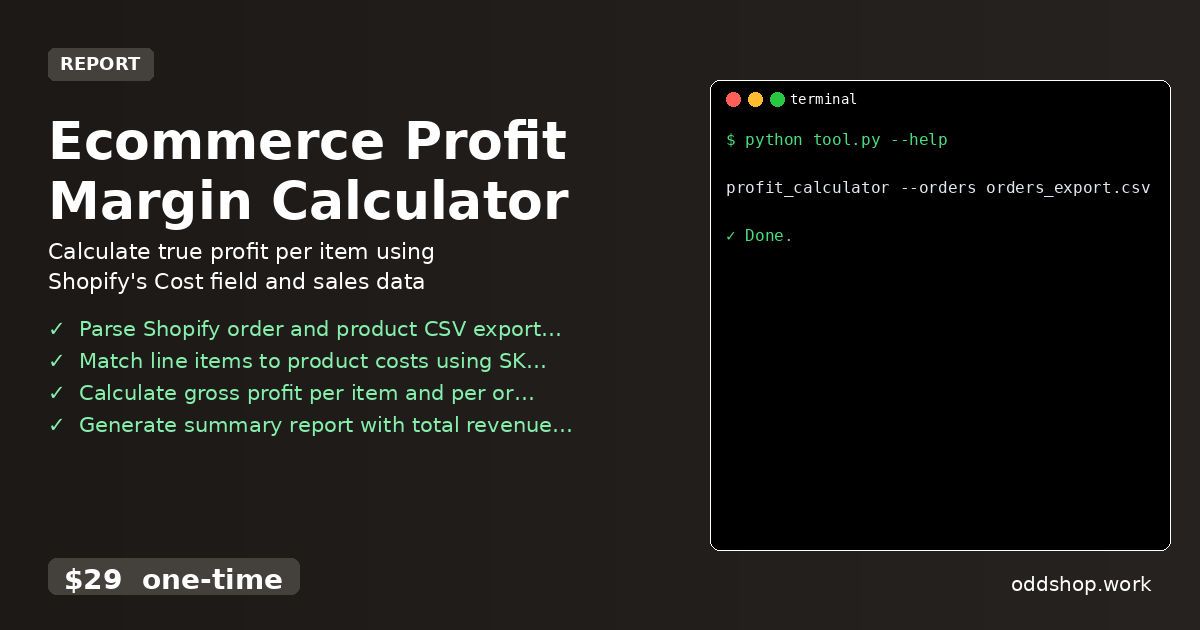
How to Parse Shopify CSV Data with Python for Profit Reports

When Shopify gives you raw CSV exports, Python can transform them into actionable profit insights with just a few lines of code. But for many merchants, that process is more of a headache than a help — especially when dealing with hundreds of orders and dozens of products. Manually matching costs to line items, calculating margins, or spotting trends in spreadsheets is time-consuming and error-prone. The Manual Way (And Why It Breaks) Most developers working with Shopify data end up copying and pasting data into Excel, or worse, clicking through Shopify’s interface repeatedly....

<span title='2026-03-17 09:34:31 +0000 UTC'>March 17, 2026</span>&nbsp;·&nbsp;OddShop

How to Calculate Shopify Profit Margins with Python Script

If you’re running a Shopify store but can’t figure out your real profit margins, this Python solution will change everything. Manual tracking is time-consuming and error-prone, especially when dealing with dozens of SKUs and variants. You’re probably copying data between spreadsheets or using Shopify’s limited reporting tools, which don’t give you the full picture. The Manual Way (And Why It Breaks) Most business owners trying to calculate Shopify profit margins fall back on spreadsheets....

<span title='2026-03-17 09:30:23 +0000 UTC'>March 17, 2026</span>&nbsp;·&nbsp;OddShop

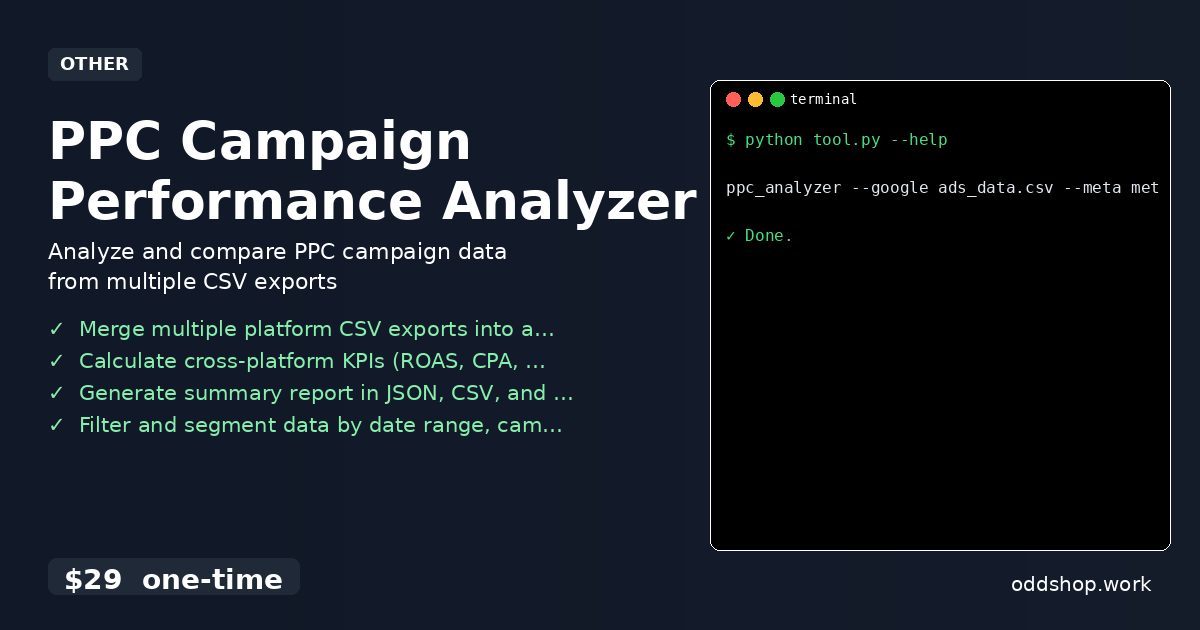
Automate PPC Campaign Reporting with Python Script

Generating consistent PPC performance reports across platforms takes hours of manual work each week. Marketing teams often spend days merging data from Google Ads, Microsoft Advertising, and Meta Ads into a single view. The process is error-prone, tedious, and rarely scalable. The Manual Way (And Why It Breaks) Most marketers handle this by exporting CSVs from each platform, then manually copy-pasting rows across spreadsheets. They’re constantly checking for missing data, mismatched column names, and duplicate entries....

<span title='2026-03-17 09:27:38 +0000 UTC'>March 17, 2026</span>&nbsp;·&nbsp;OddShop

Python Script to Merge and Analyze Google Ads Data

Manually copying data from Google Ads into spreadsheets every week is exhausting. It’s time-consuming, error-prone, and offers no real insight into campaign performance across platforms. For business owners and marketers managing multiple ad accounts, the strain only grows. The Manual Way (And Why It Breaks) Most marketers who manage multiple advertising platforms spend hours each week manually exporting data from Google Ads, Microsoft Advertising, and Meta Ads. They copy-paste into spreadsheets, align columns, and try to calculate ROAS or CPA by hand....

<span title='2026-03-17 09:25:52 +0000 UTC'>March 17, 2026</span>&nbsp;·&nbsp;OddShop

How to Analyze Multi-Platform PPC Campaigns with Python

If you’re juggling Google Ads, Microsoft Advertising, and Meta campaigns manually, you know how time-consuming this process can be. Switching between platforms, copying data into spreadsheets, and calculating cross-platform performance metrics is tedious and prone to human error. It’s especially frustrating when you’re trying to make data-driven decisions but spend more time organizing data than analyzing it. The Manual Way (And Why It Breaks) Most developers and marketers who manage multi-platform campaigns end up doing the same repetitive tasks: downloading CSV files from each platform, importing them into Excel, aligning column names, and manually calculating metrics like ROAS, CPA, and CTR....

<span title='2026-03-17 09:24:05 +0000 UTC'>March 17, 2026</span>&nbsp;·&nbsp;OddShop

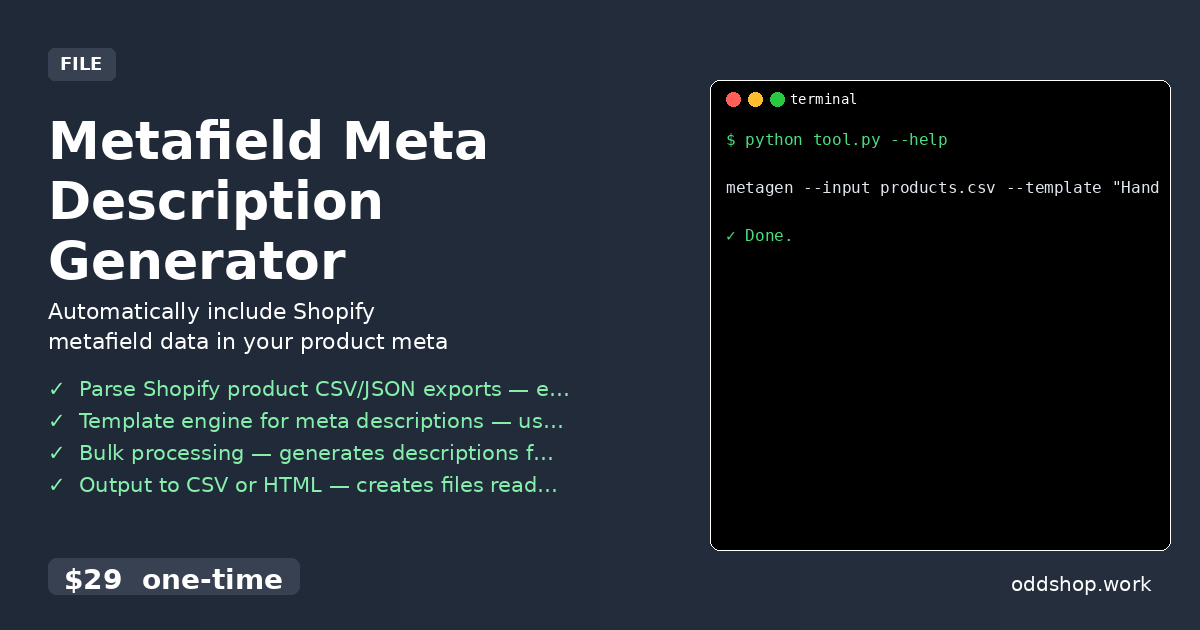
How to Bulk Update Shopify Product Descriptions with Python

If you’re managing a Shopify store with thousands of products, bulk updating meta descriptions manually isn’t just tedious — it’s impossible. You can’t click through each product and edit descriptions one by one, especially when your store has hundreds or thousands of SKUs. Even if you could, the time spent and risk of error would make it unsustainable for any serious business. The Manual Way (And Why It Breaks) Most developers and store owners try to manage meta descriptions manually by exporting product data, editing it in Excel or Google Sheets, and then re-uploading it....

<span title='2026-03-17 09:21:27 +0000 UTC'>March 17, 2026</span>&nbsp;·&nbsp;OddShop

How to Generate SEO Meta Descriptions for Shopify Products with Python

If you’ve ever manually crafted hundreds of product meta descriptions, you know how time-consuming and error-prone it can be. Shopify store owners often struggle with keeping their SEO optimized as product catalogs grow. The task becomes even more burdensome when your products use custom metafields — each one needs unique handling. The Manual Way (And Why It Breaks) Most developers dealing with Shopify product data fall back on spreadsheets or manual editing....

<span title='2026-03-17 09:17:16 +0000 UTC'>March 17, 2026</span>&nbsp;·&nbsp;OddShop